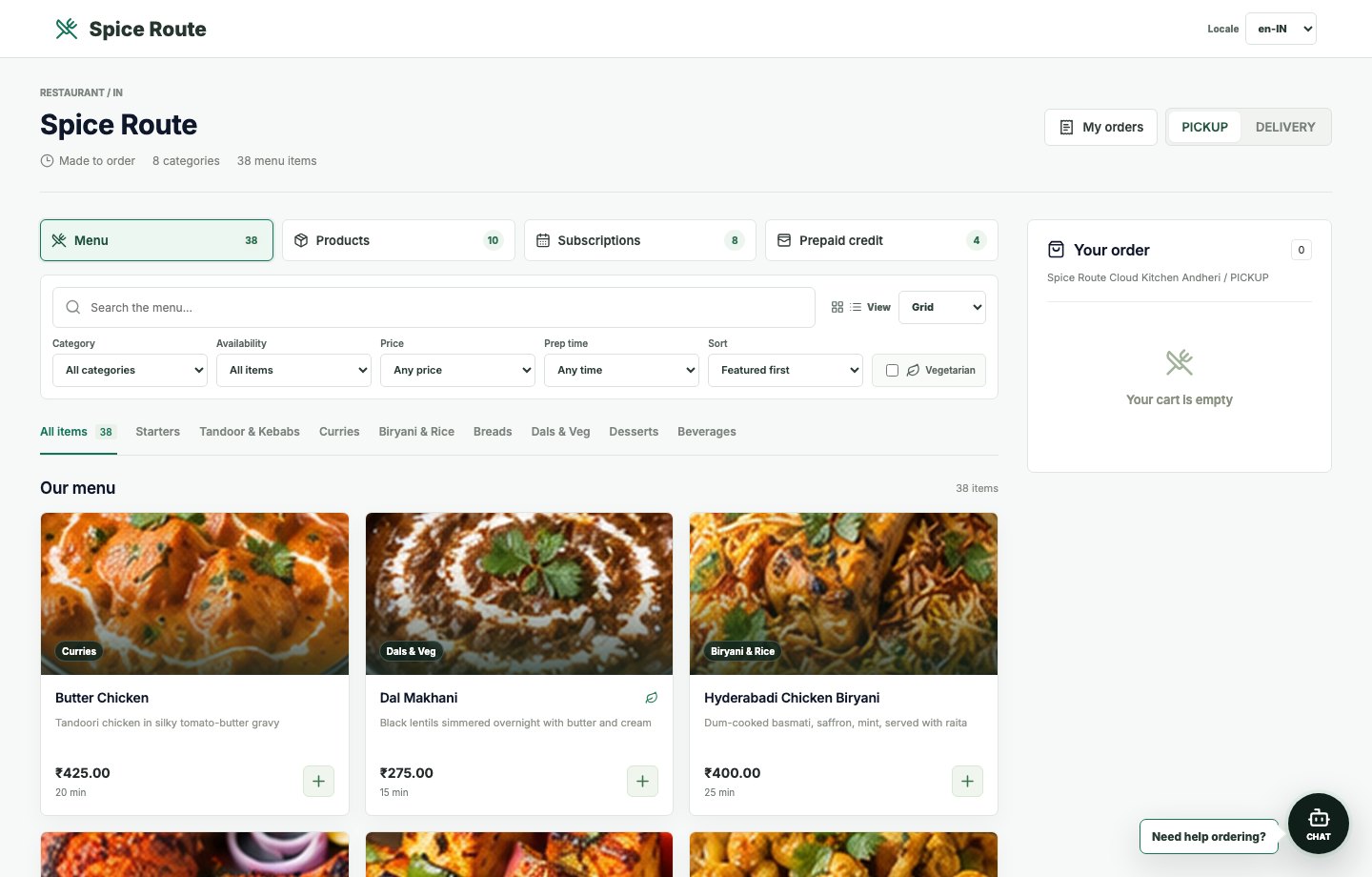
Restaurant menu storefront
Customers see a fast menu page with seeded tenant products, pricing, photos, and clear ordering controls.
Restaurant 2050
Restaurant 2050 app screenshot collage
Use this single-page collage during sales conversations to show how Restaurant 2050 connects customer website ordering, POS, kitchen, delivery, service, billing, reports, AI assistance, tenant operations, and SaaS governance.
Customers see a fast menu page with seeded tenant products, pricing, photos, and clear ordering controls.
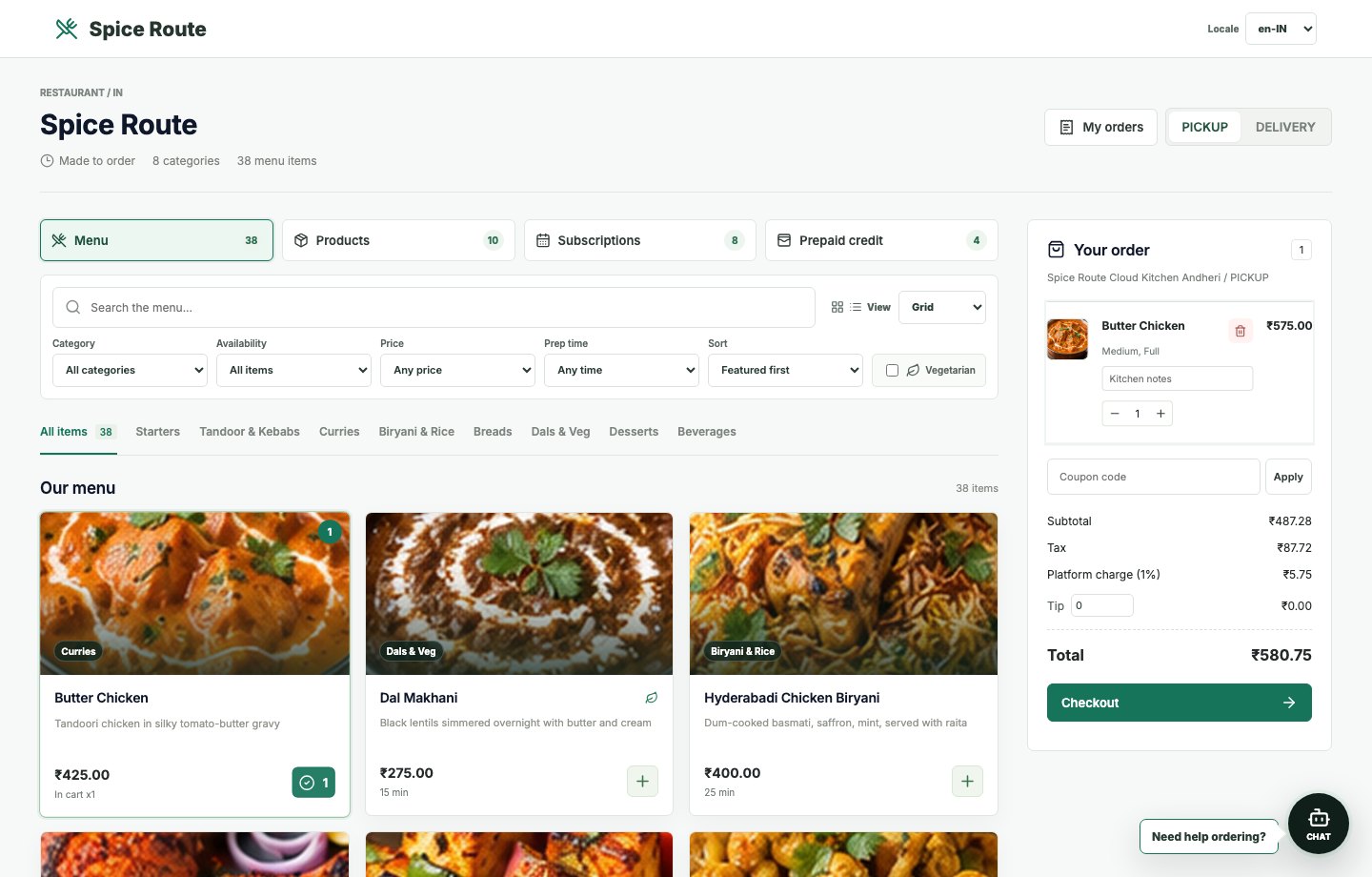
The basket exposes selected items, pricing, modifiers, and checkout movement in one clean customer flow. Selected demo item: Add Butter Chicken.
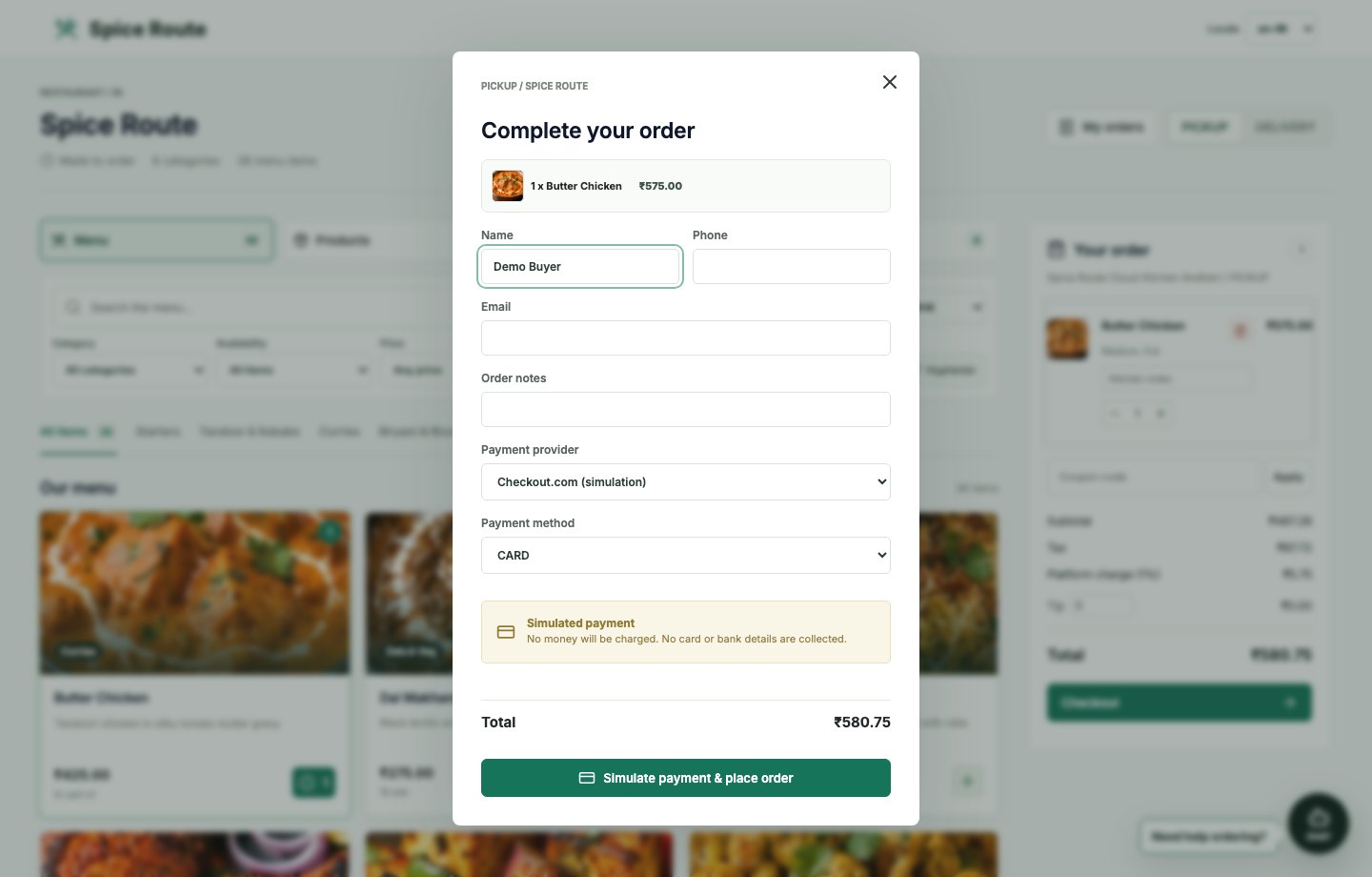
A branded checkout modal captures customer details and prepares the order for payment and downstream operations.
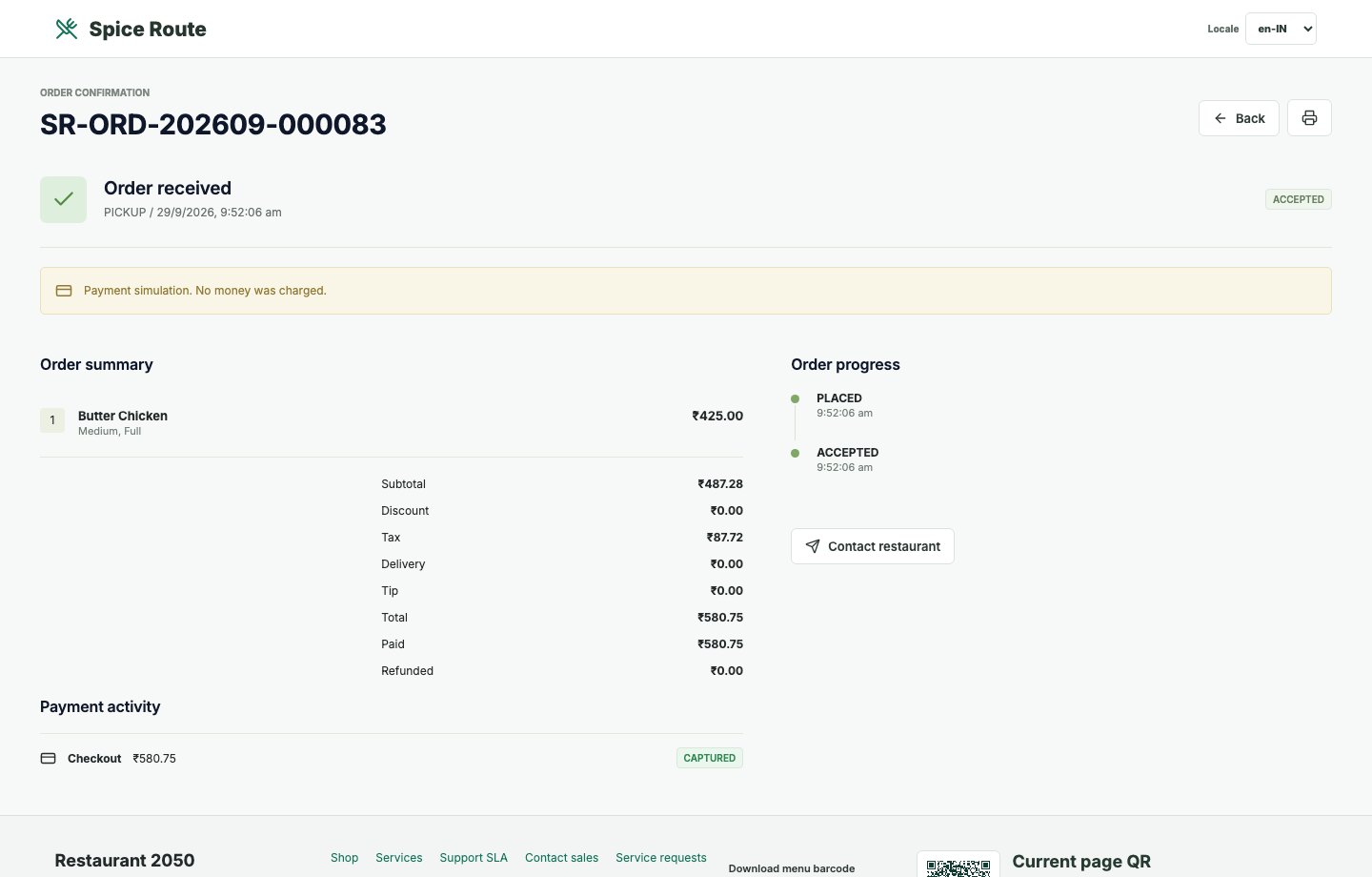
Customers receive a clear confirmation state with order details, channel context, and fulfillment confidence.
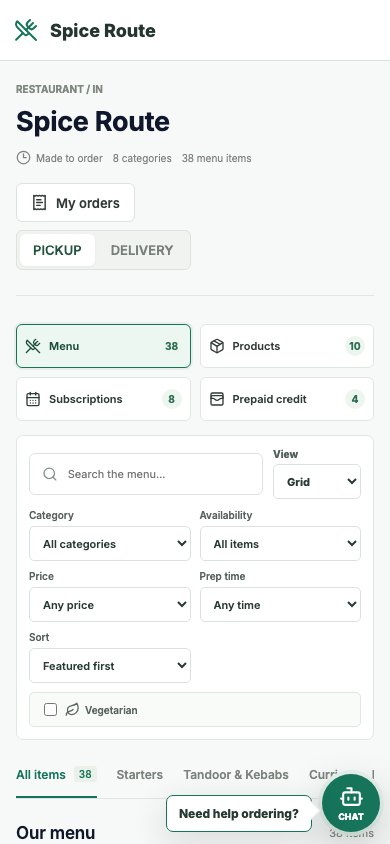
The menu remains readable and action-oriented on mobile, which matters for QR table ordering and direct ordering.
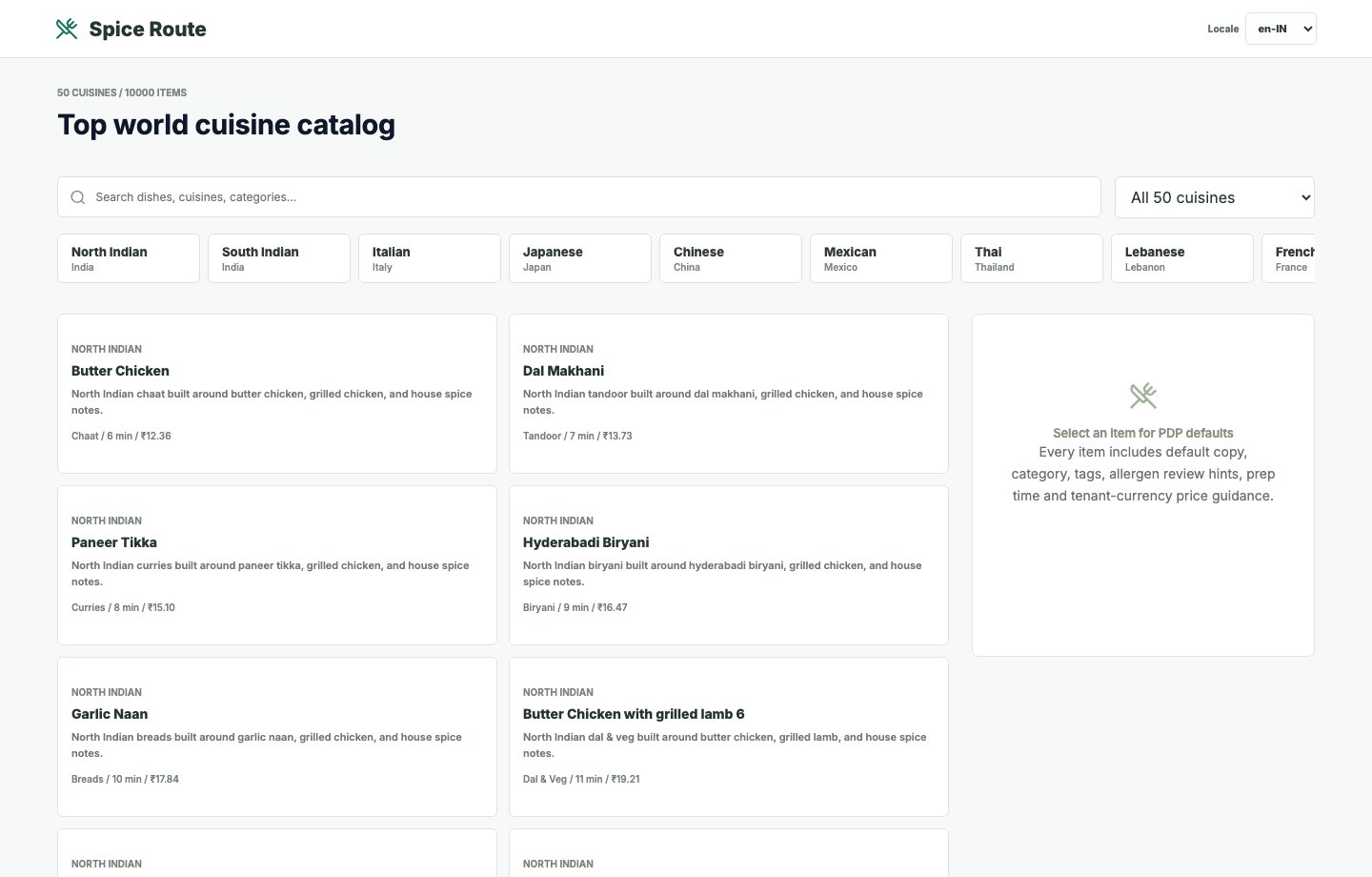
Customers can browse a richer cuisine-led catalog experience before moving into order placement.
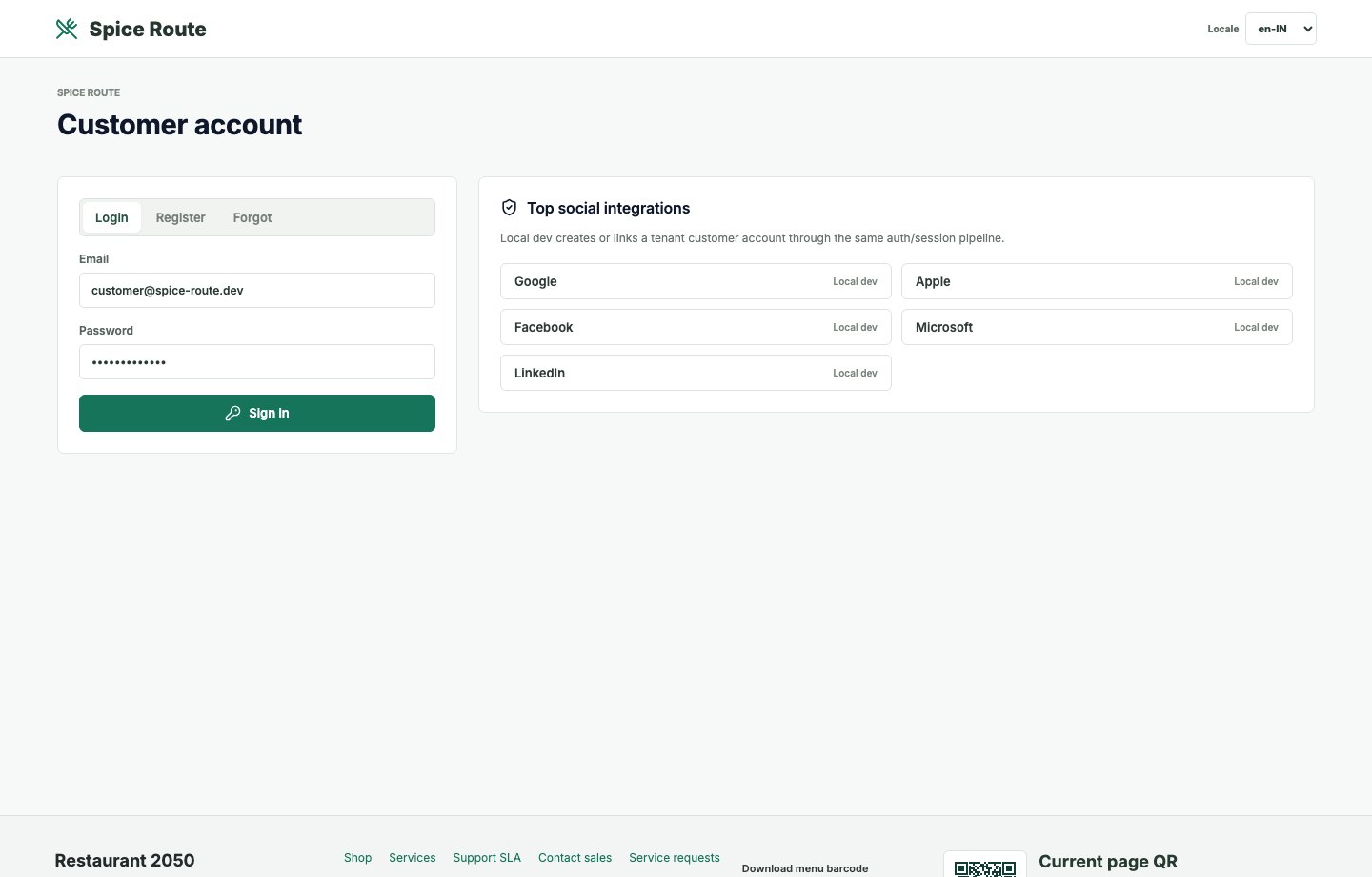
The customer account journey stays branded instead of exposing native platform screens.
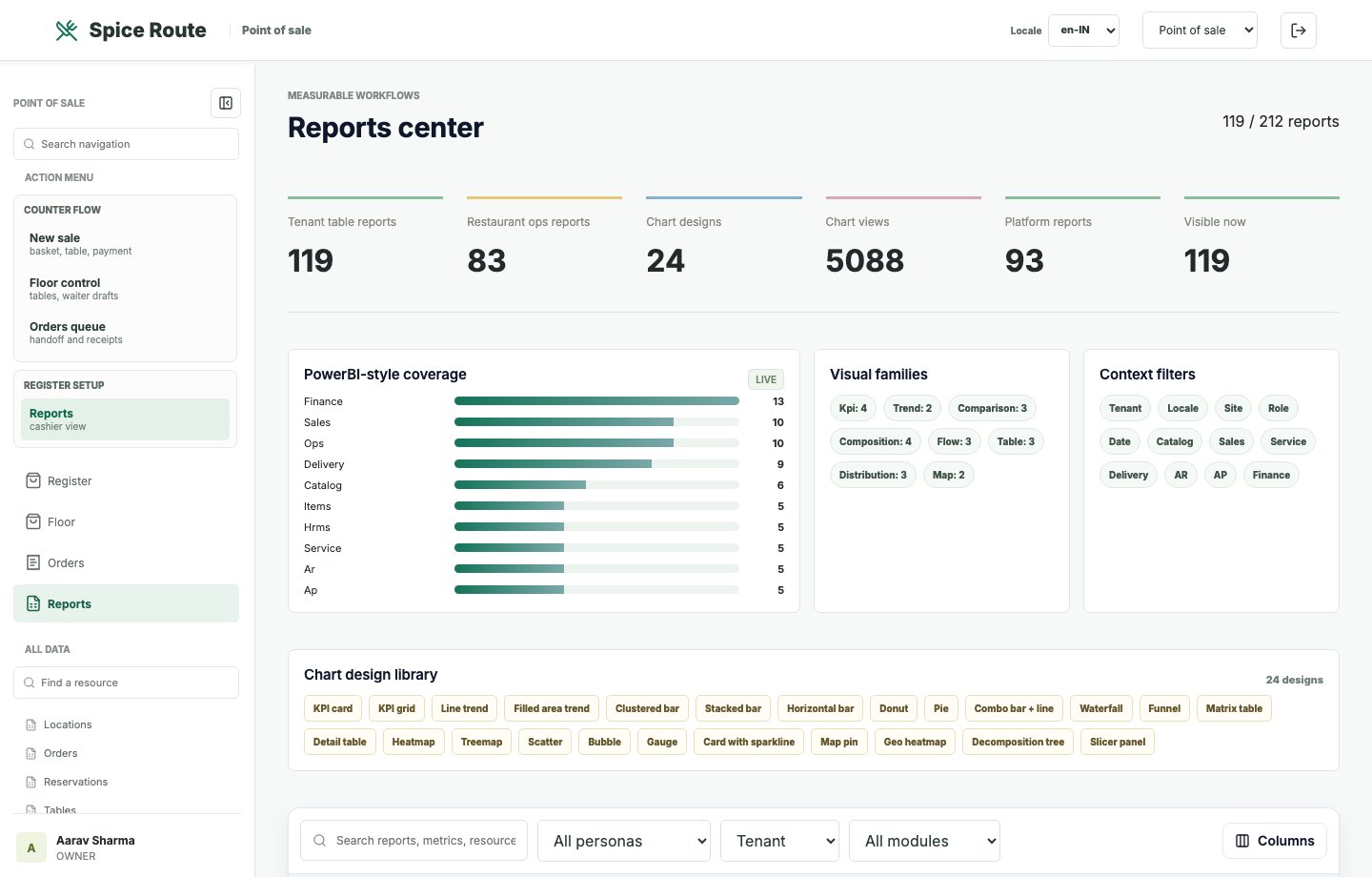
Staff-facing reports summarize operational activity using tables, KPIs, and report navigation.
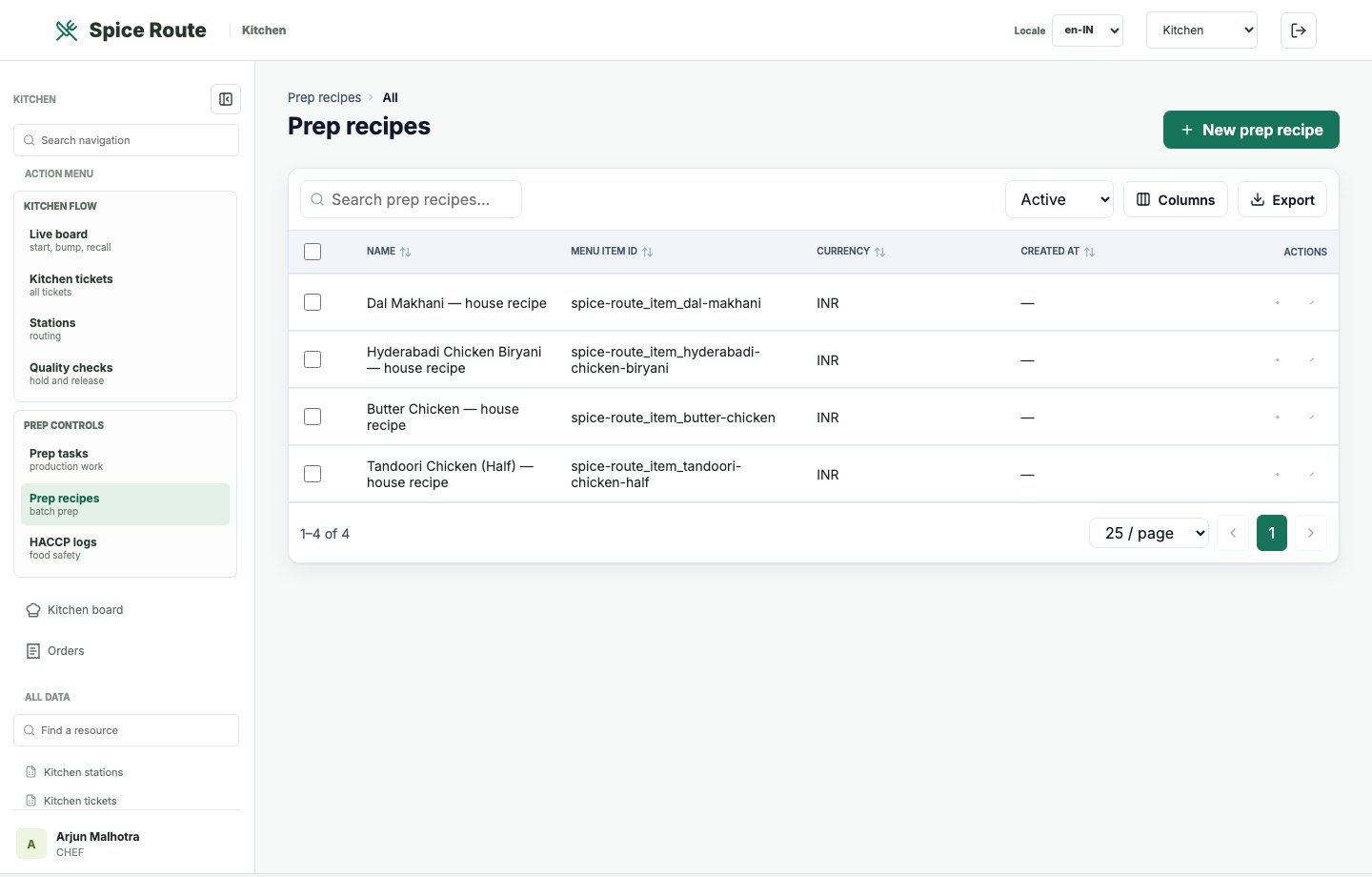
Recipe and prep views support operating consistency across shifts and locations.
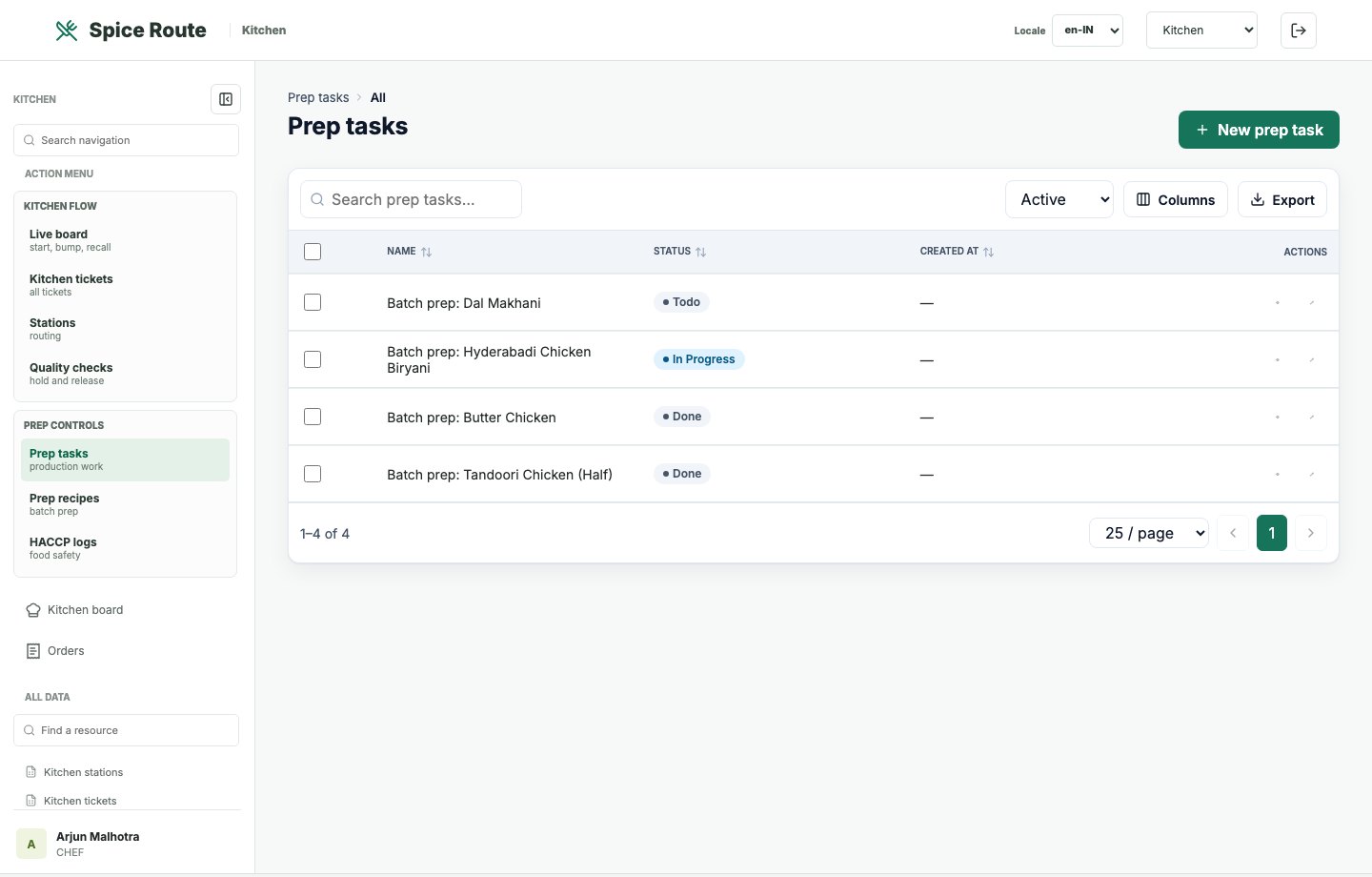
Prep task lists make readiness work visible before the rush starts.
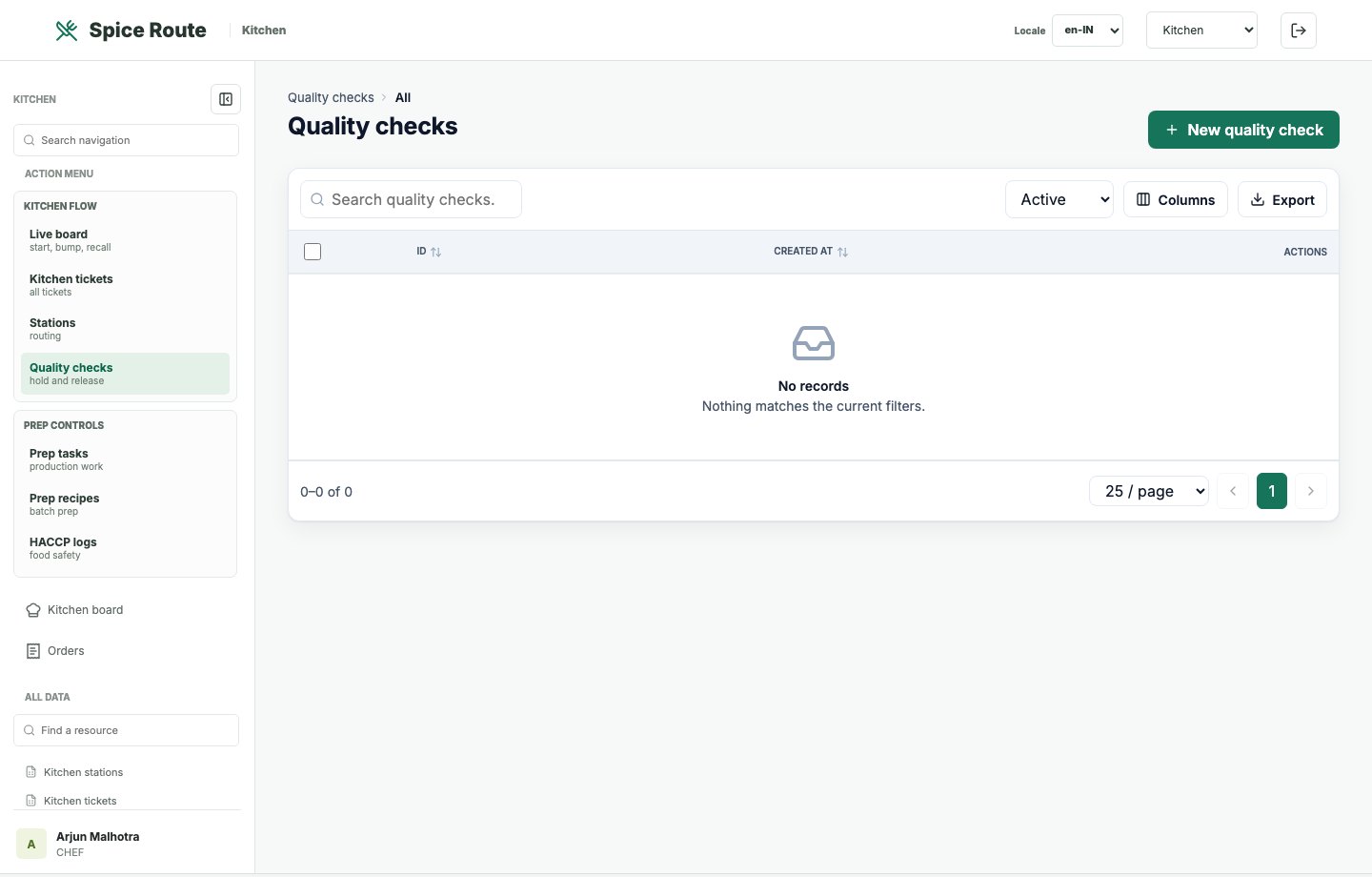
Quality checks give kitchen leaders a structured way to monitor output and exceptions.
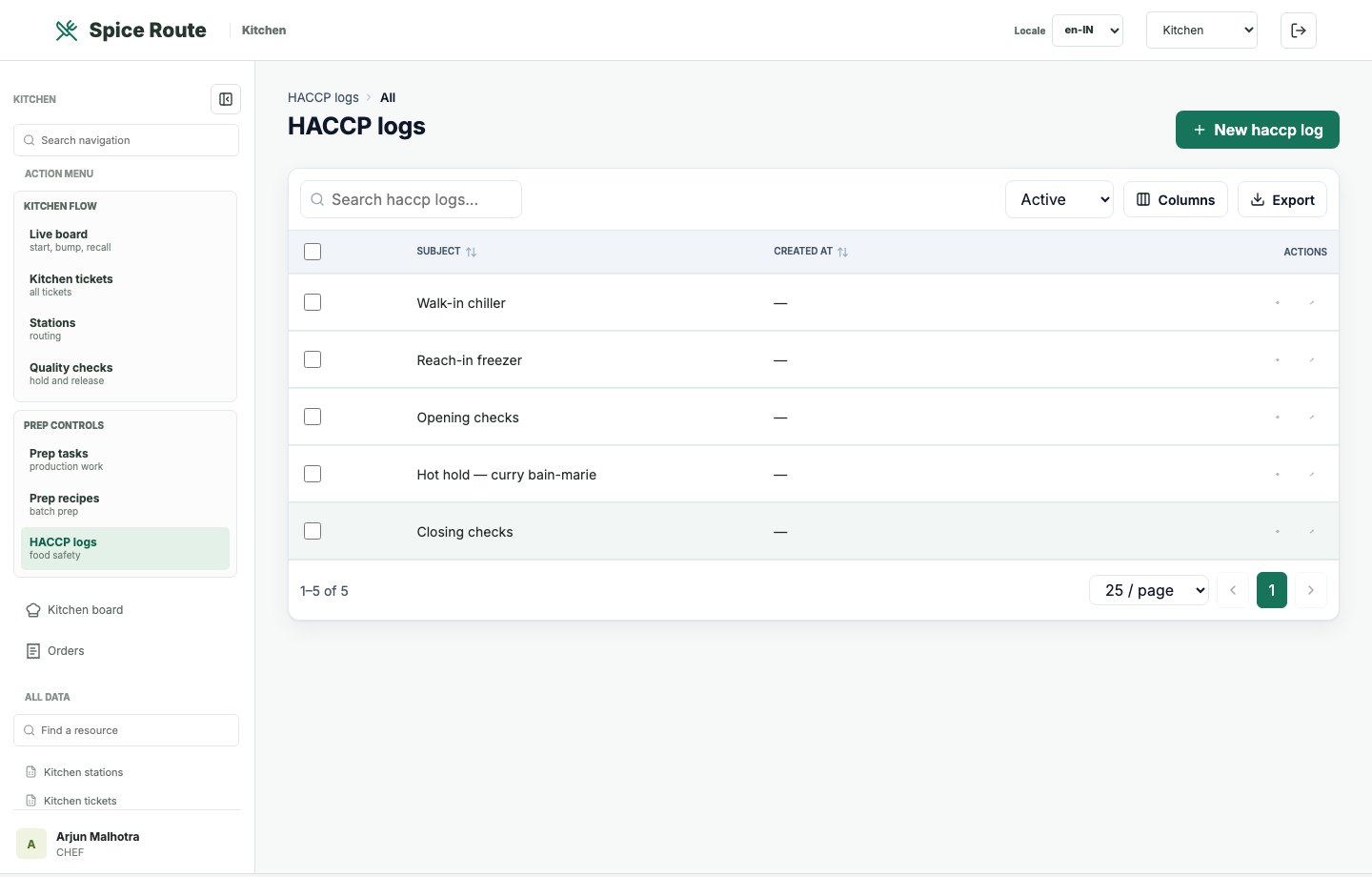
Food-safety logs provide operational evidence for hygiene, temperature, and compliance checks.
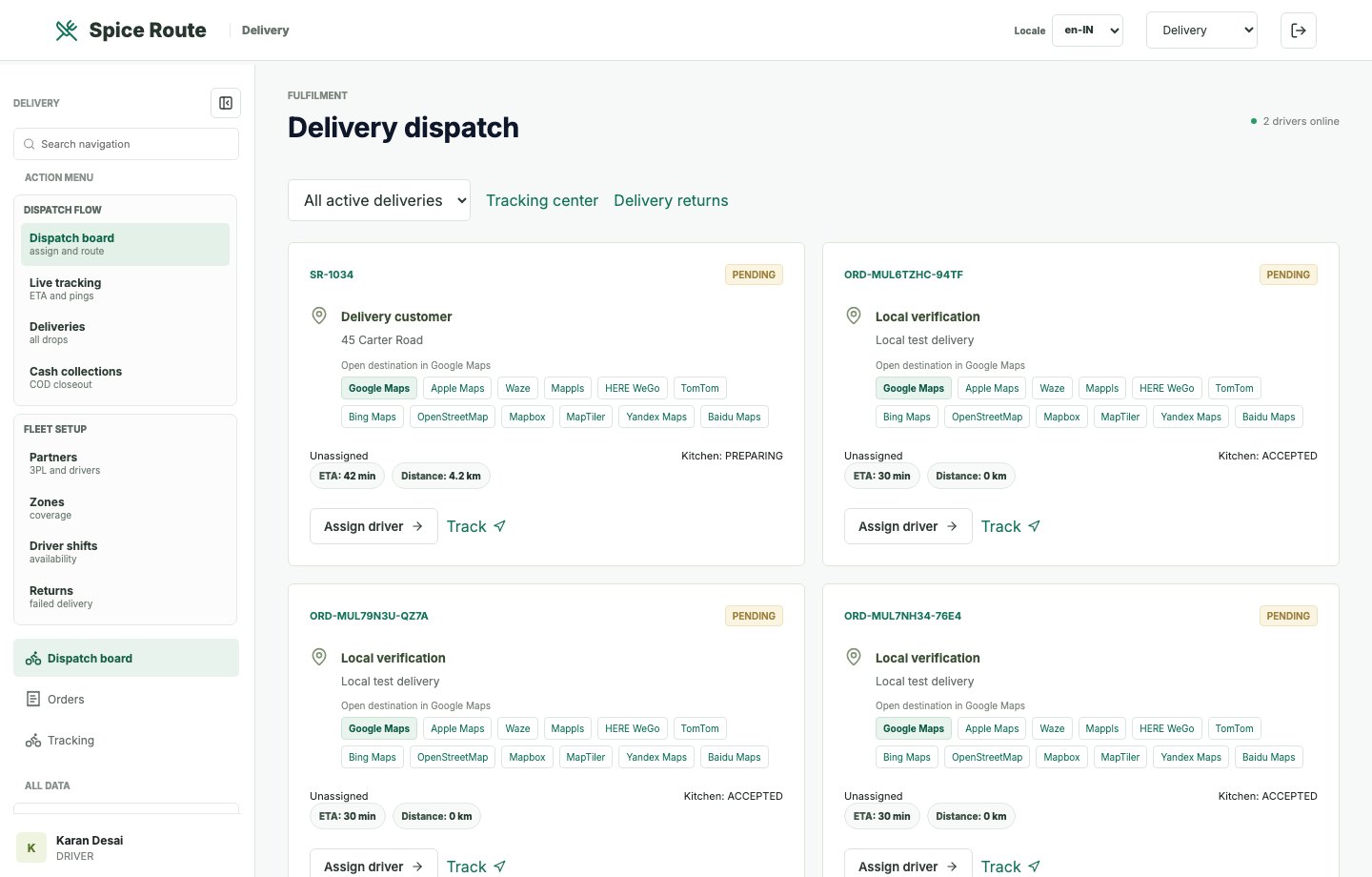
Delivery teams receive order work in a dispatch-focused view for route and status movement.
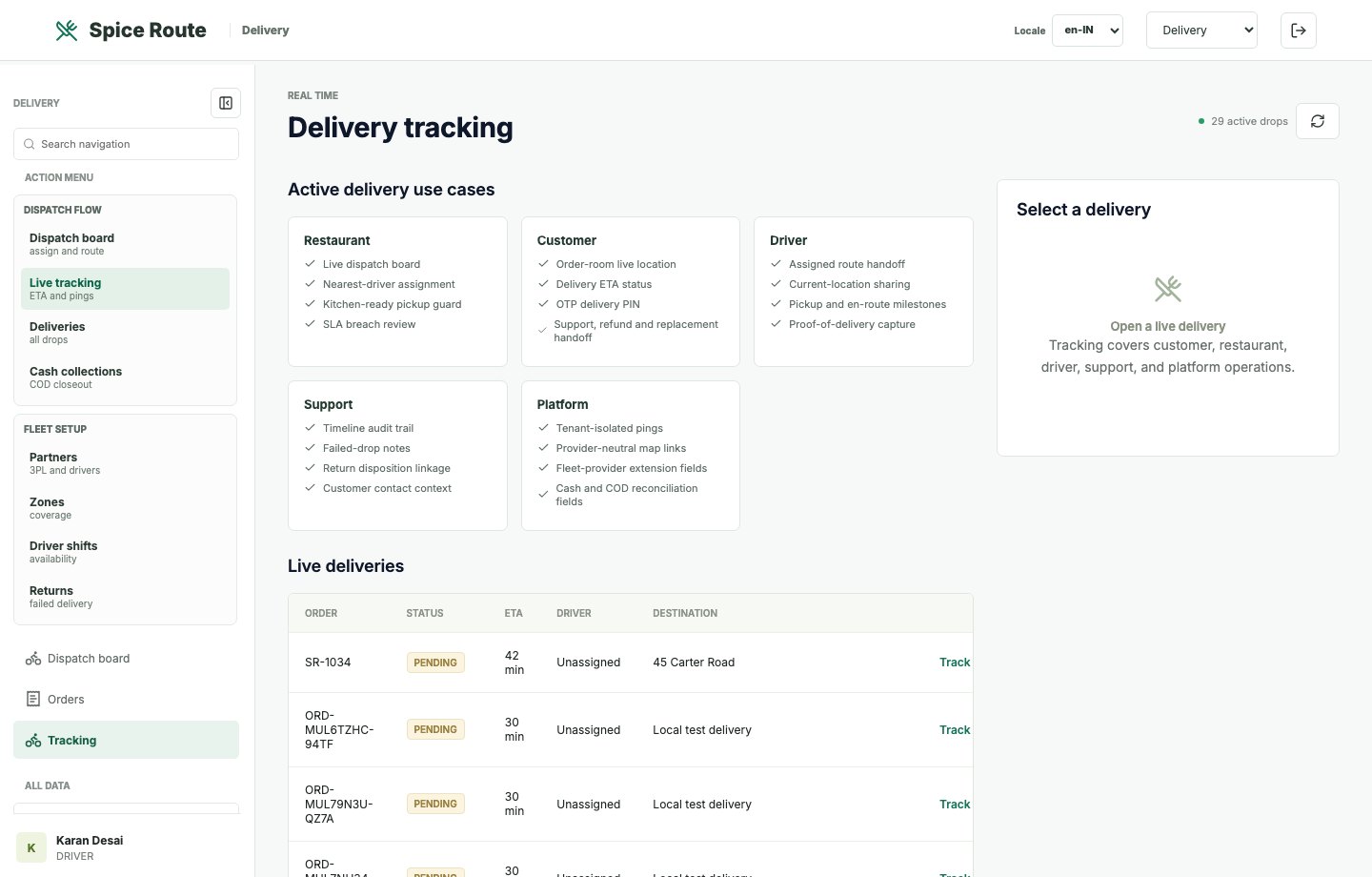
Tracking screens show delivery movement and operational state for live customer fulfillment.
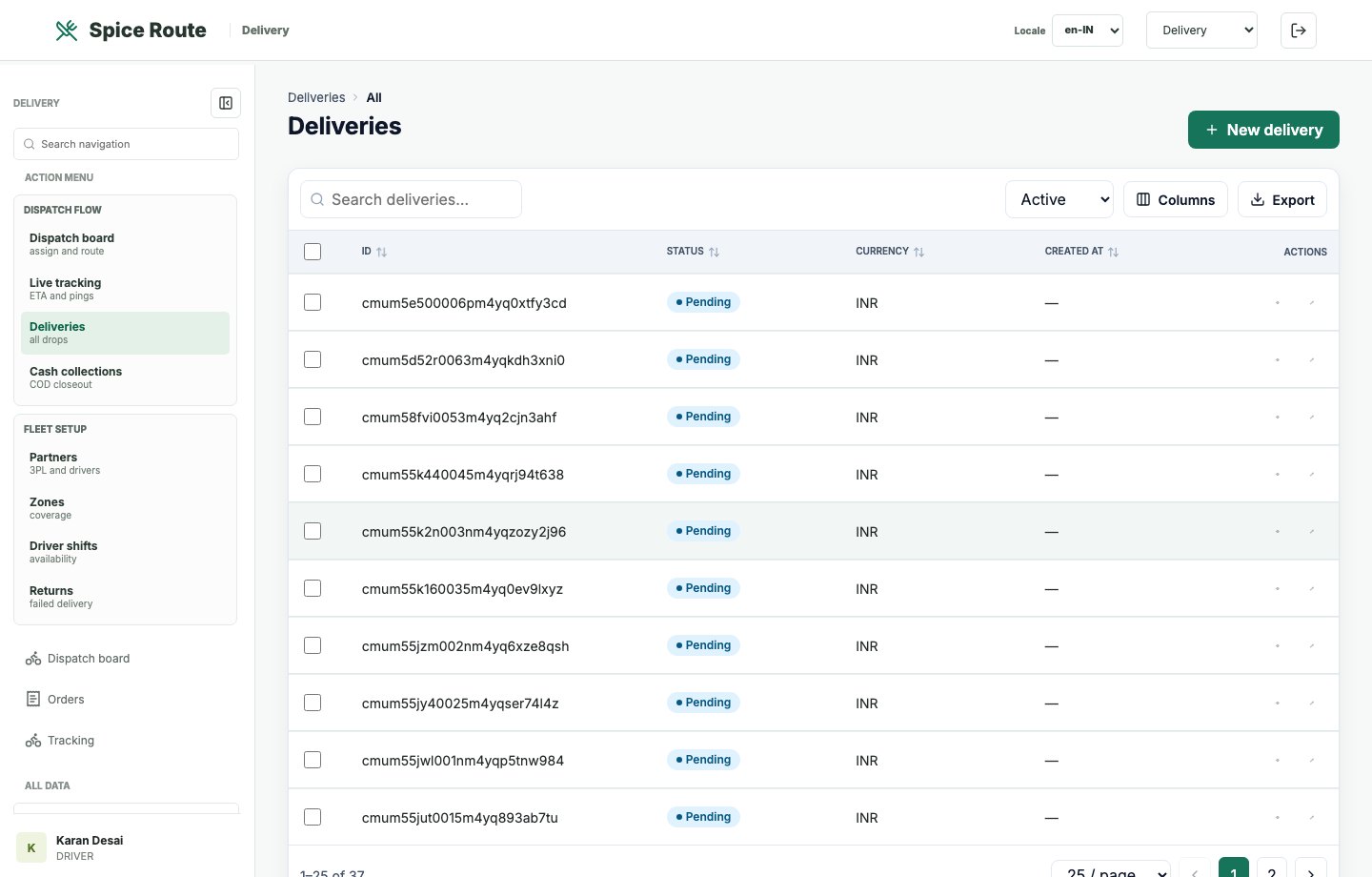
Delivery records give staff a searchable view of assignments, statuses, and fulfillment work.
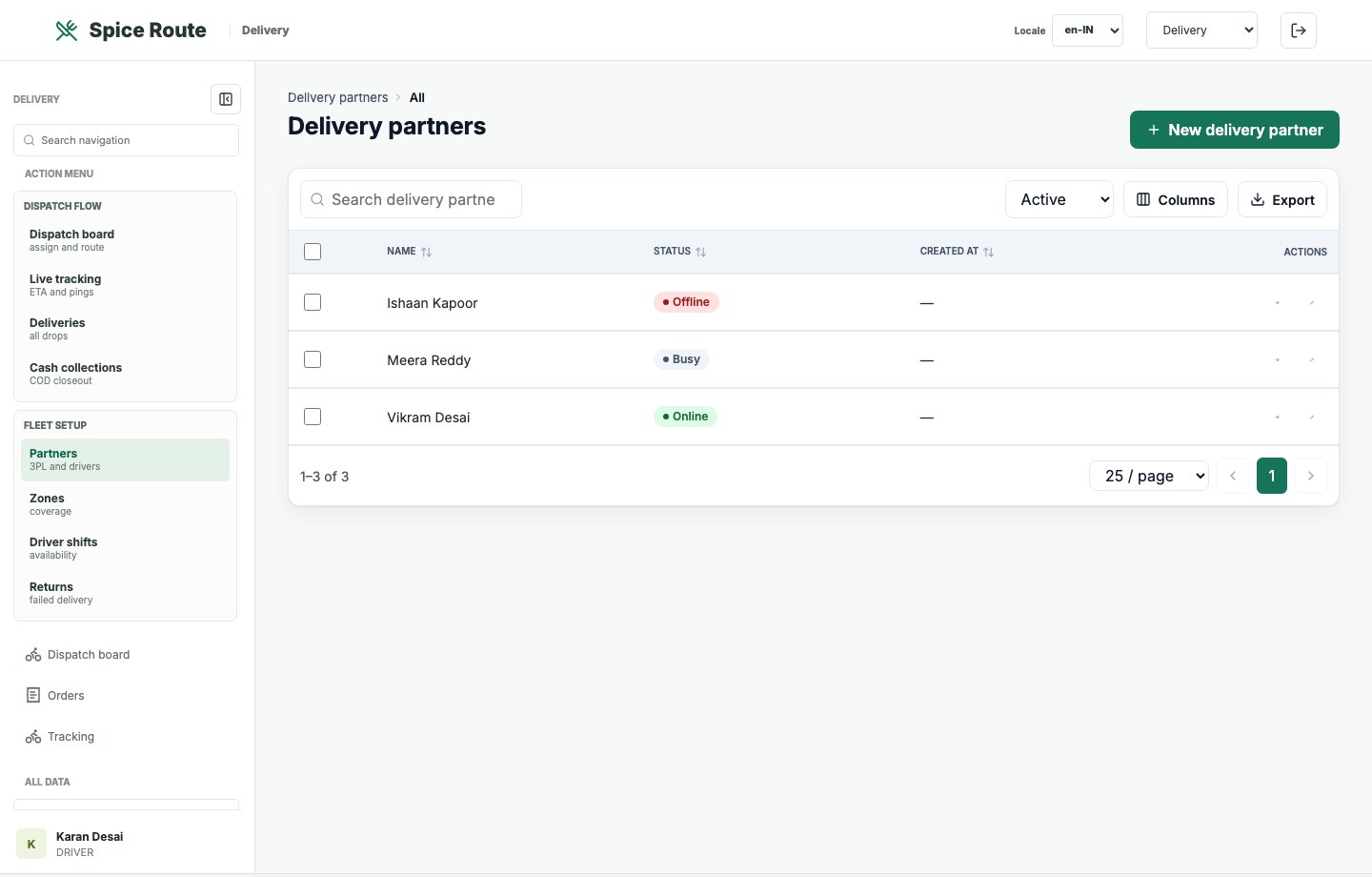
Partner records support outsourced delivery, aggregator alignment, and channel governance.
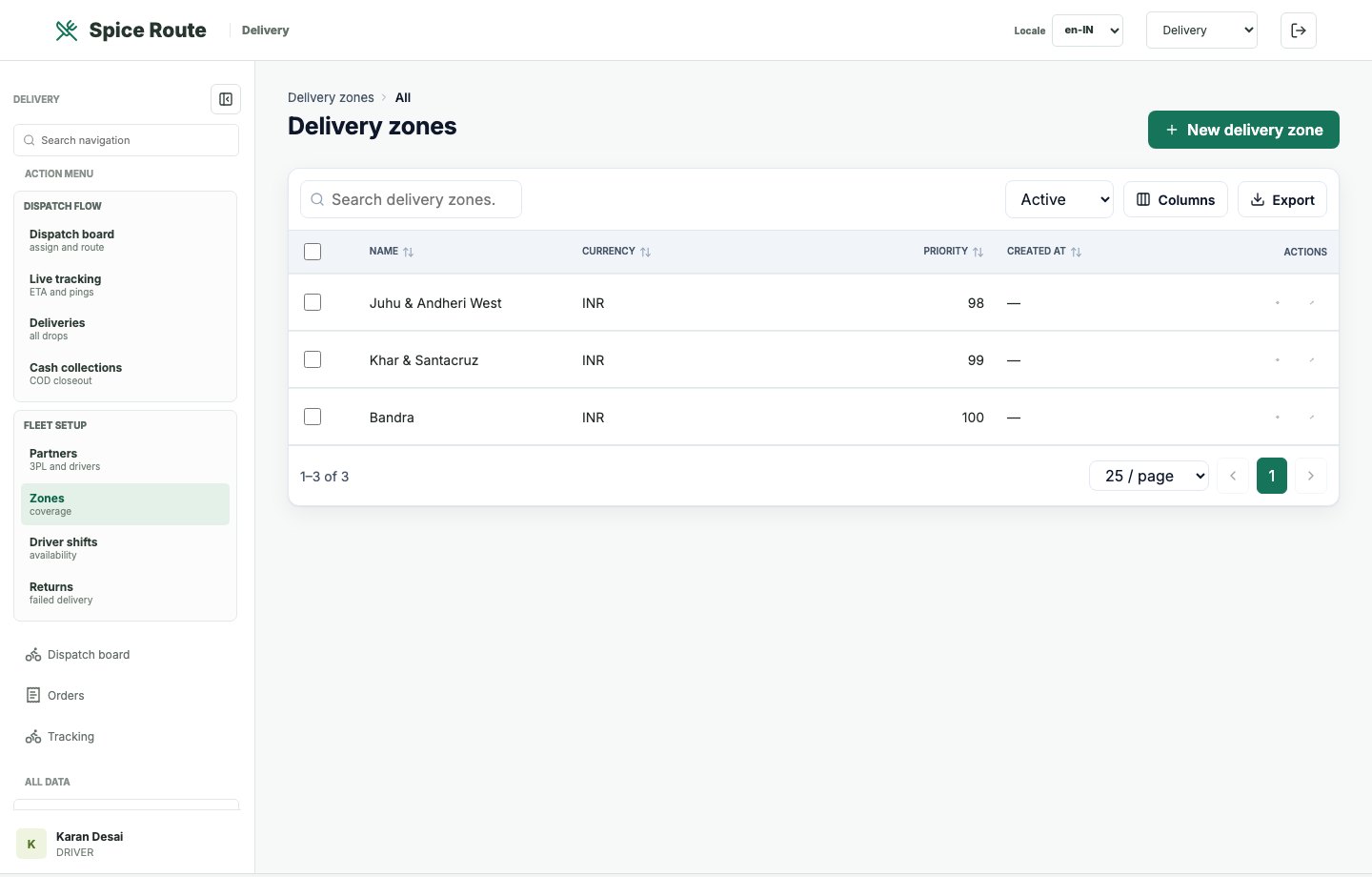
Zone configuration supports better control over delivery coverage, operations, and customer promises.
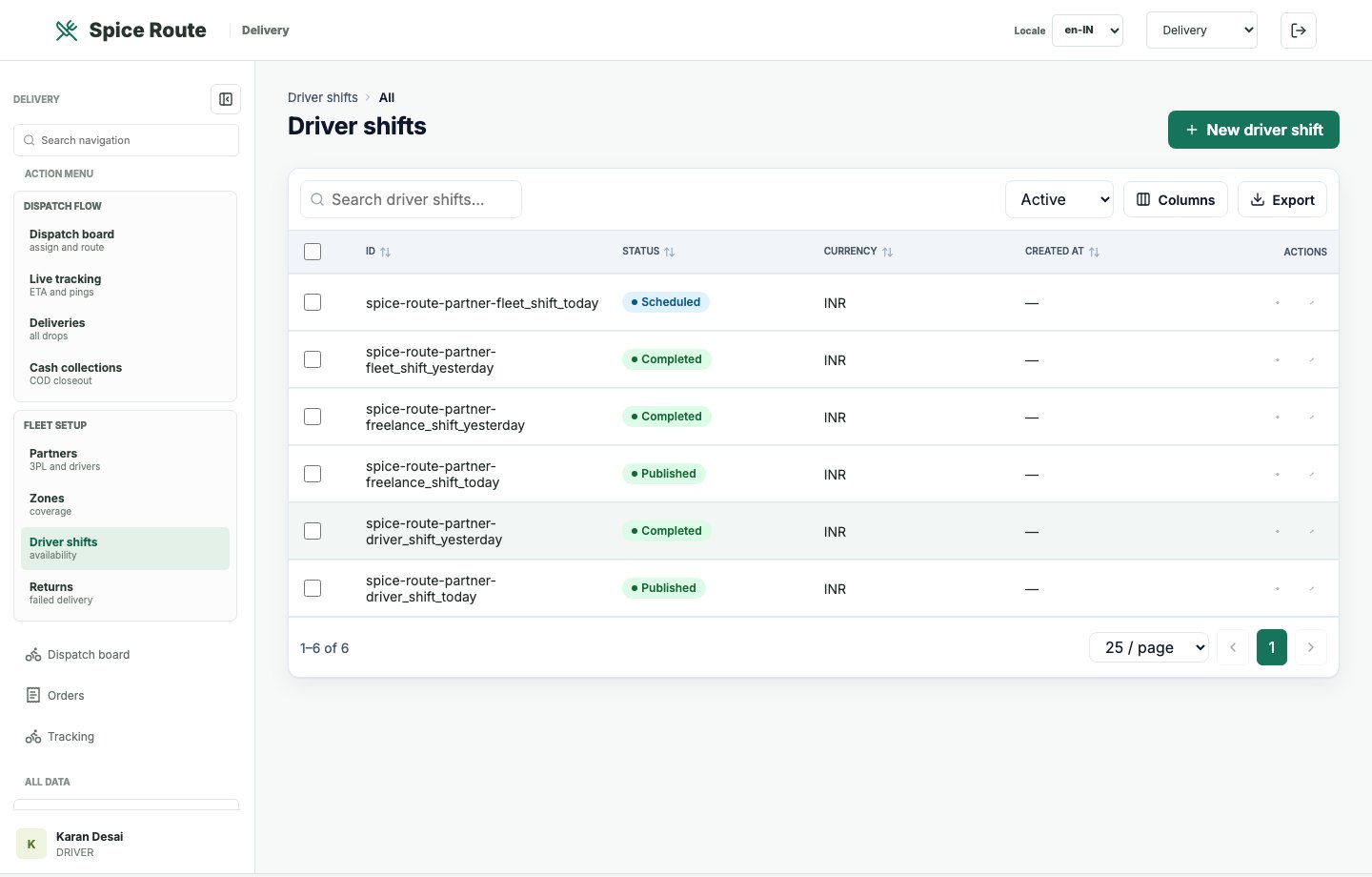
Driver shift records help align staffing with expected order flow and delivery coverage.
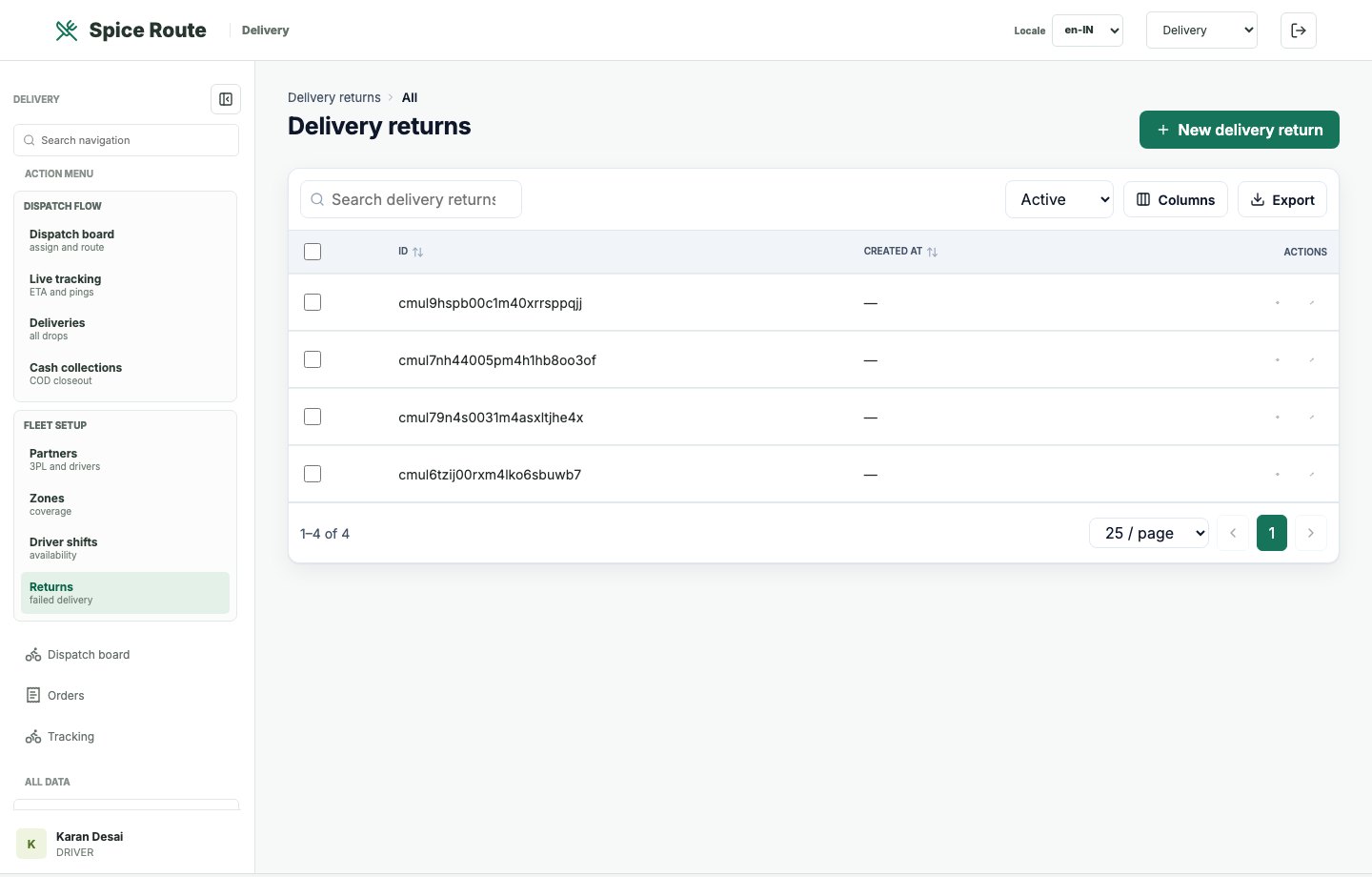
Returns and exception records help teams resolve failed or disputed delivery journeys.
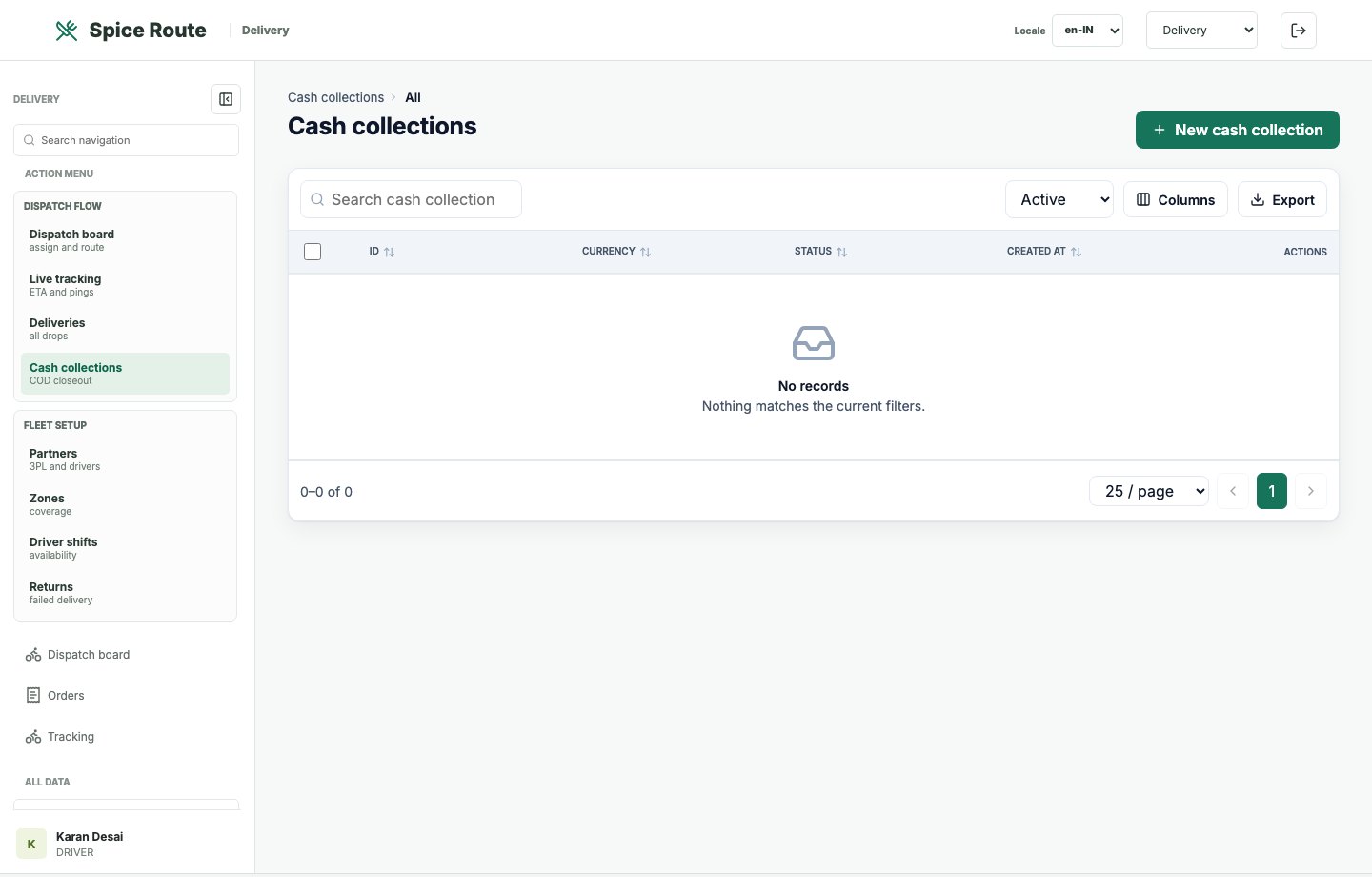
Cash collection records connect delivery execution with payment control and shift reconciliation.
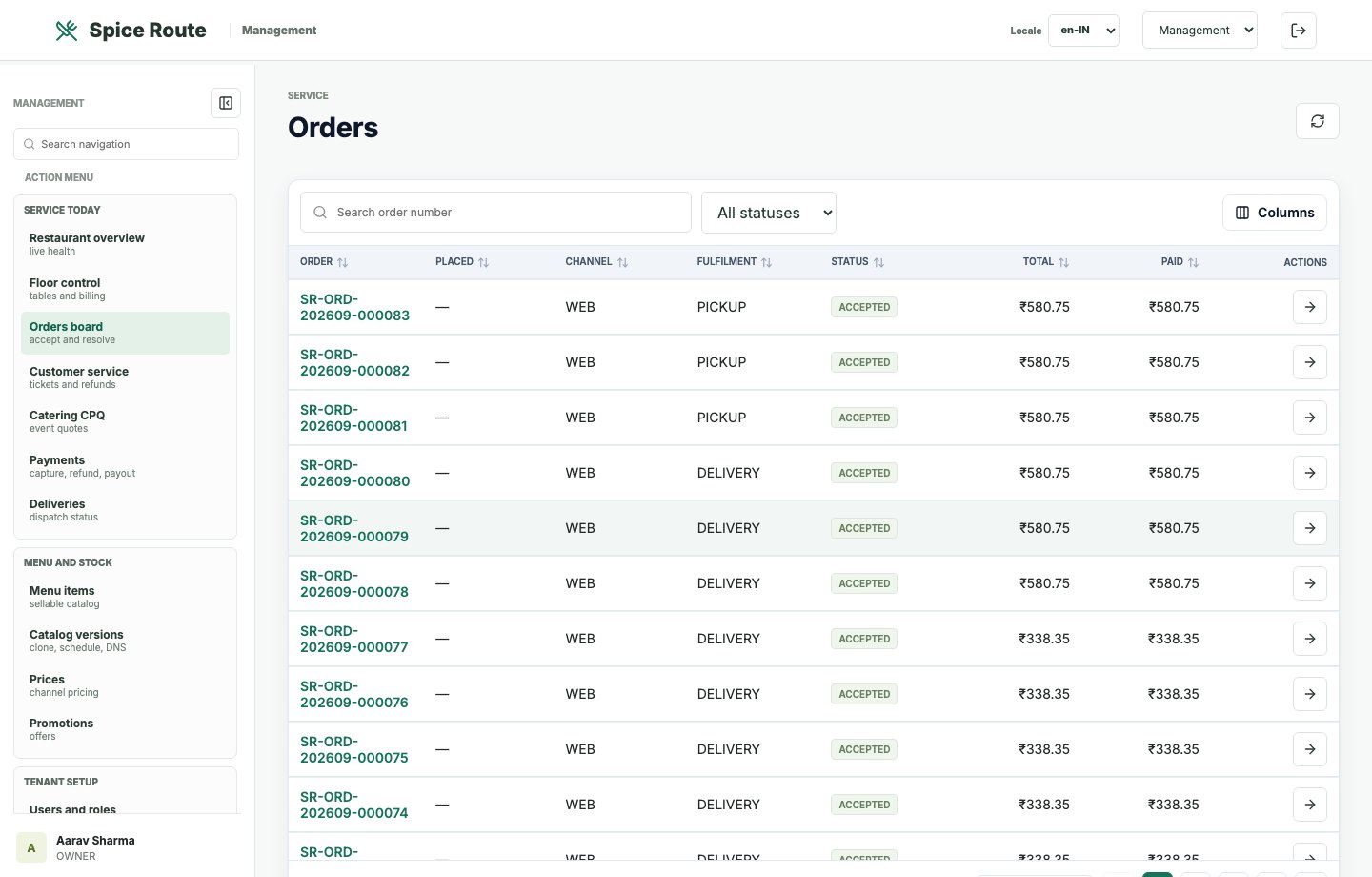
The order board gives managers an operational view of work in progress and service risk.
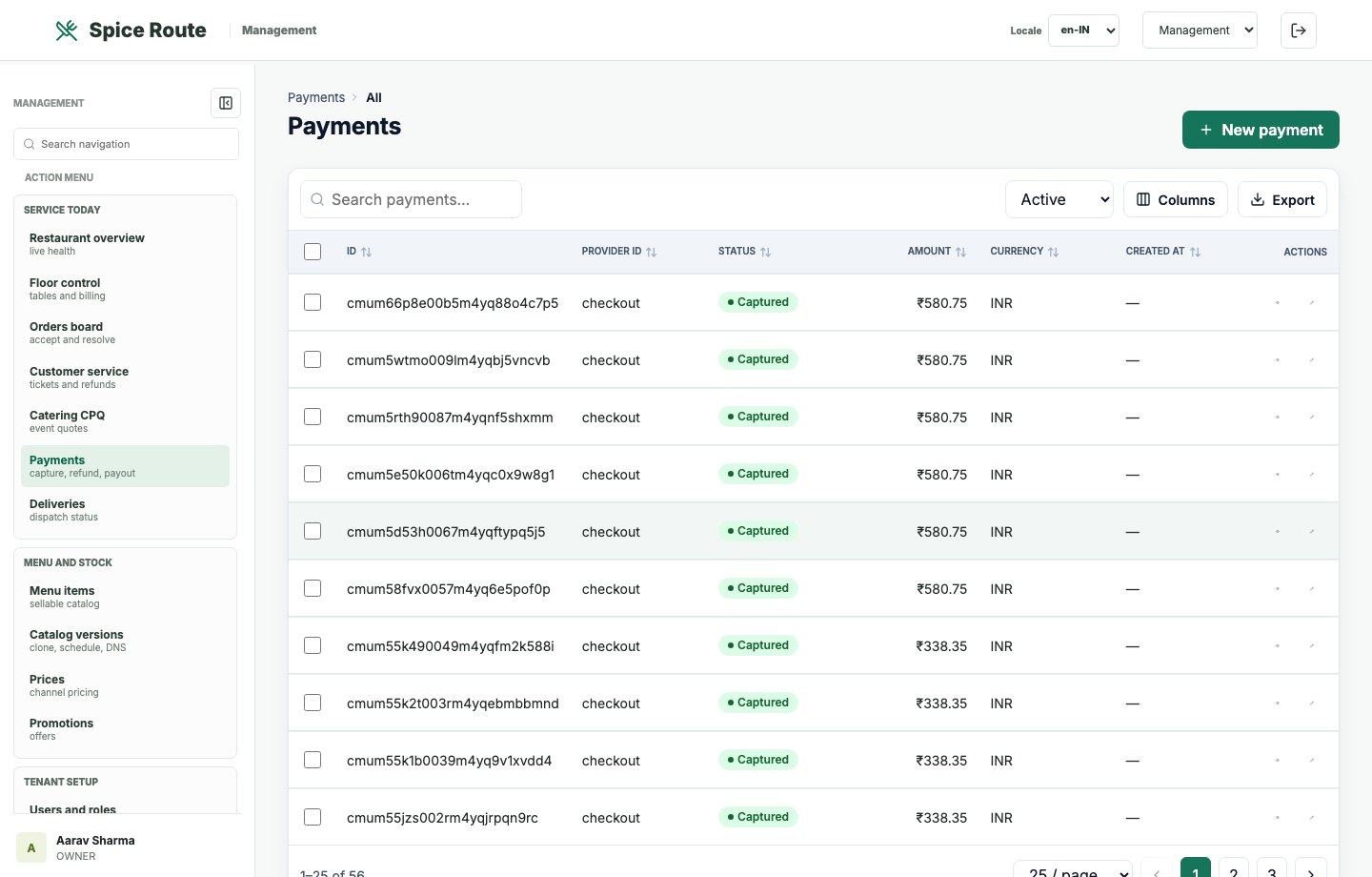
Payment records are available for finance, support, settlement review, and reconciliation.
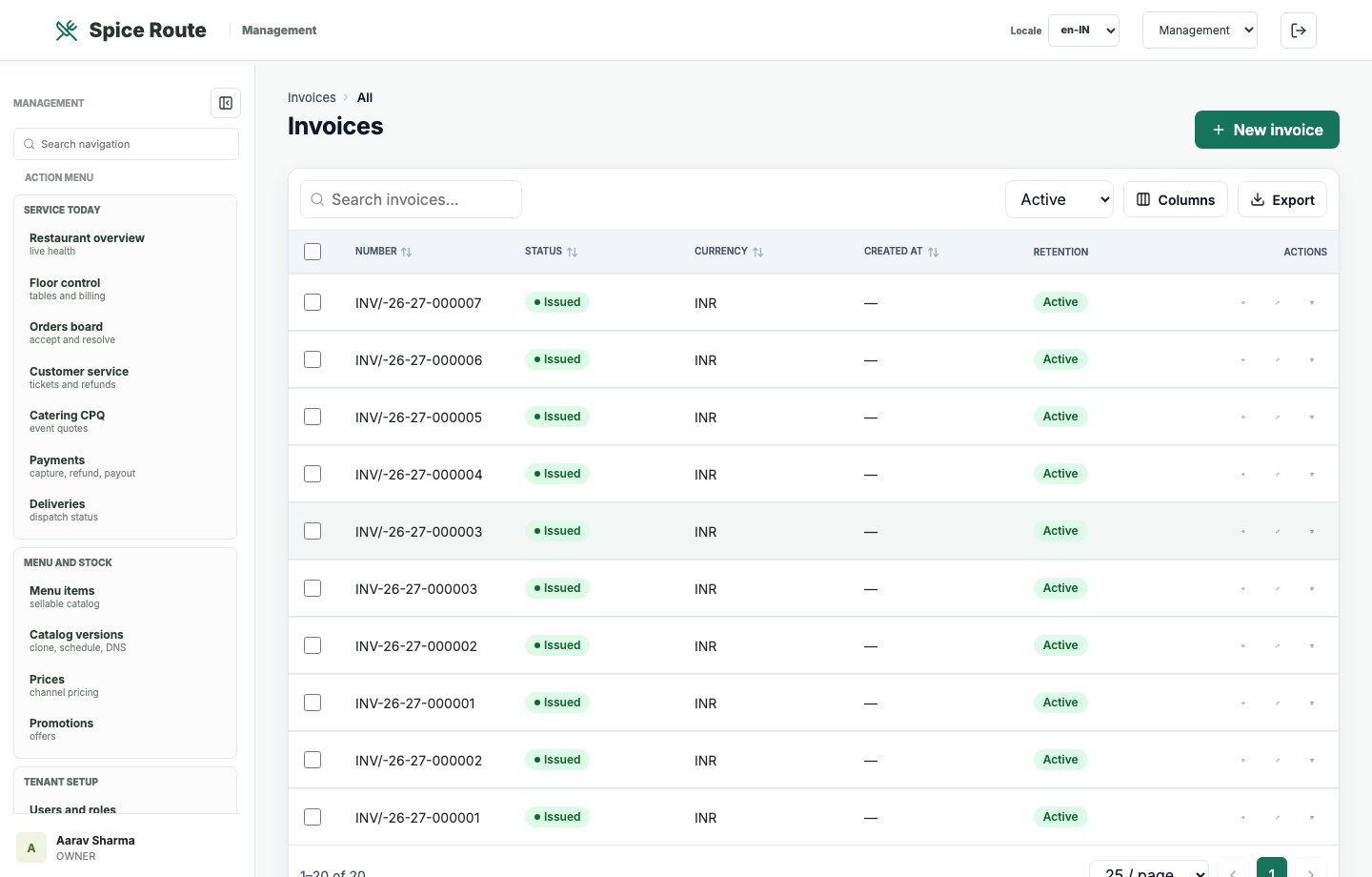
Invoice records support customer billing, transaction evidence, and finance follow-up.
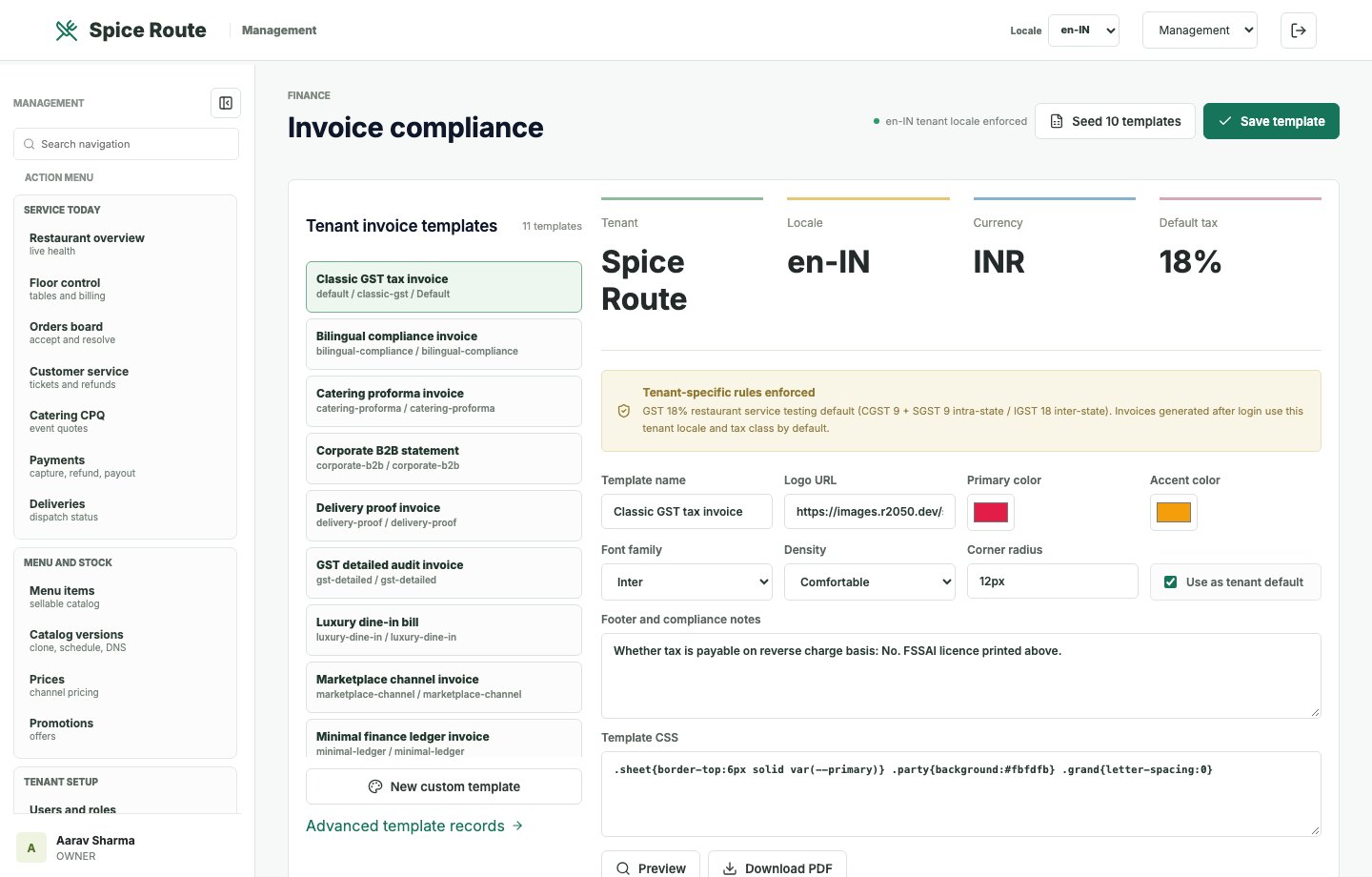
Compliance controls support numbering, template governance, and invoice-ready transaction flows.
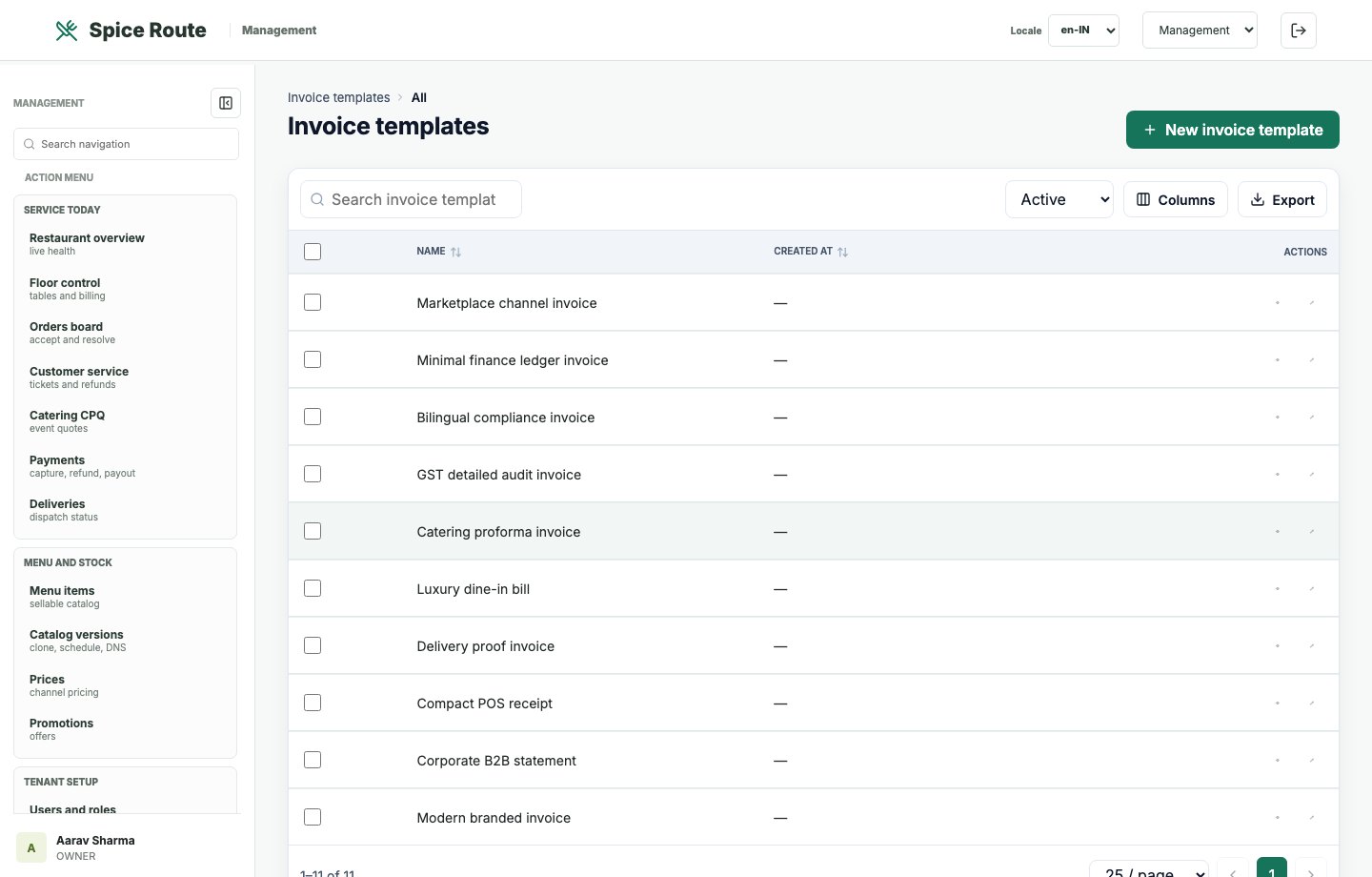
Template controls support branded invoices and consistent transaction documents.
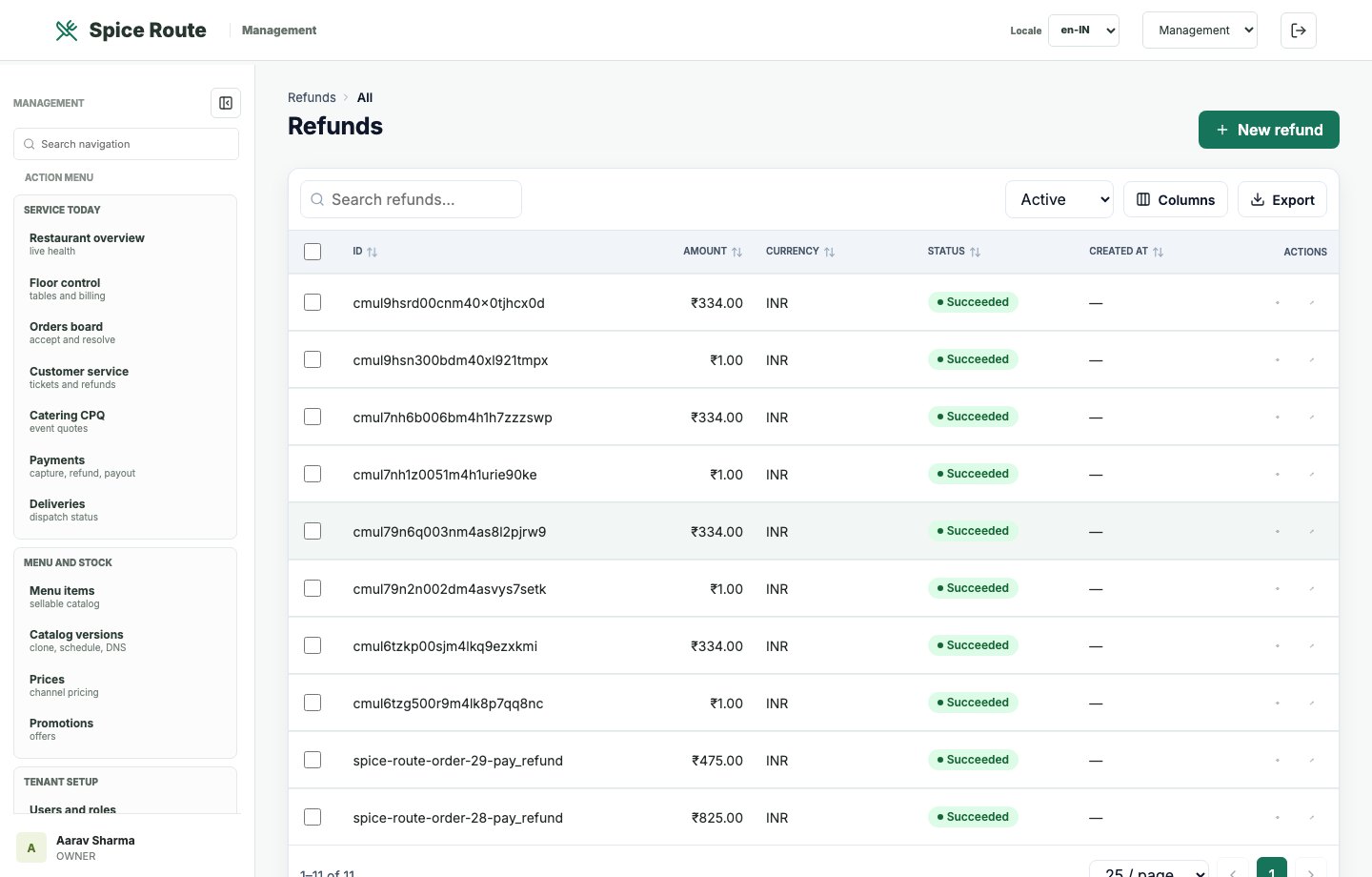
Refund records help finance and service teams manage exceptions after order payment.
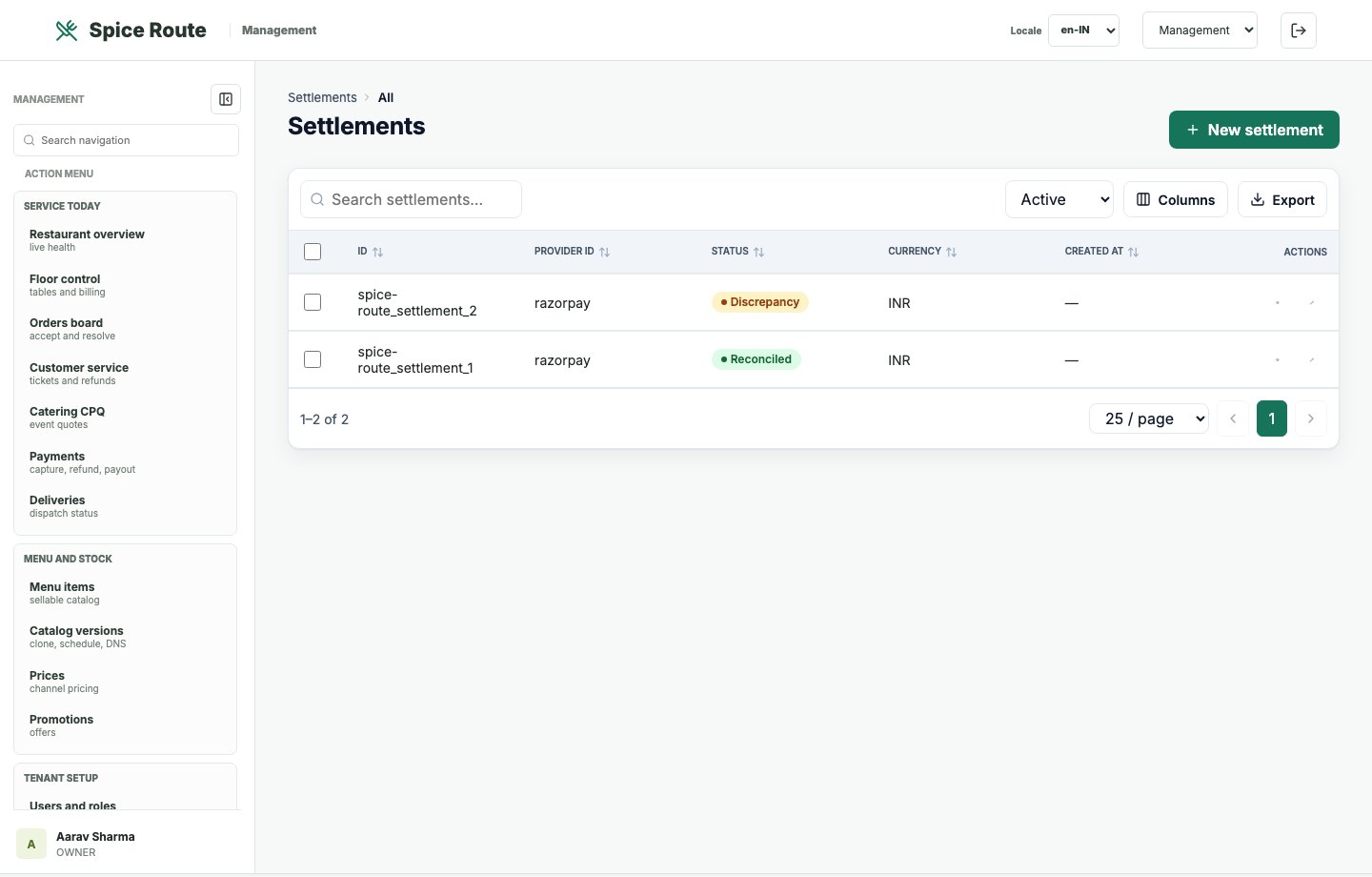
Settlement records connect payment activity with financial reconciliation and provider follow-up.
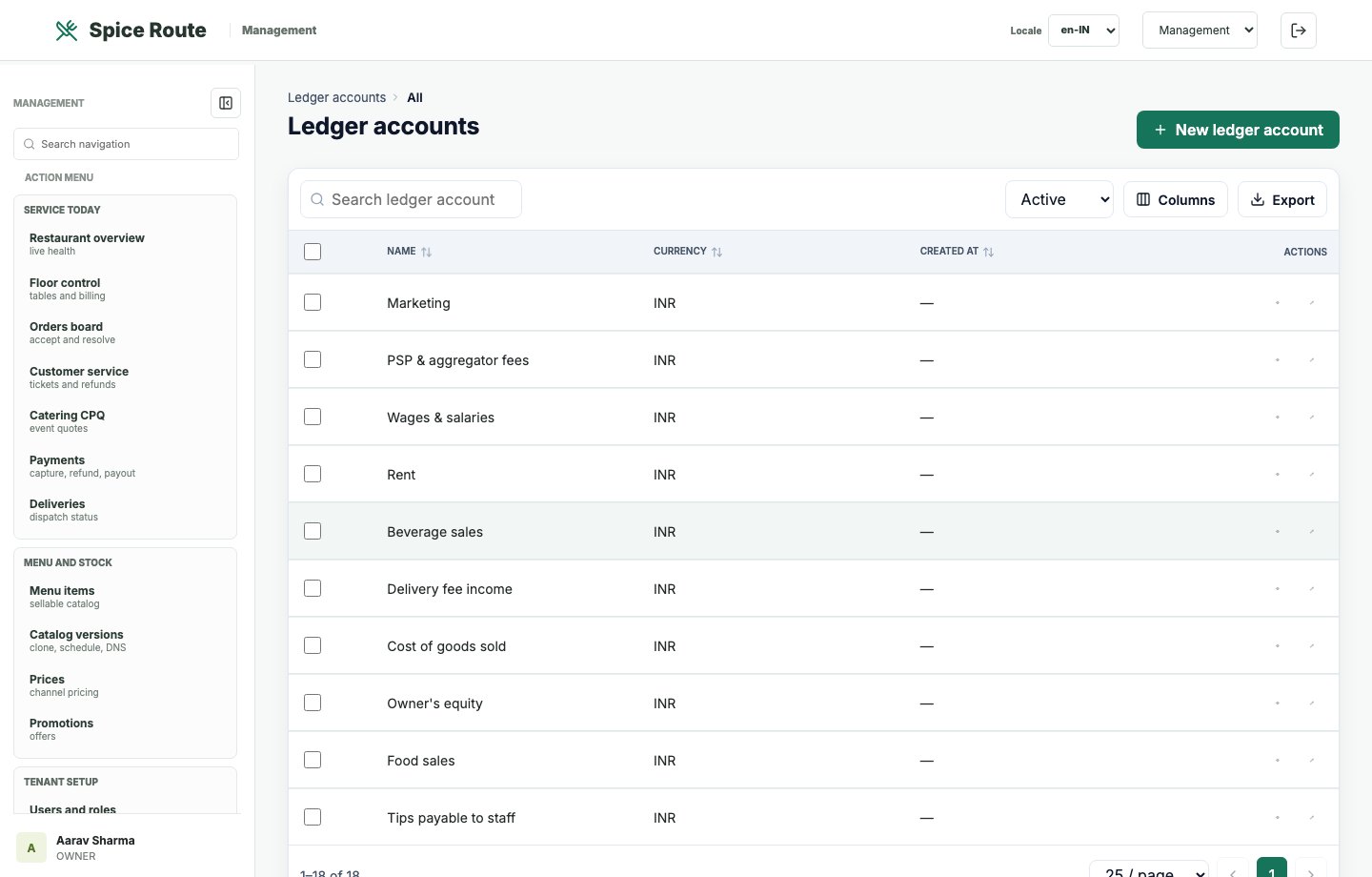
Ledger account views support accounting structure and finance-ready restaurant operations.
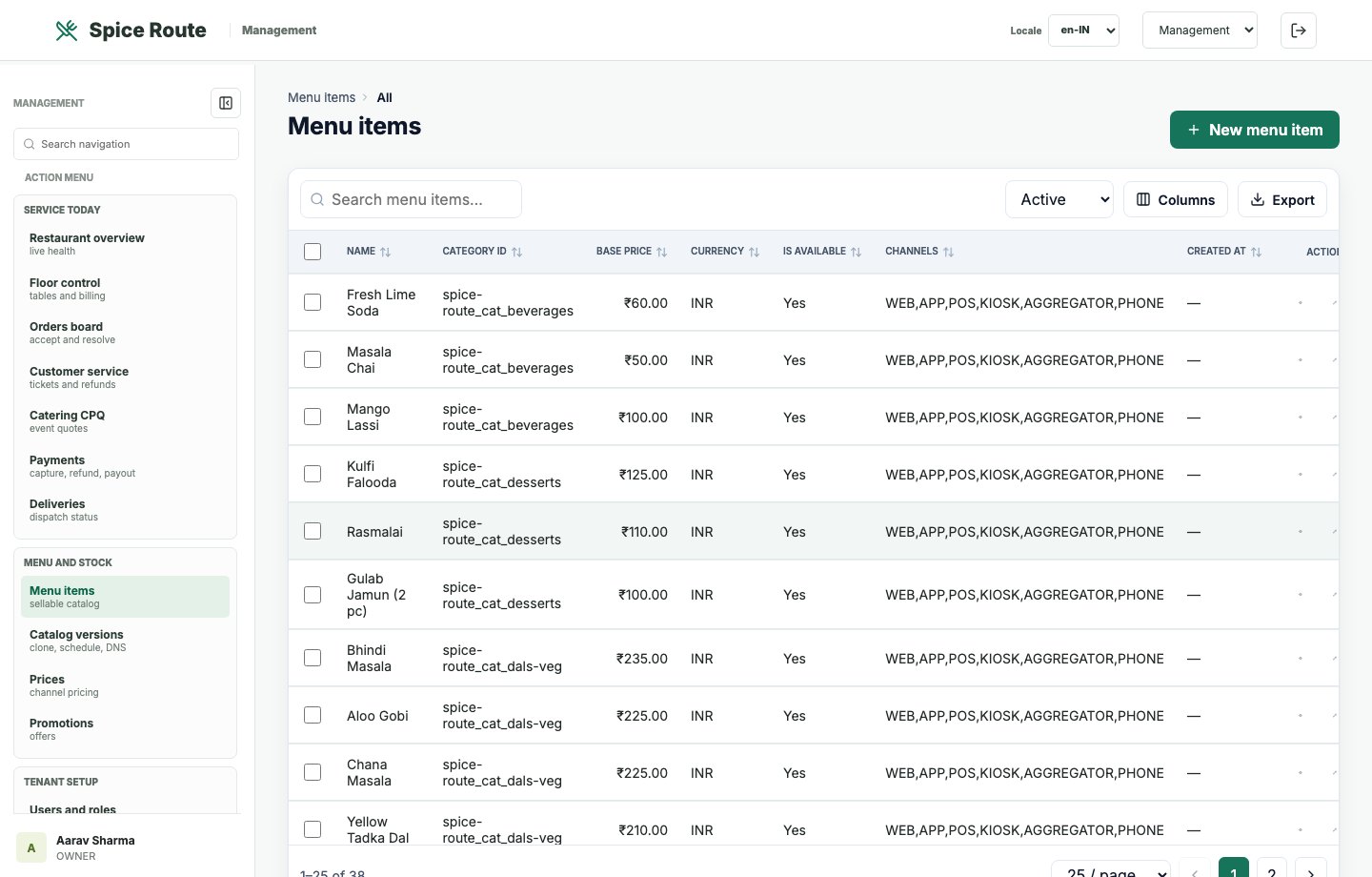
Operators can maintain products, availability, and menu data that feed multiple ordering channels.
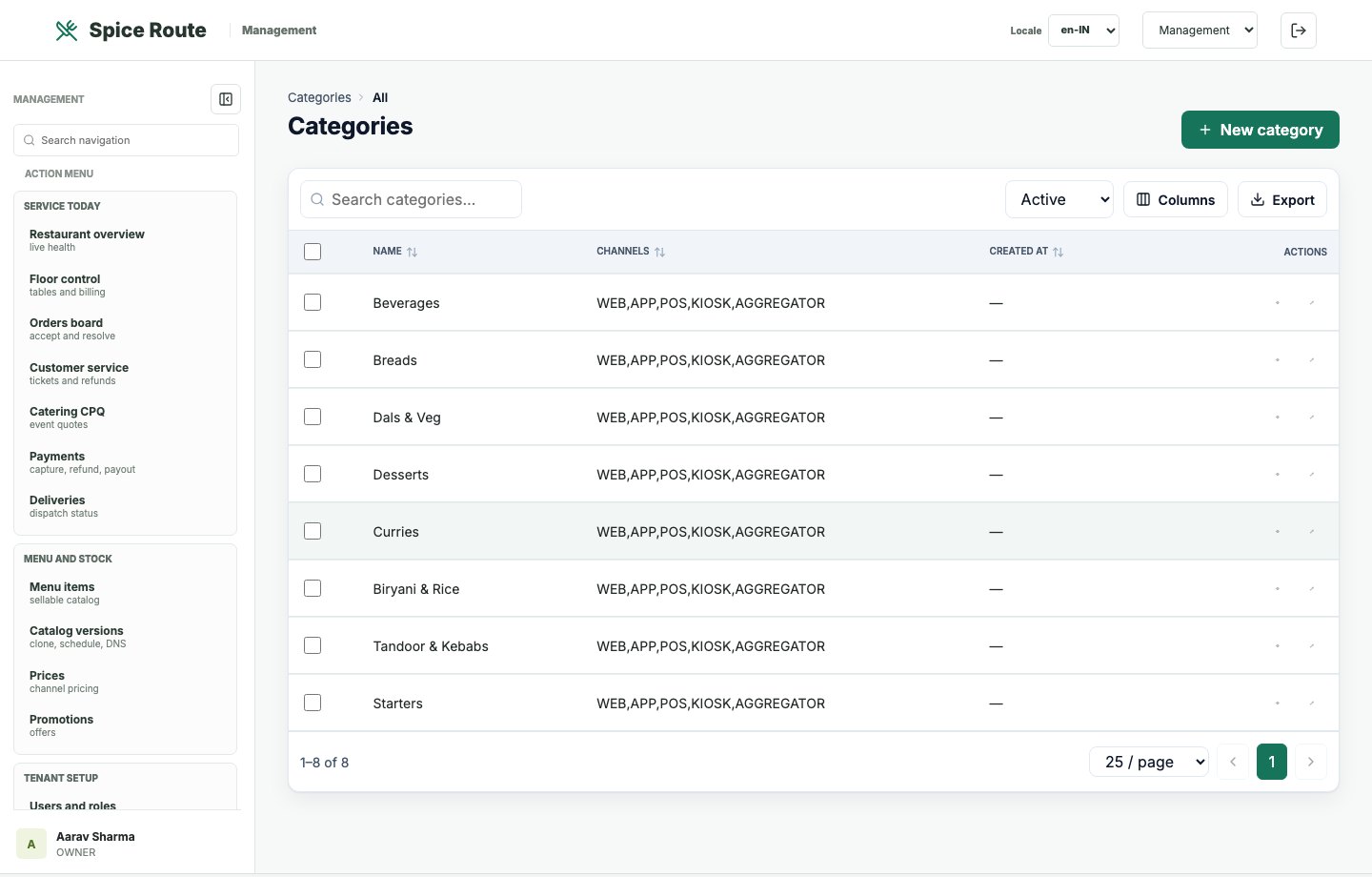
Category controls help organize menu browsing for customers and staff.
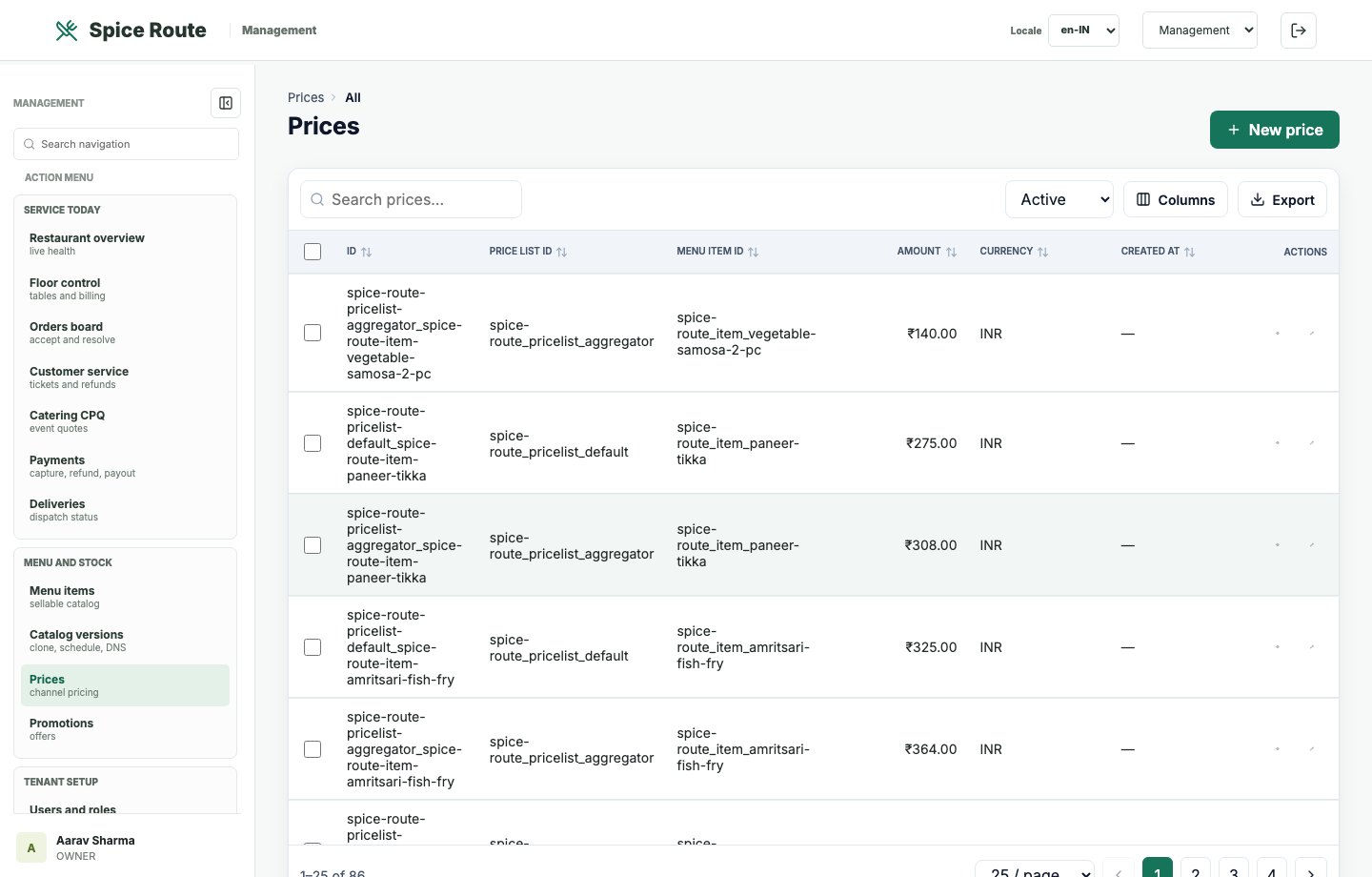
Pricing records make channel, menu, and business pricing visible in a controlled admin view.
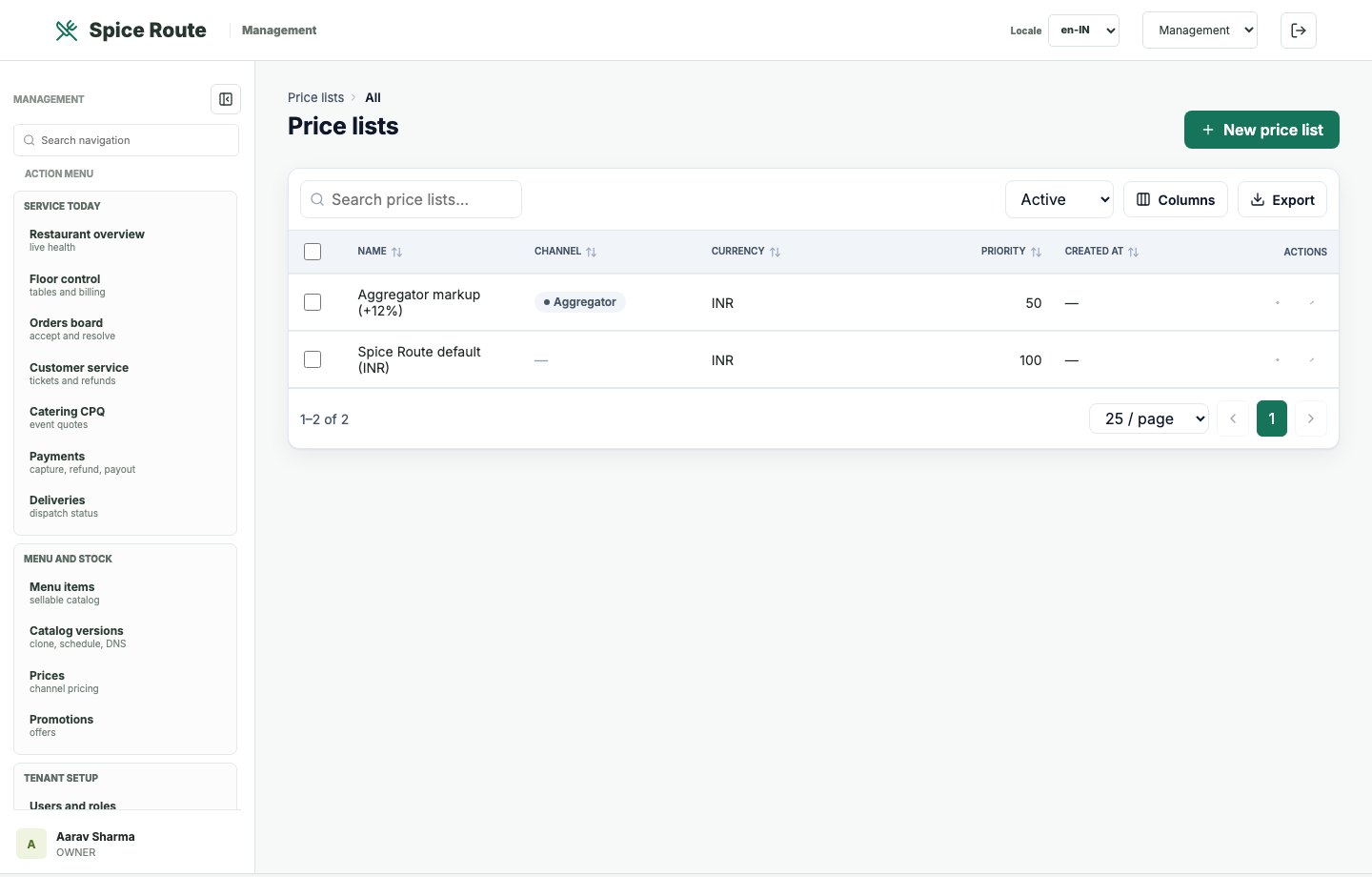
Price lists can support channels, outlets, campaigns, and structured pricing rollouts.
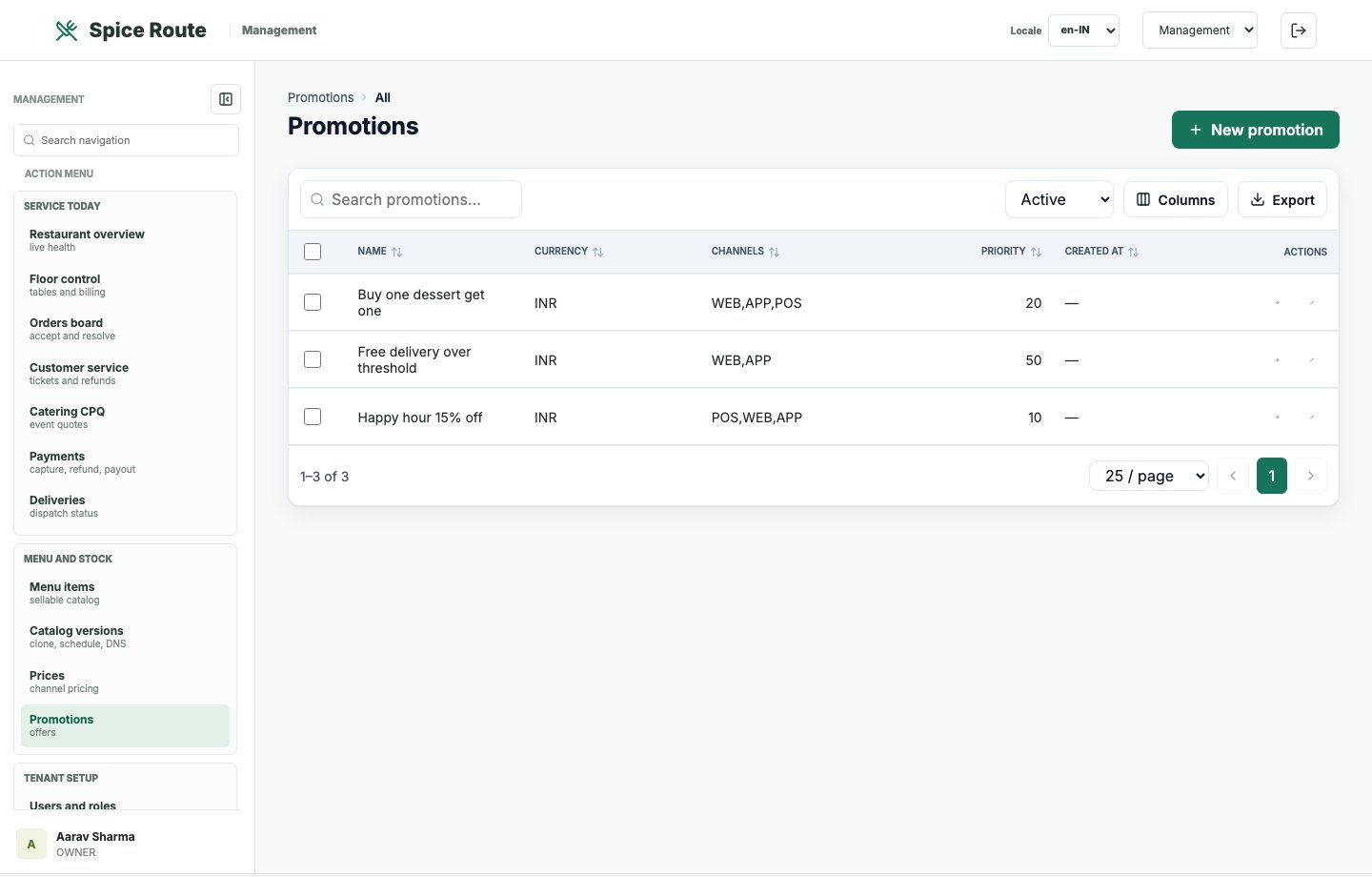
Promotion controls help teams plan campaigns and commercial offers inside the operating platform.
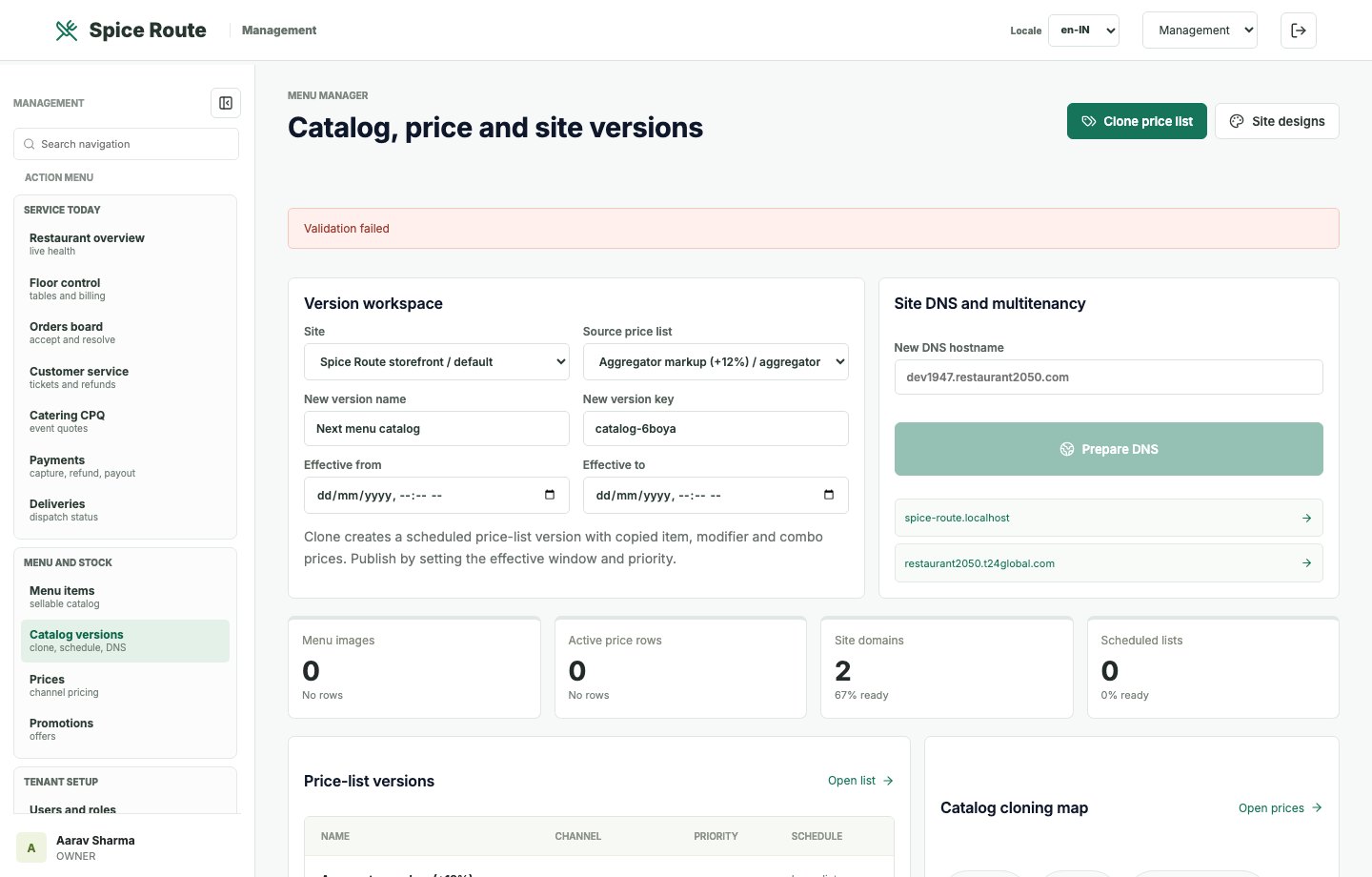
Version controls support safer menu changes, rollout planning, and governance.
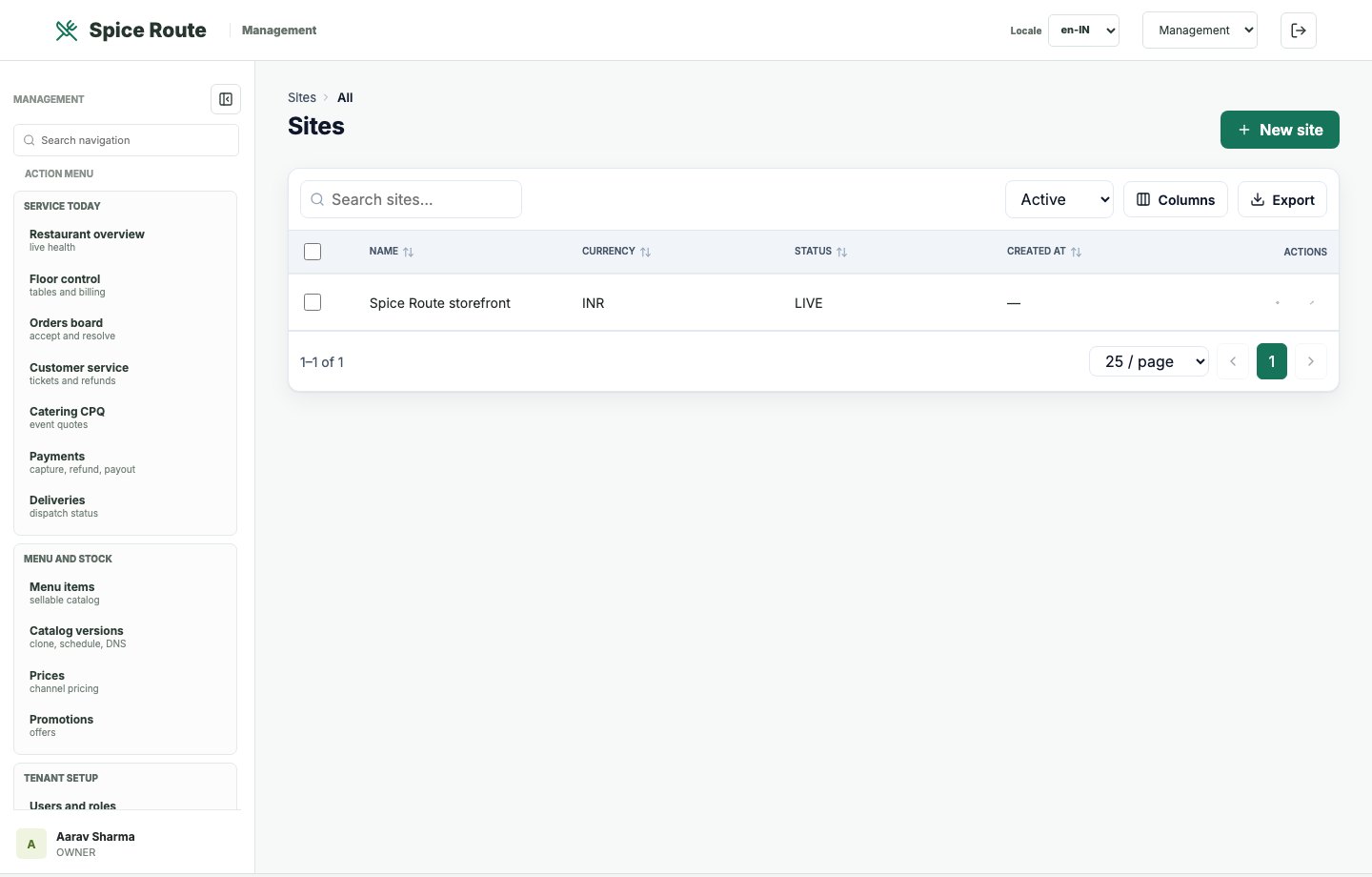
Website records connect tenant operations with customer-facing digital experiences.
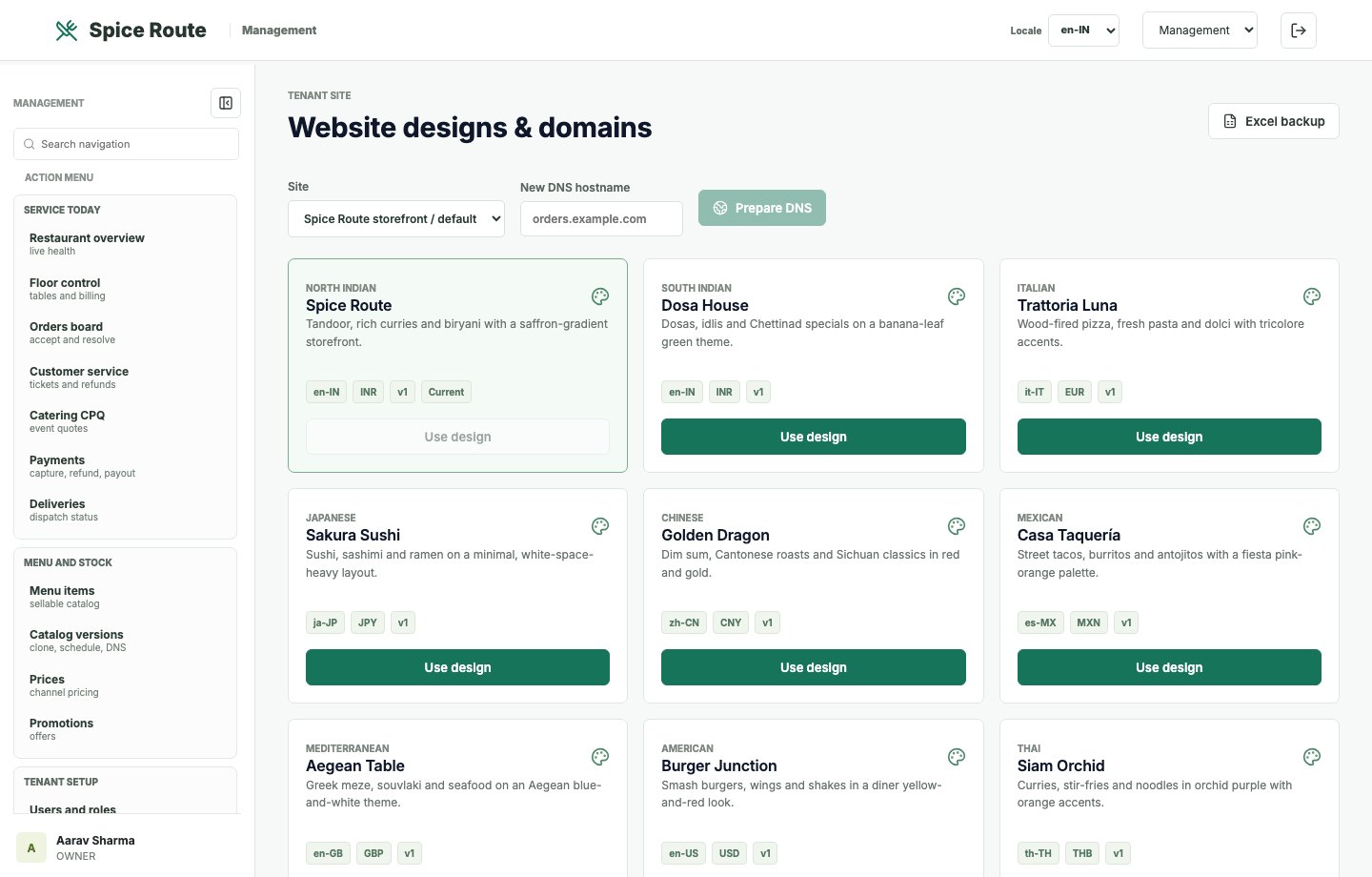
Design controls help a tenant brand the restaurant website experience without breaking operations.
Menu node records support branded website navigation, marketing pages, and customer journeys.
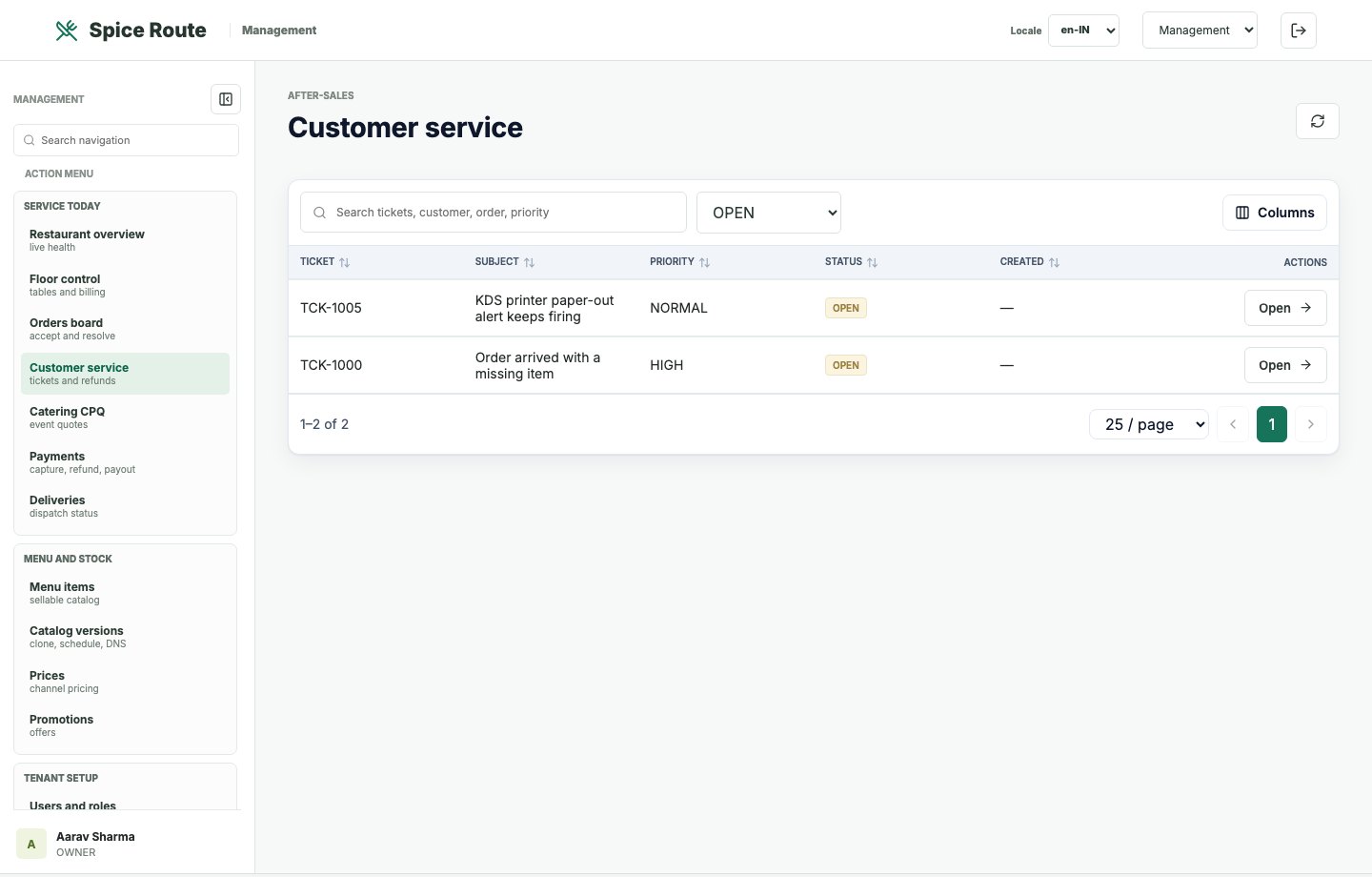
Support views help service teams handle customer questions, order issues, and operational follow-up.
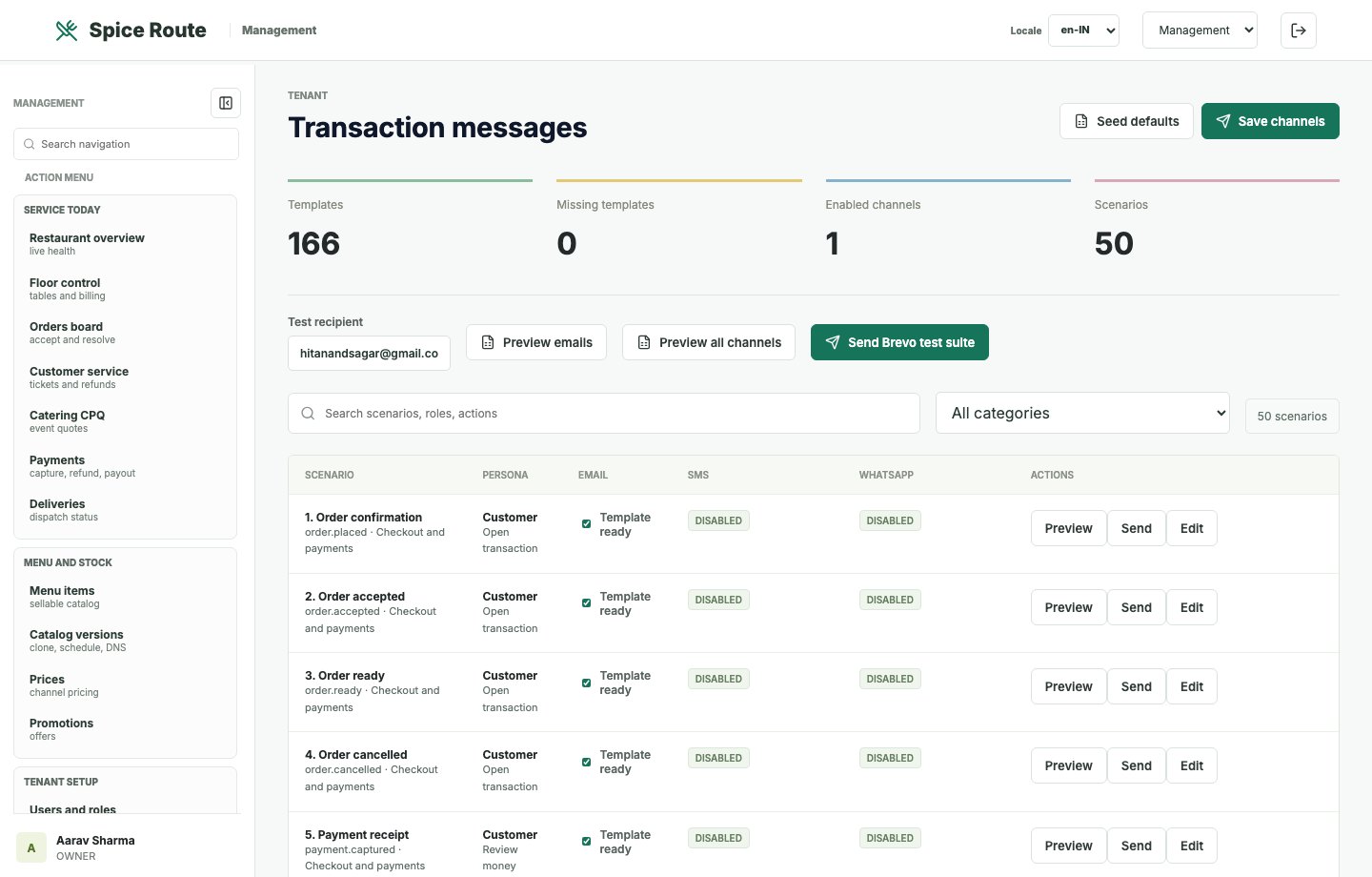
Email and message controls help operators configure branded transaction communication.
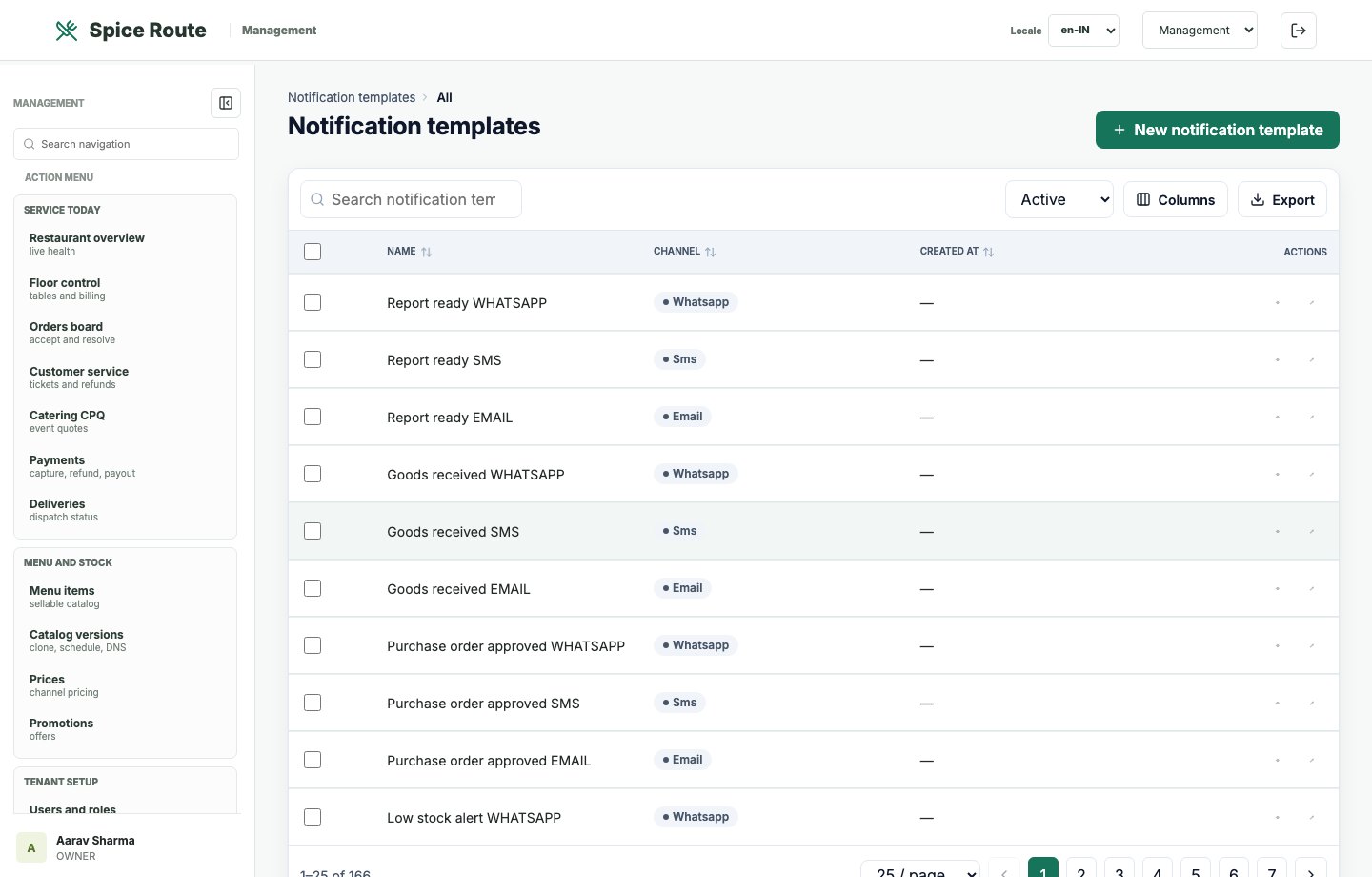
Template records keep customer-facing and operational messages consistent.
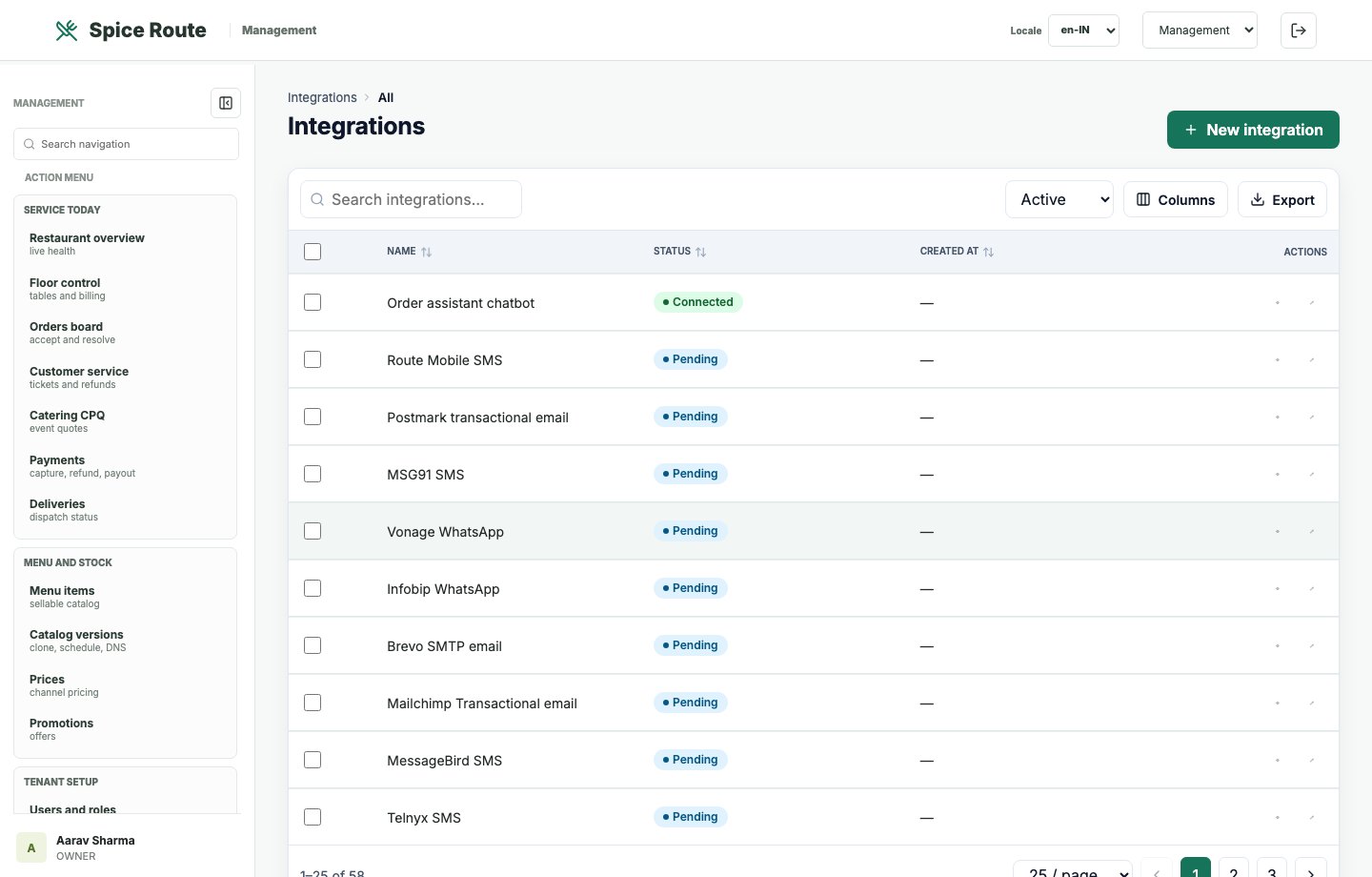
Integration records show how payment, delivery, messaging, and external systems connect to operations.
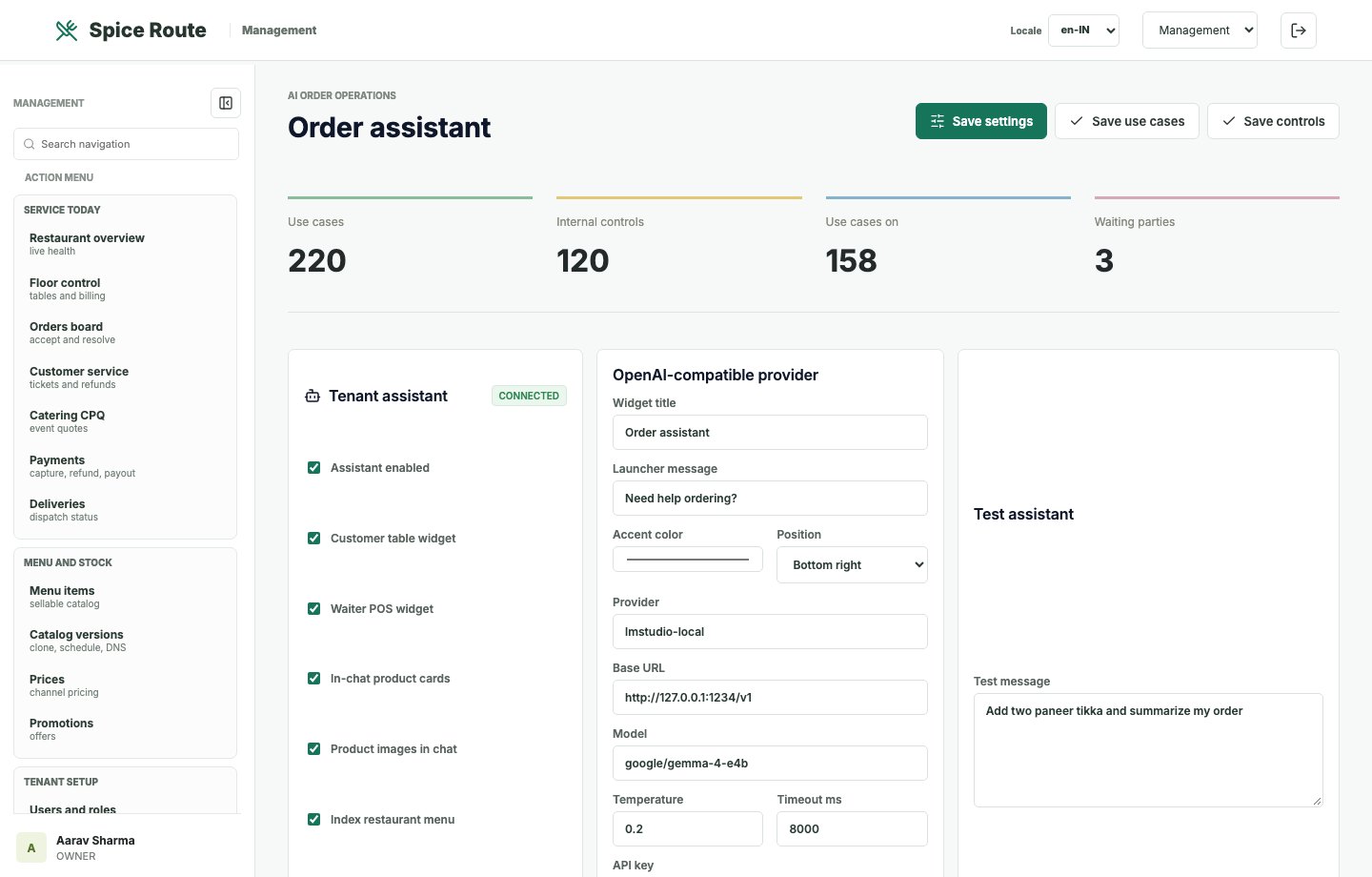
Assistant controls support intent handling, guided ordering, and AI-enabled restaurant journeys.
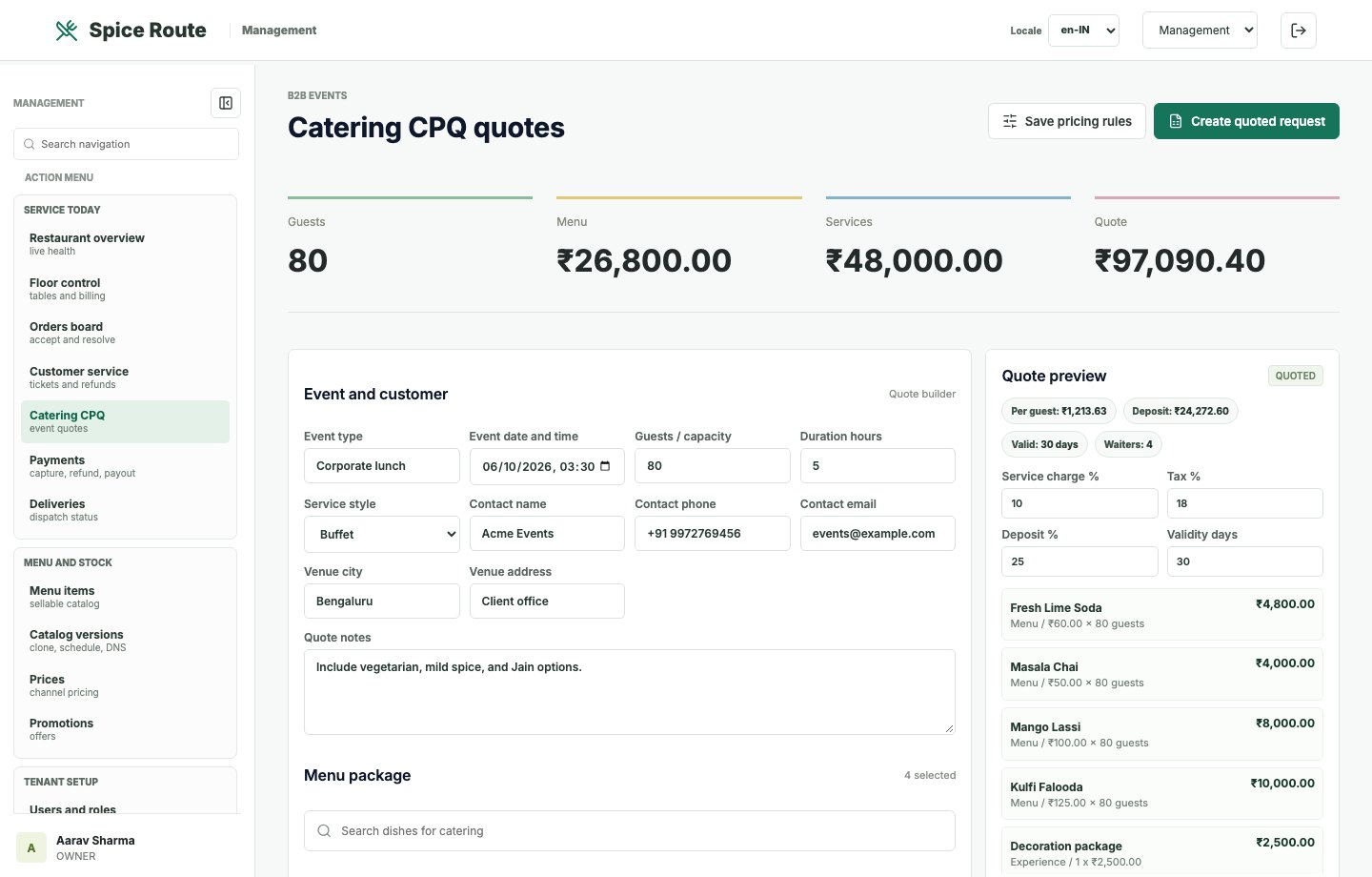
Catering workflows support quotation, order planning, and higher-value restaurant sales journeys.
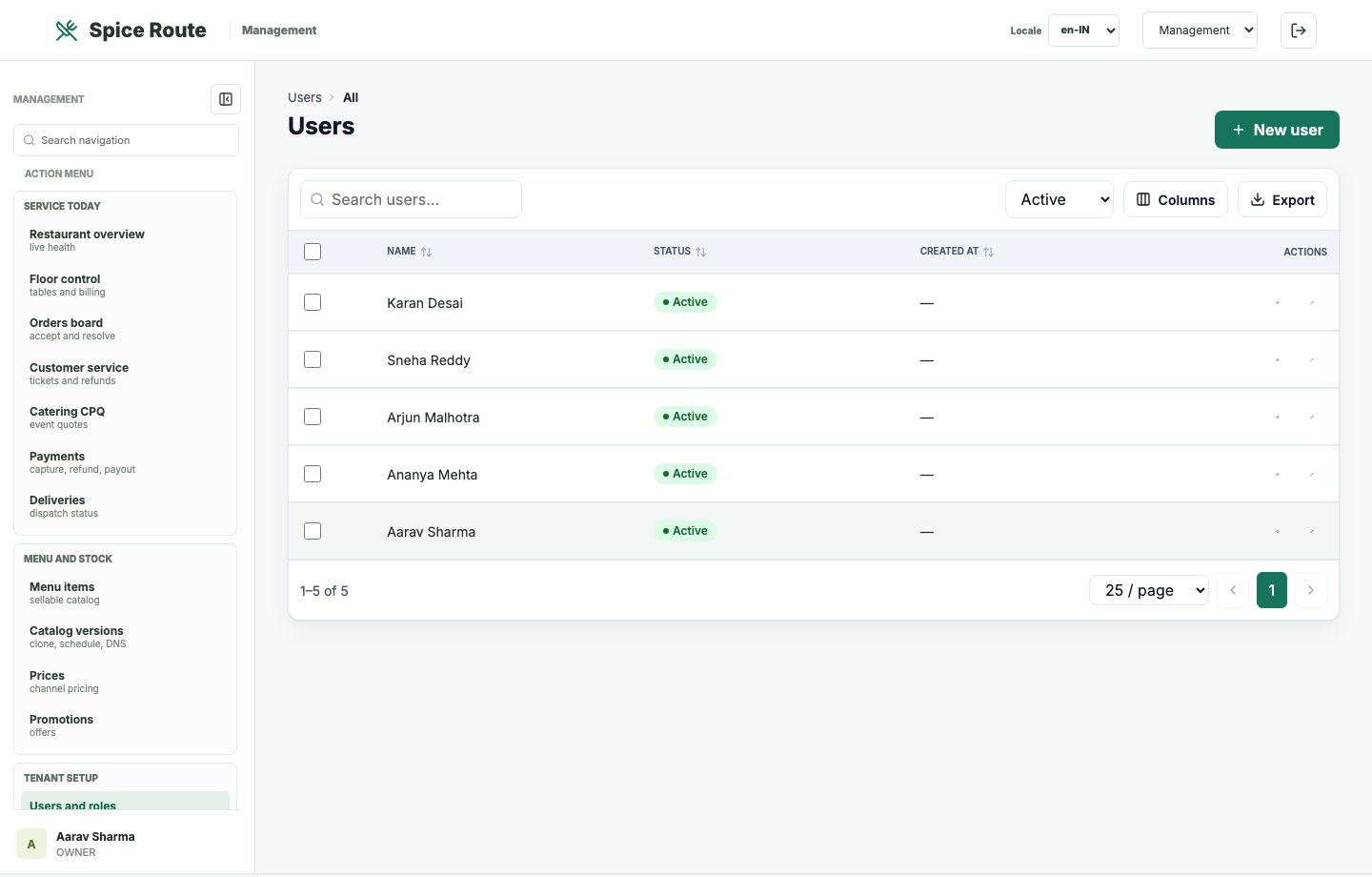
User records support staff onboarding, operating accountability, and role-based access.
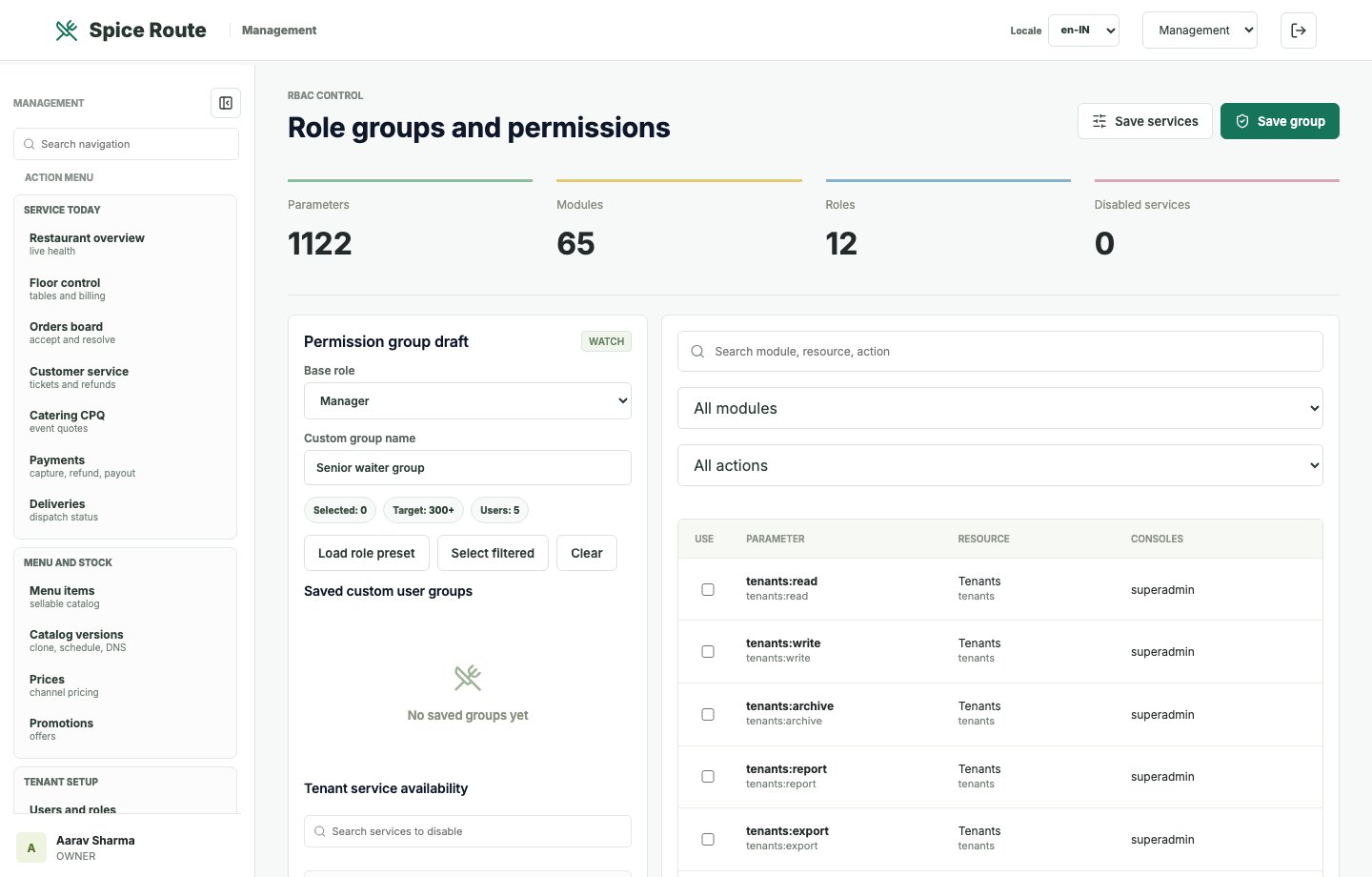
Role controls define who can use each operating surface and administrative capability.
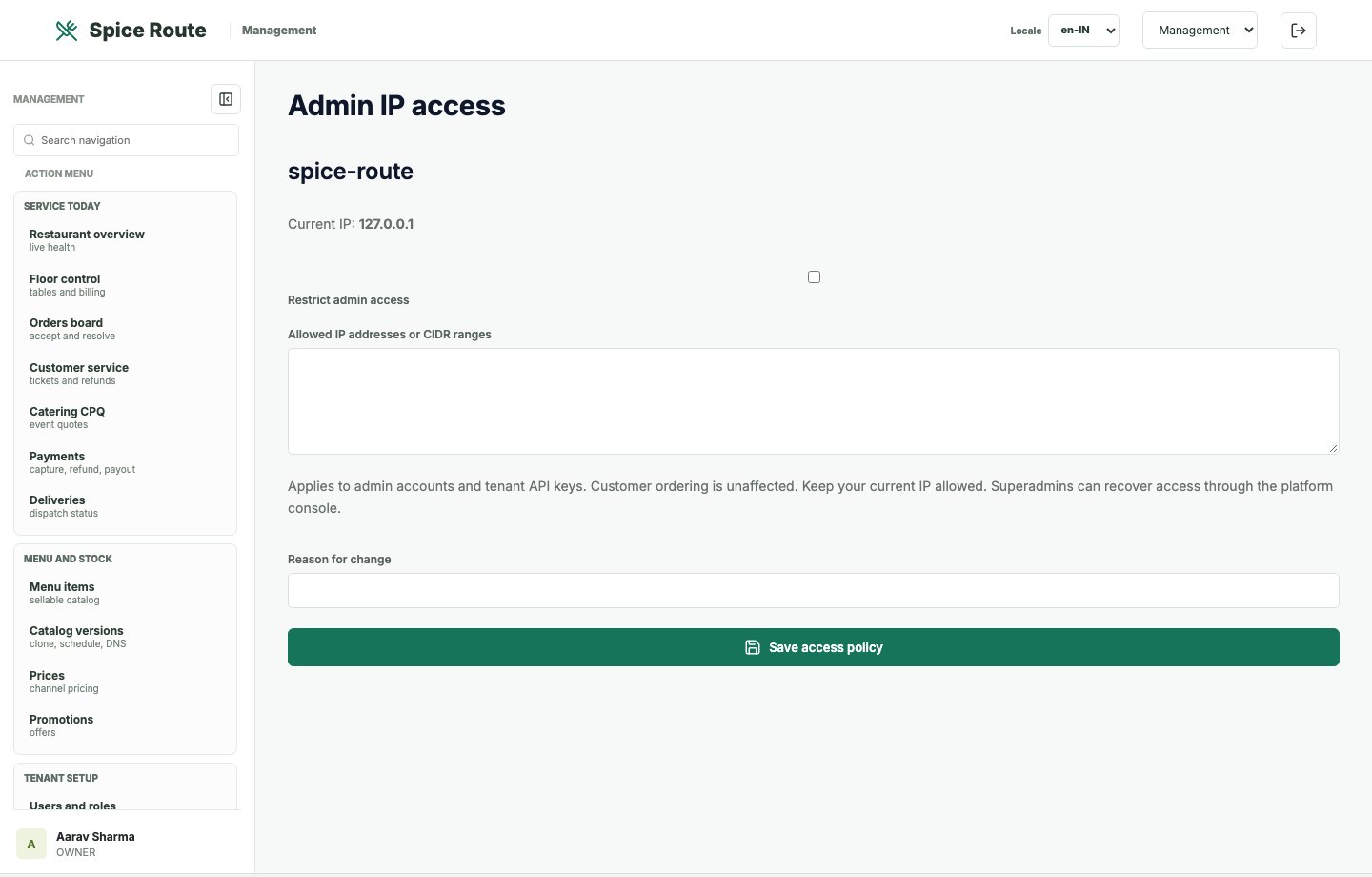
IP access records help secure sensitive administration surfaces and management workflows.
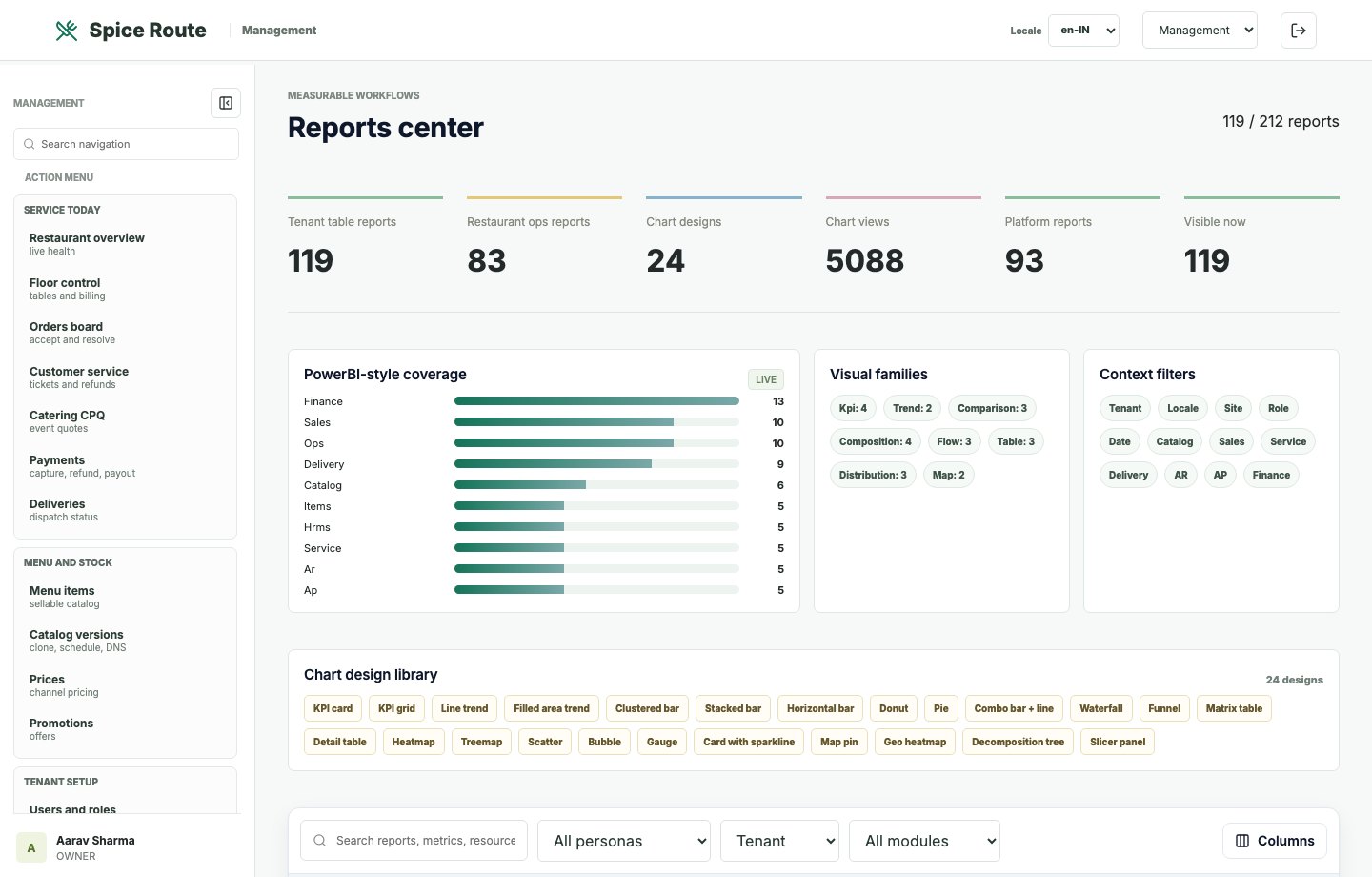
The reports center brings operational KPIs, table-style summaries, and report navigation together.
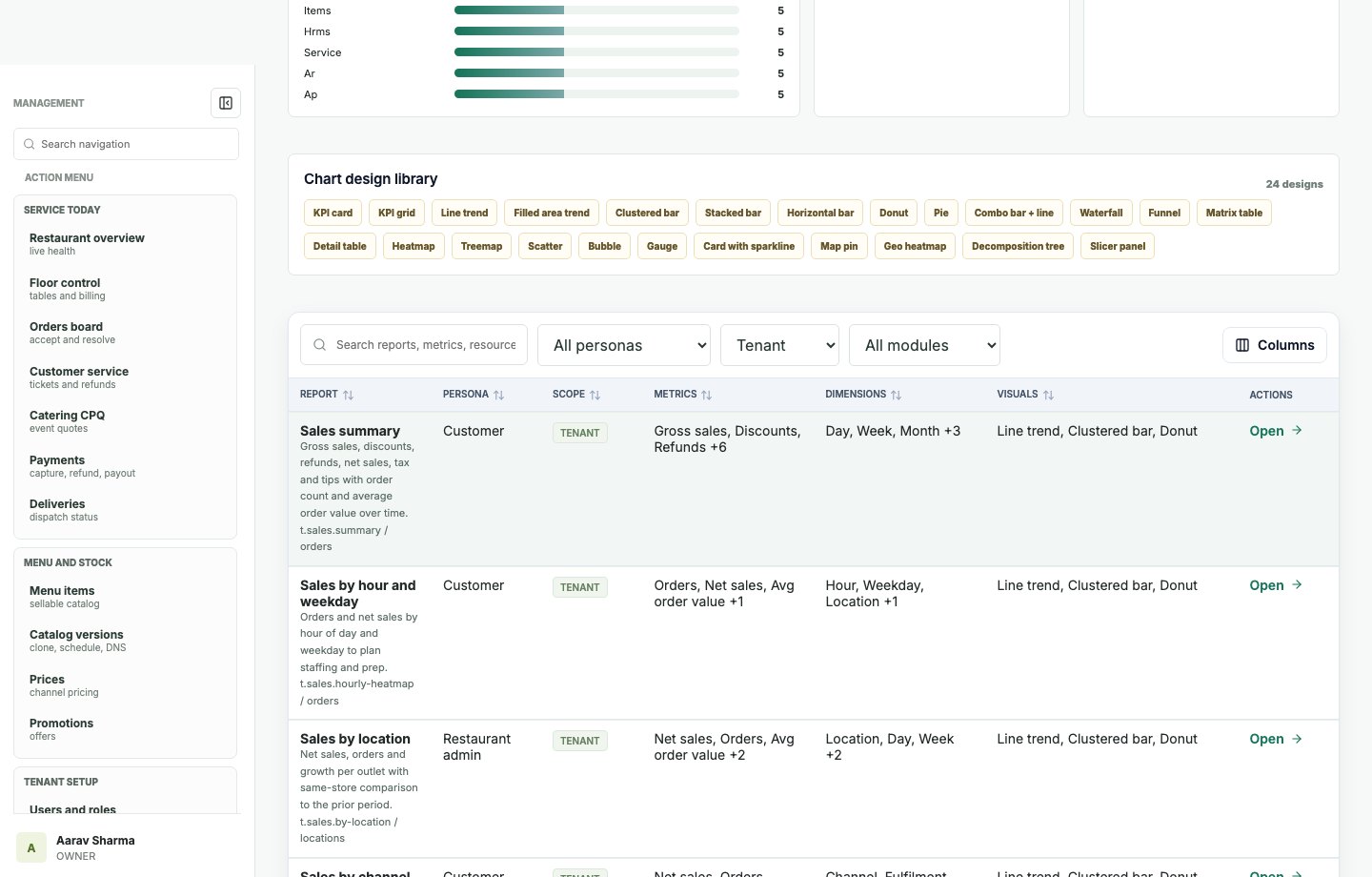
Chart-style sections make performance trends easier to explain during operating reviews.
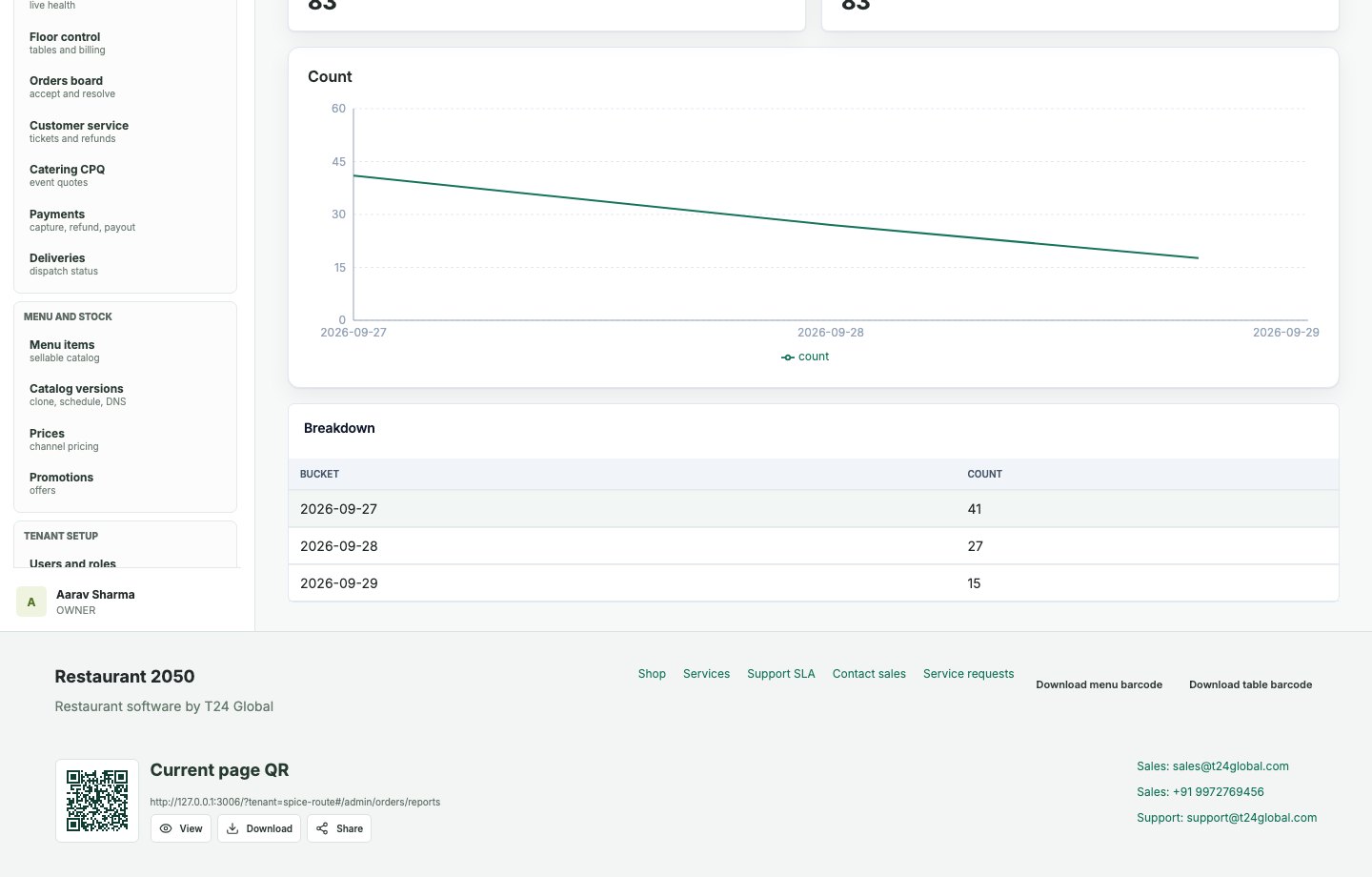
Order reports expose totals, movement, and operational measurements by order dataset.
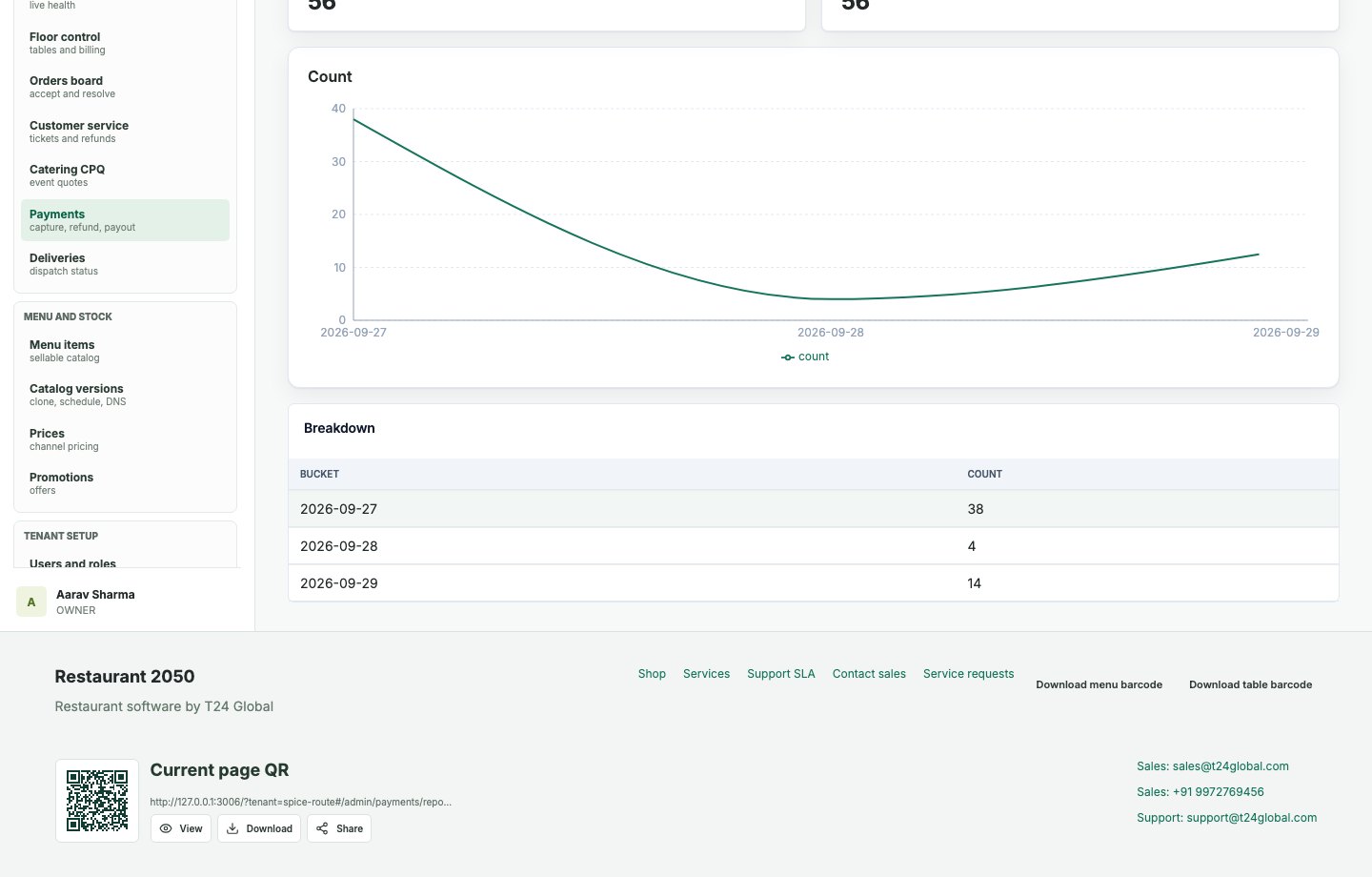
Payment reports connect transaction movement with reconciliation and finance questions.
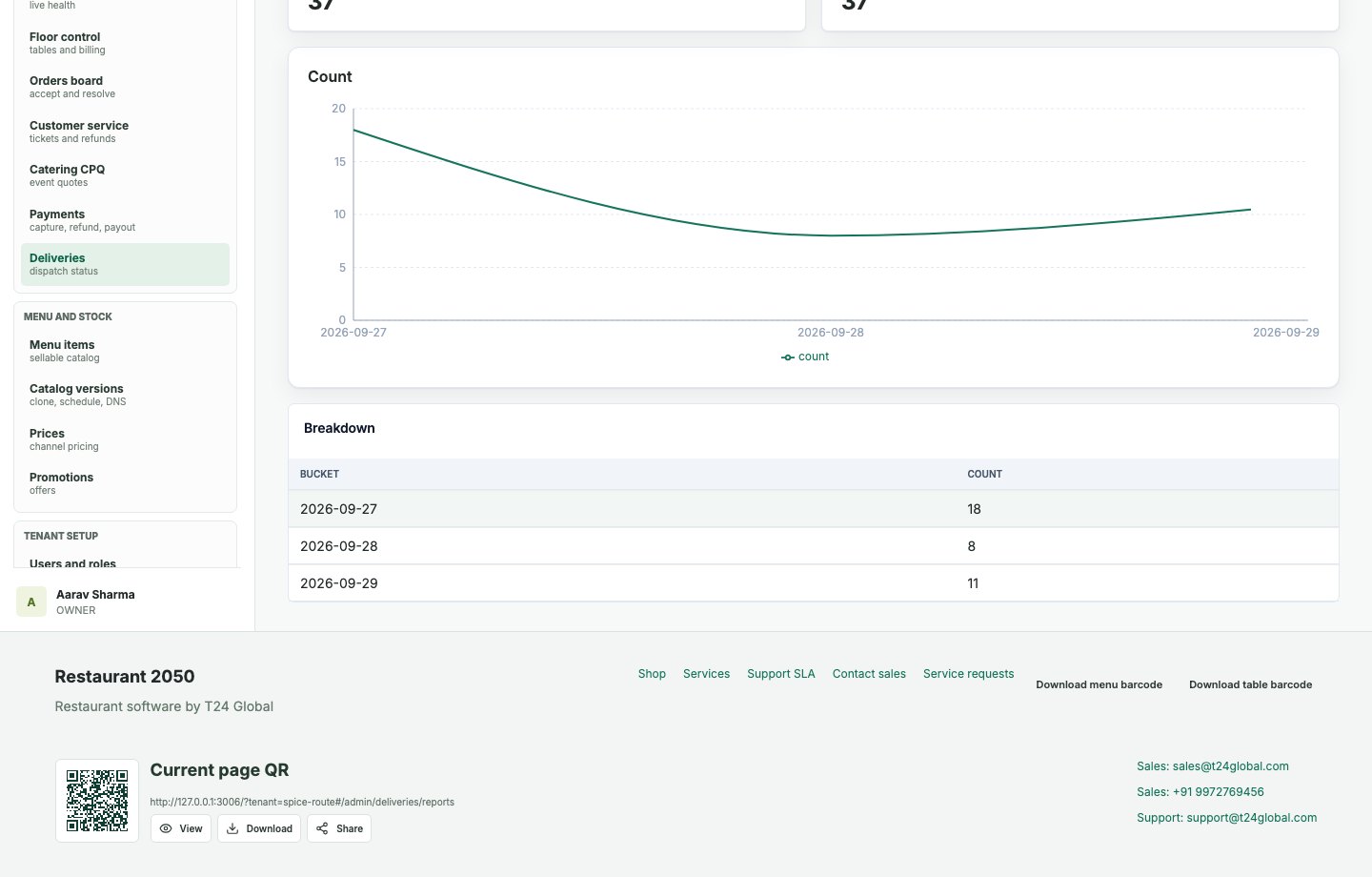
Delivery reports help managers inspect fulfillment activity and service execution.
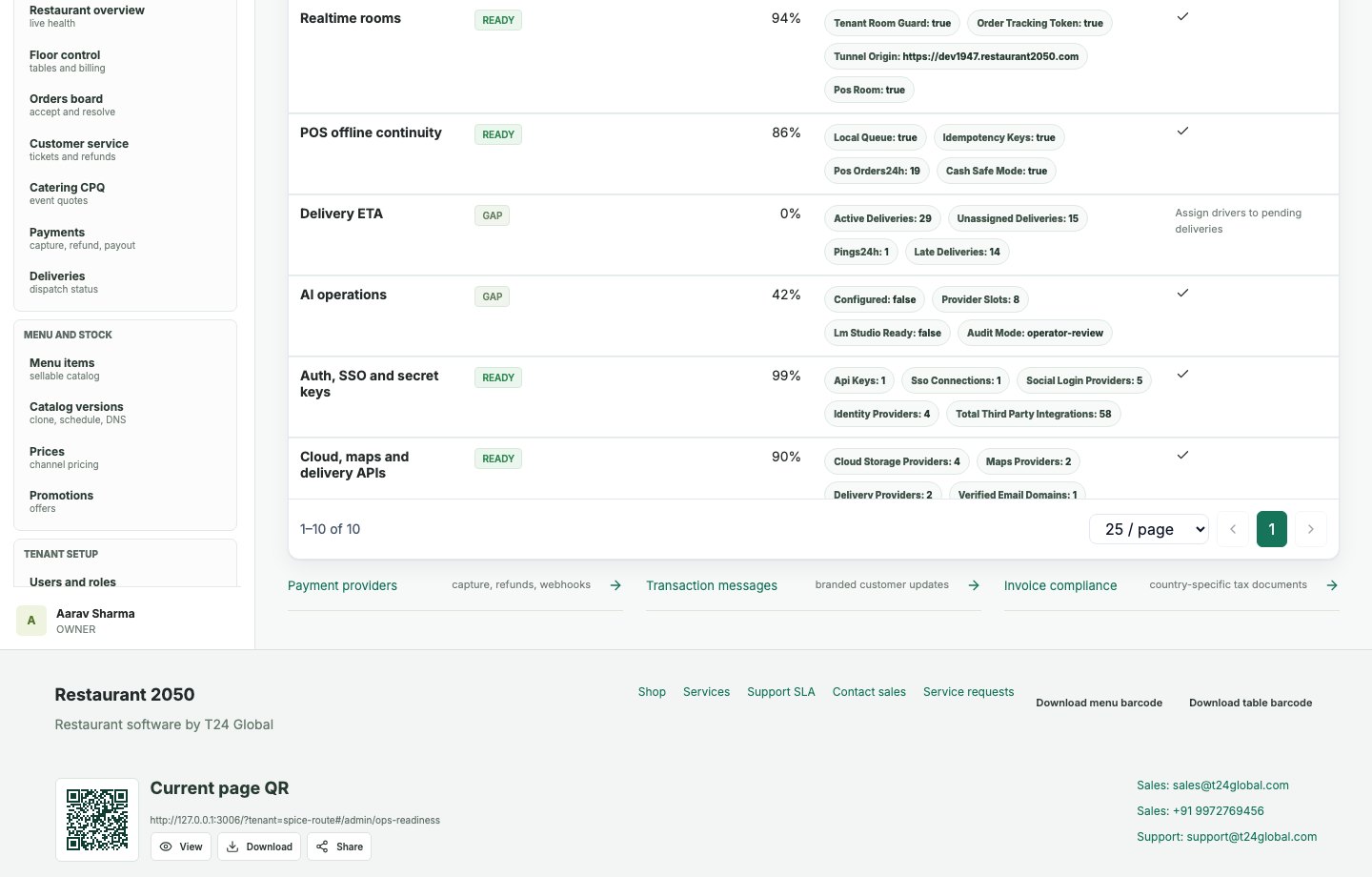
Readiness checks help operators prepare tenants for live selling and stable operations.
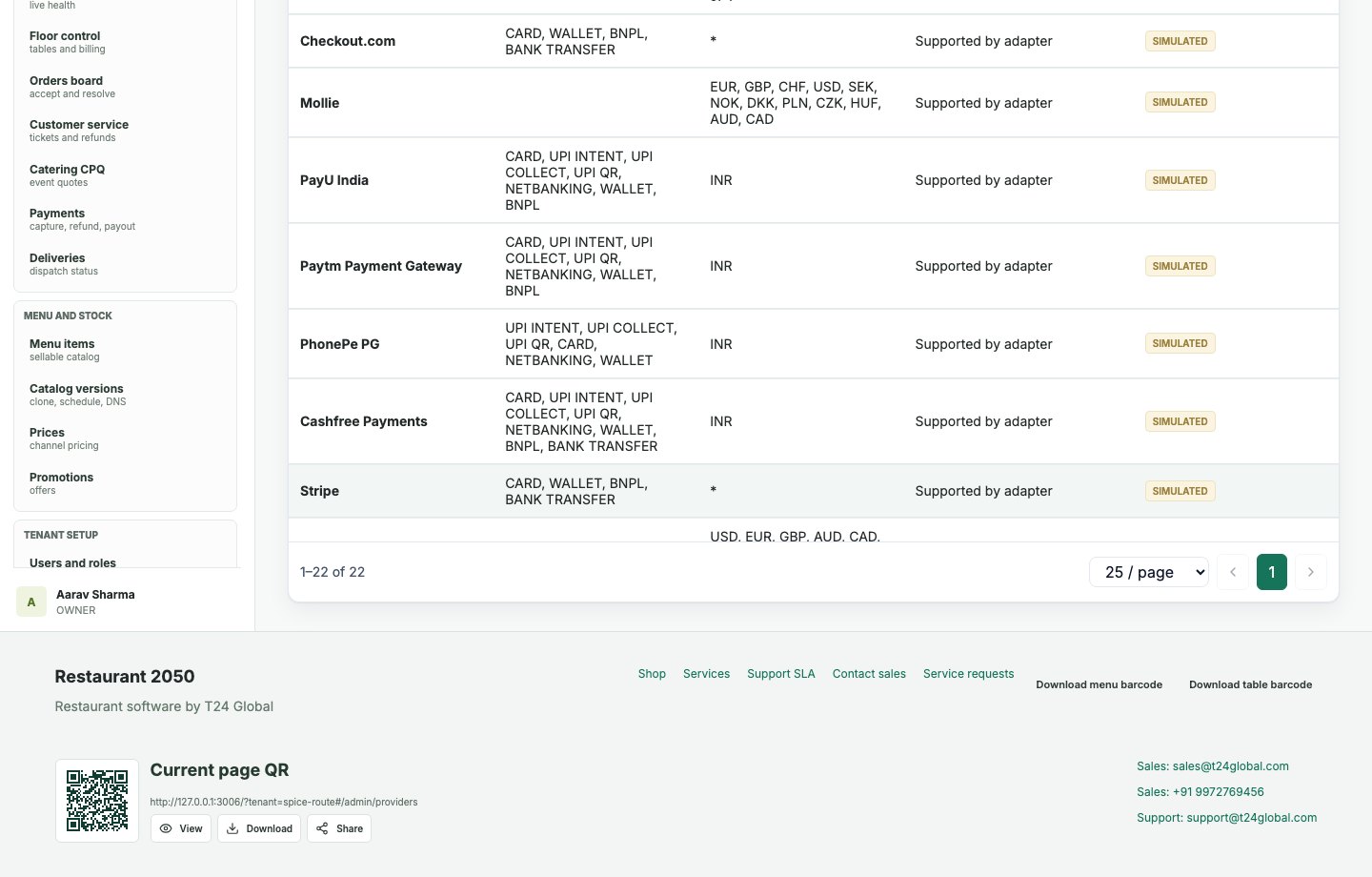
Provider controls show how restaurants can connect payment gateways, messaging, and operational services.
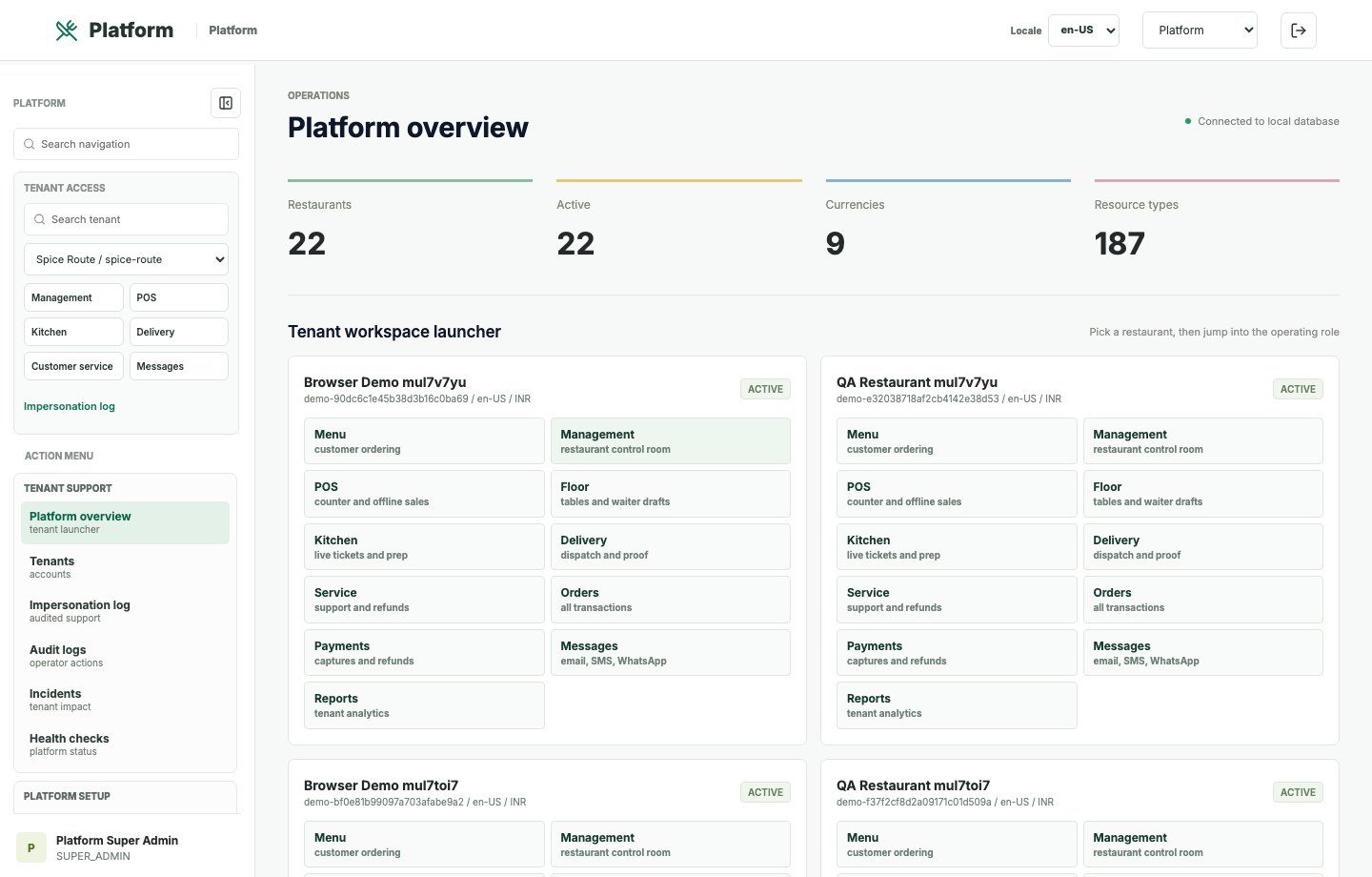
Super admins see tenant, platform health, subscription, and governance indicators.
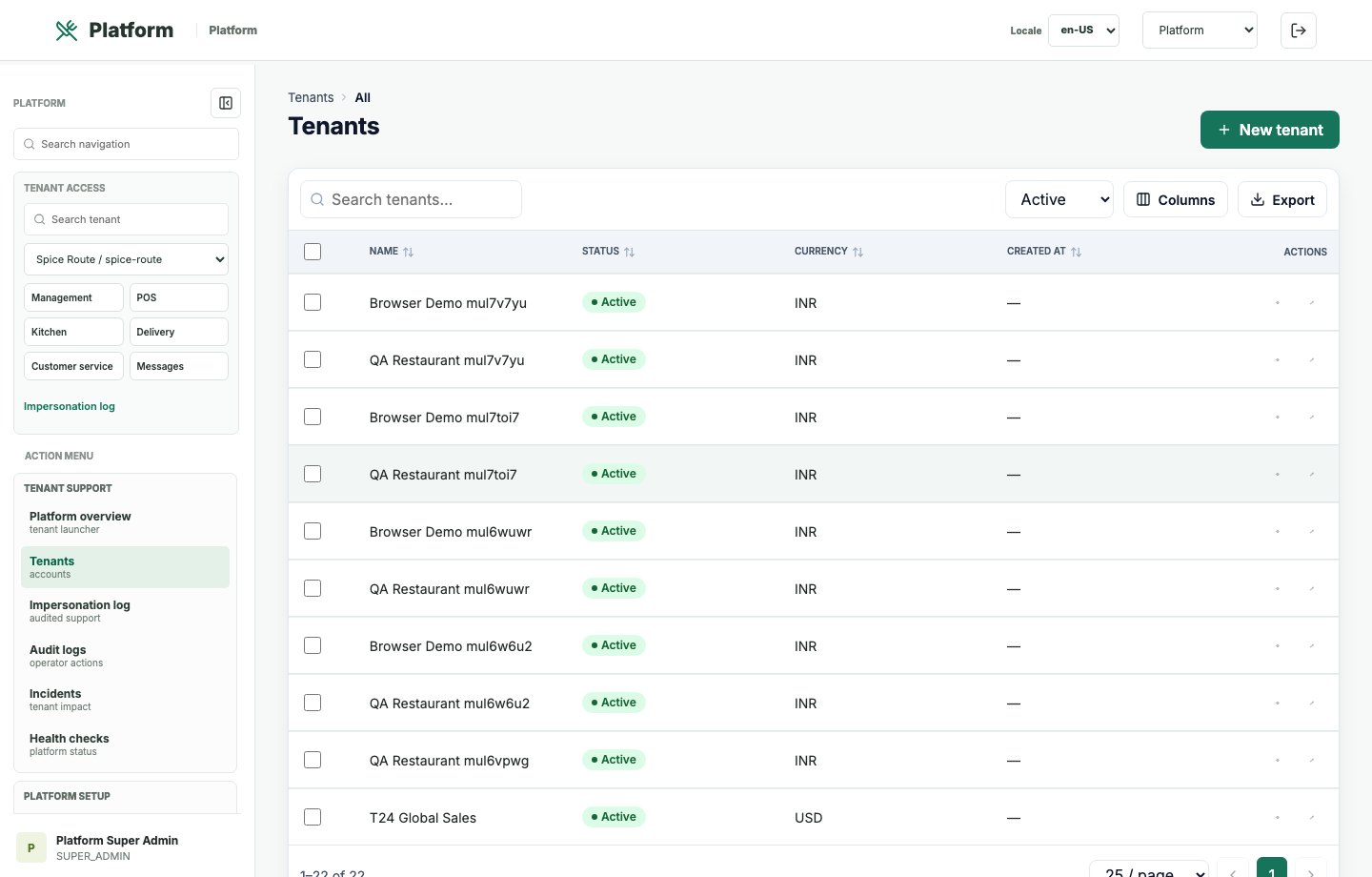
Tenant records support onboarding, lifecycle tracking, and multi-restaurant portfolio administration.
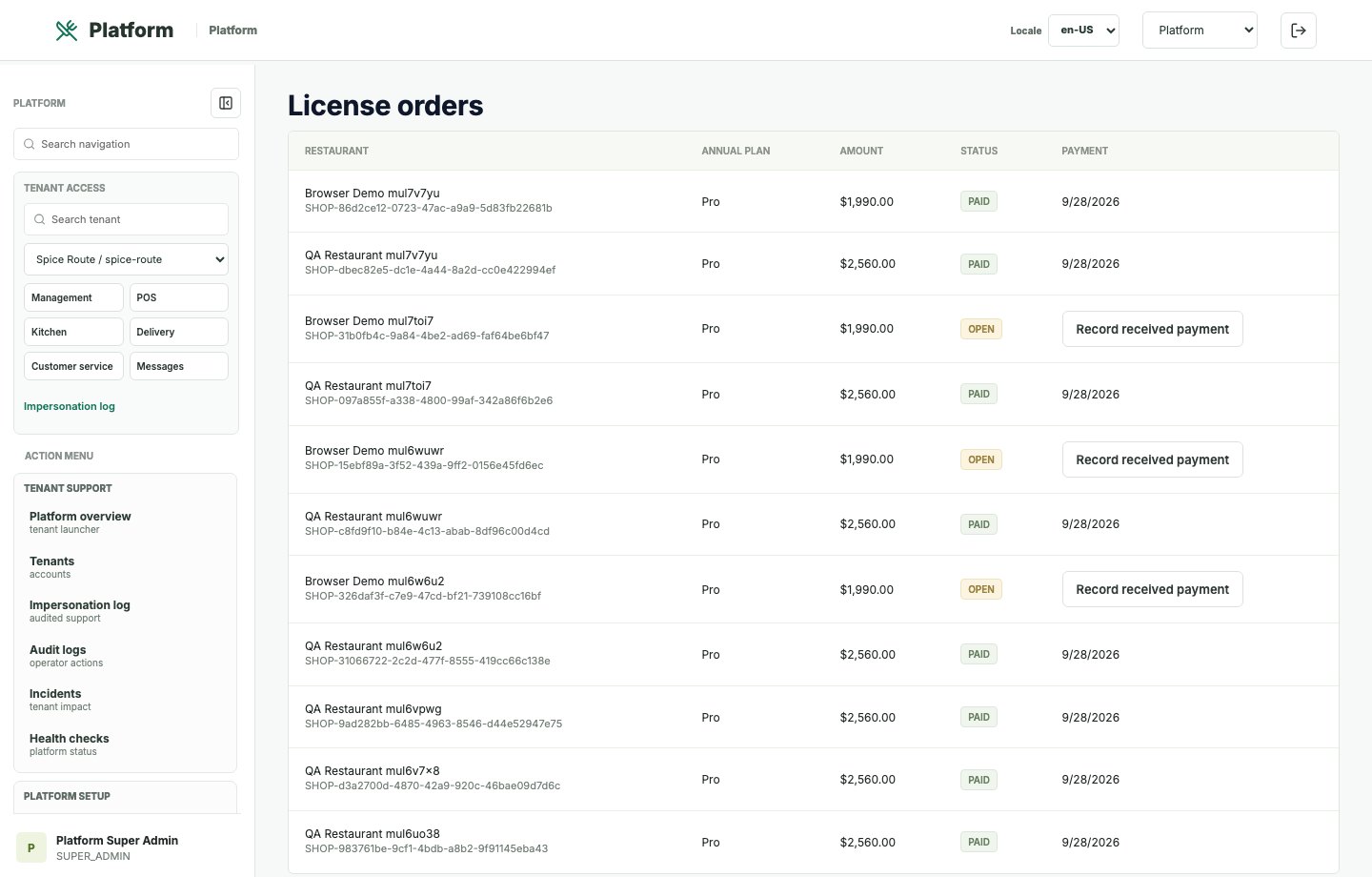
License sales records connect product purchase, user count, tenant provisioning, and renewal context.
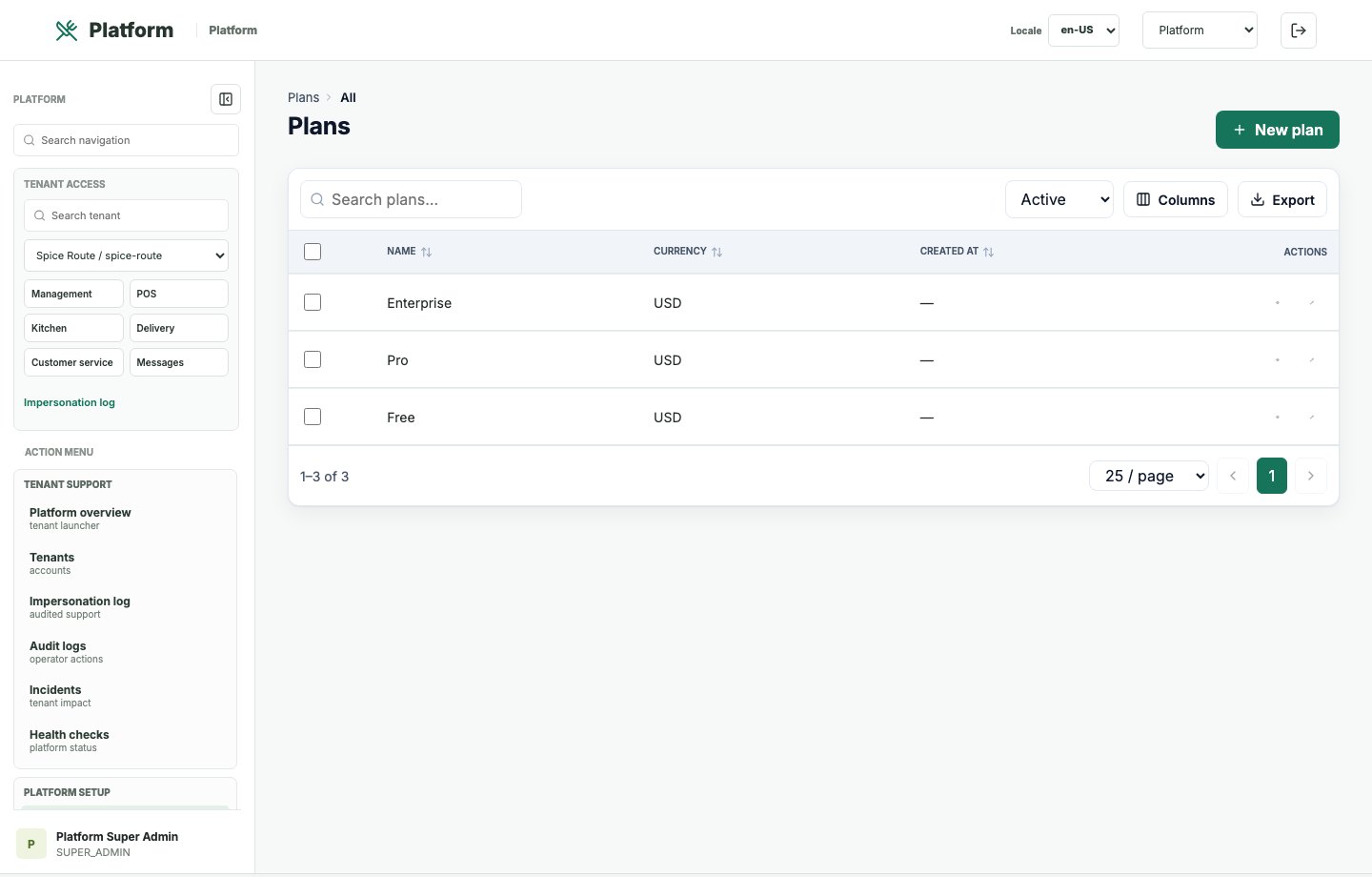
Plan records define packaged offers and pricing structures for SaaS restaurant customers.
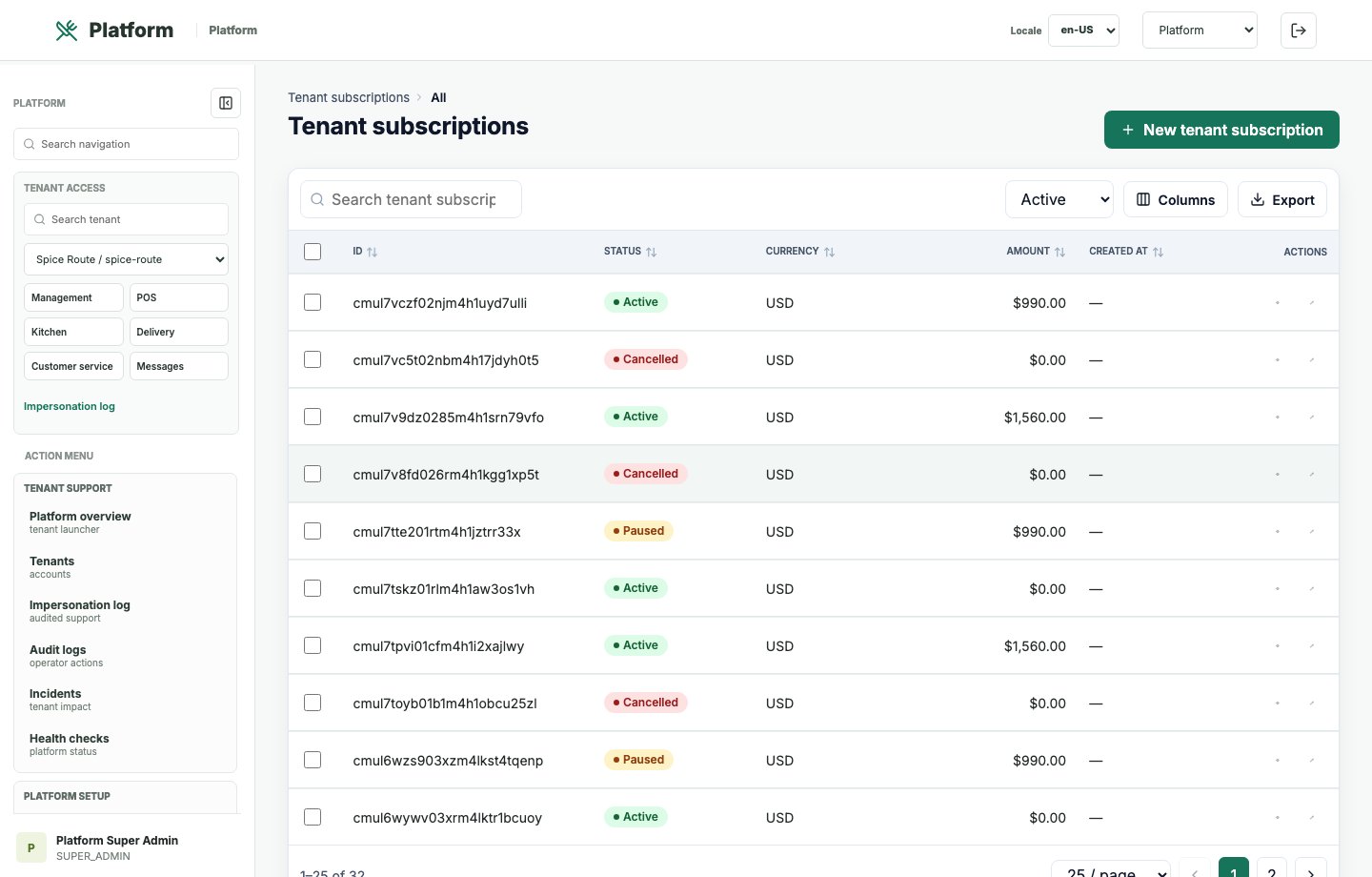
Subscription records support renewal, customer lifecycle, and SaaS billing governance.
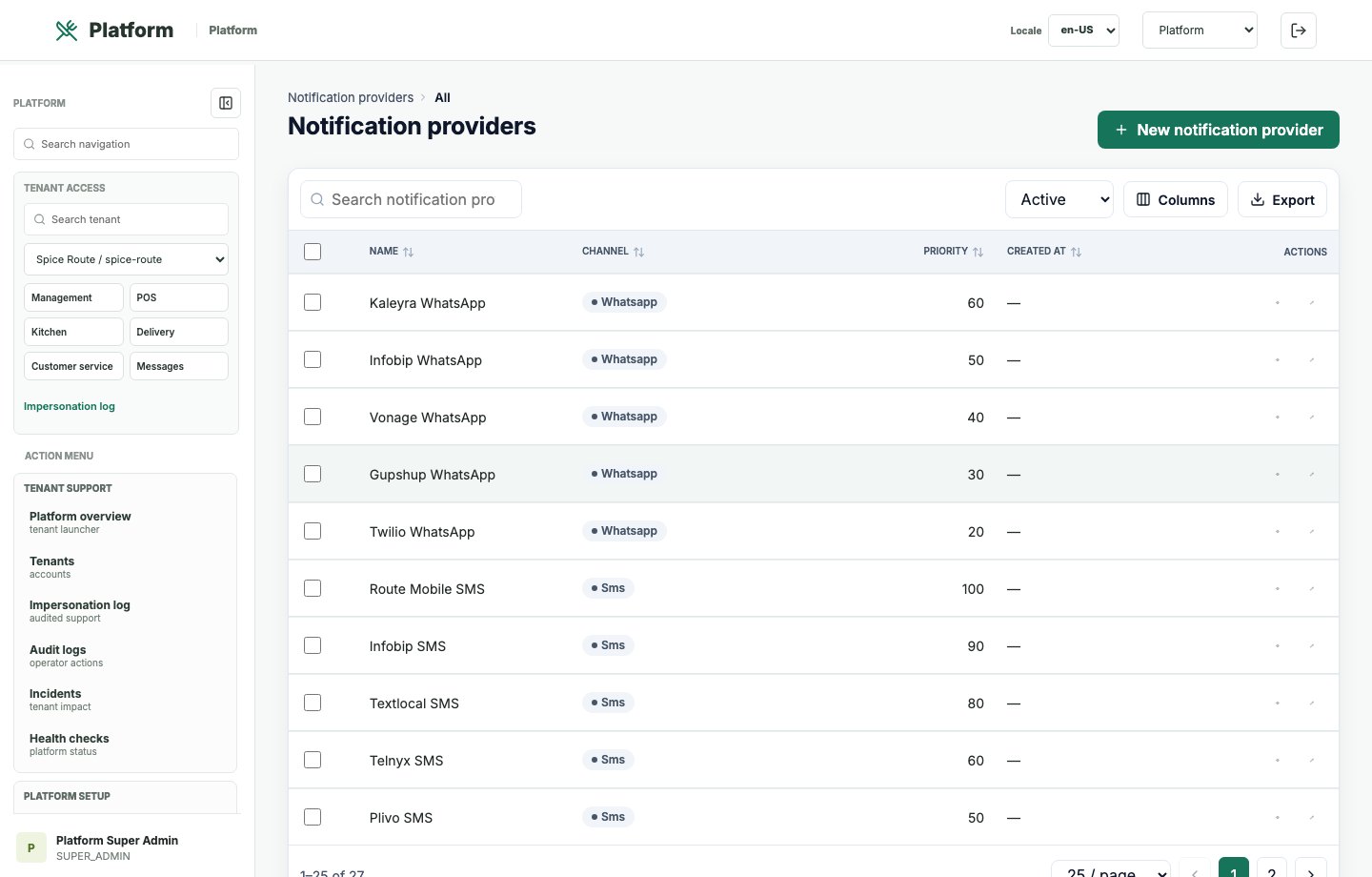
Provider controls support reusable email and messaging operations across tenants.
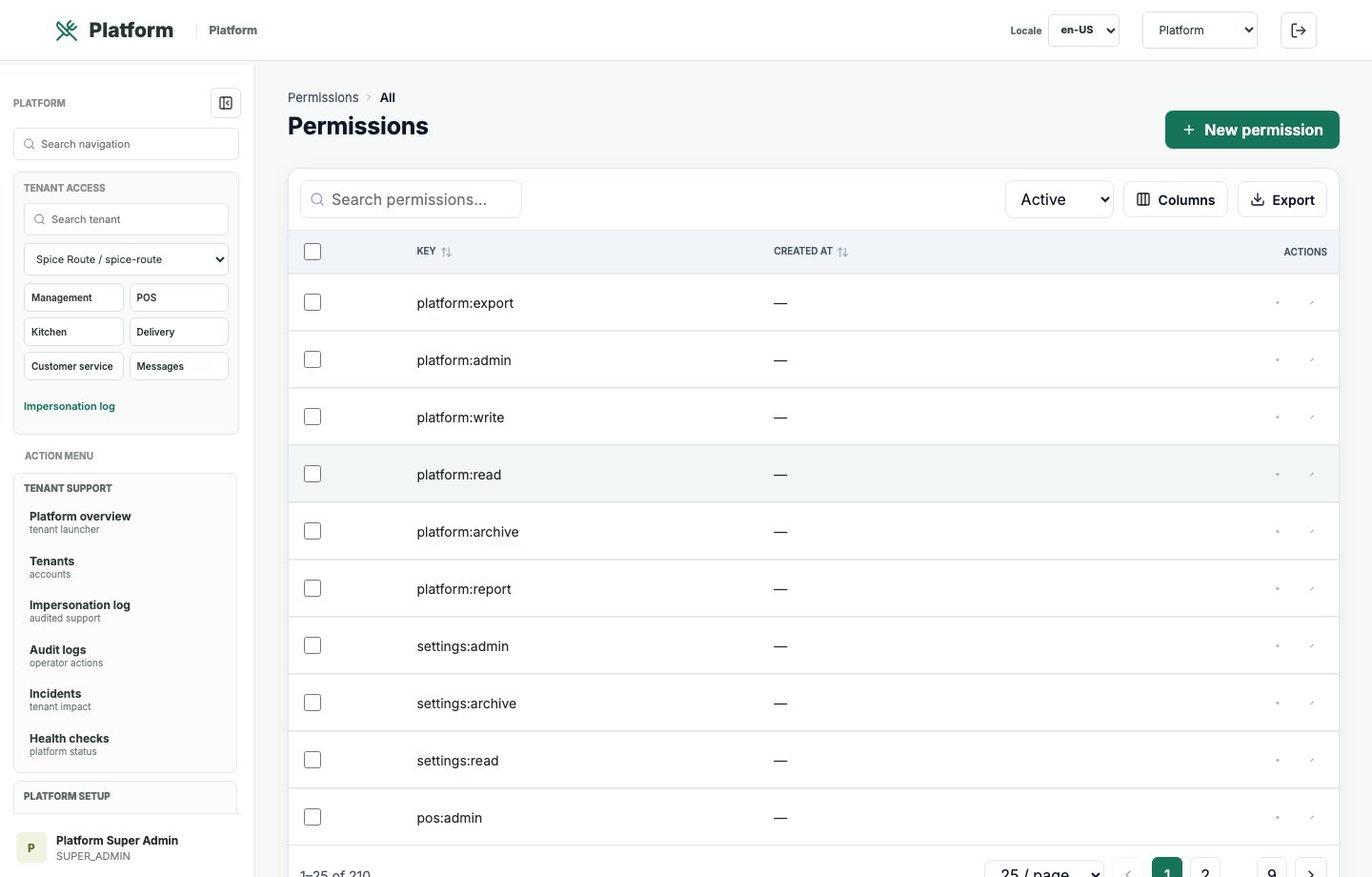
Permission records define the security model used across tenants and workspaces.
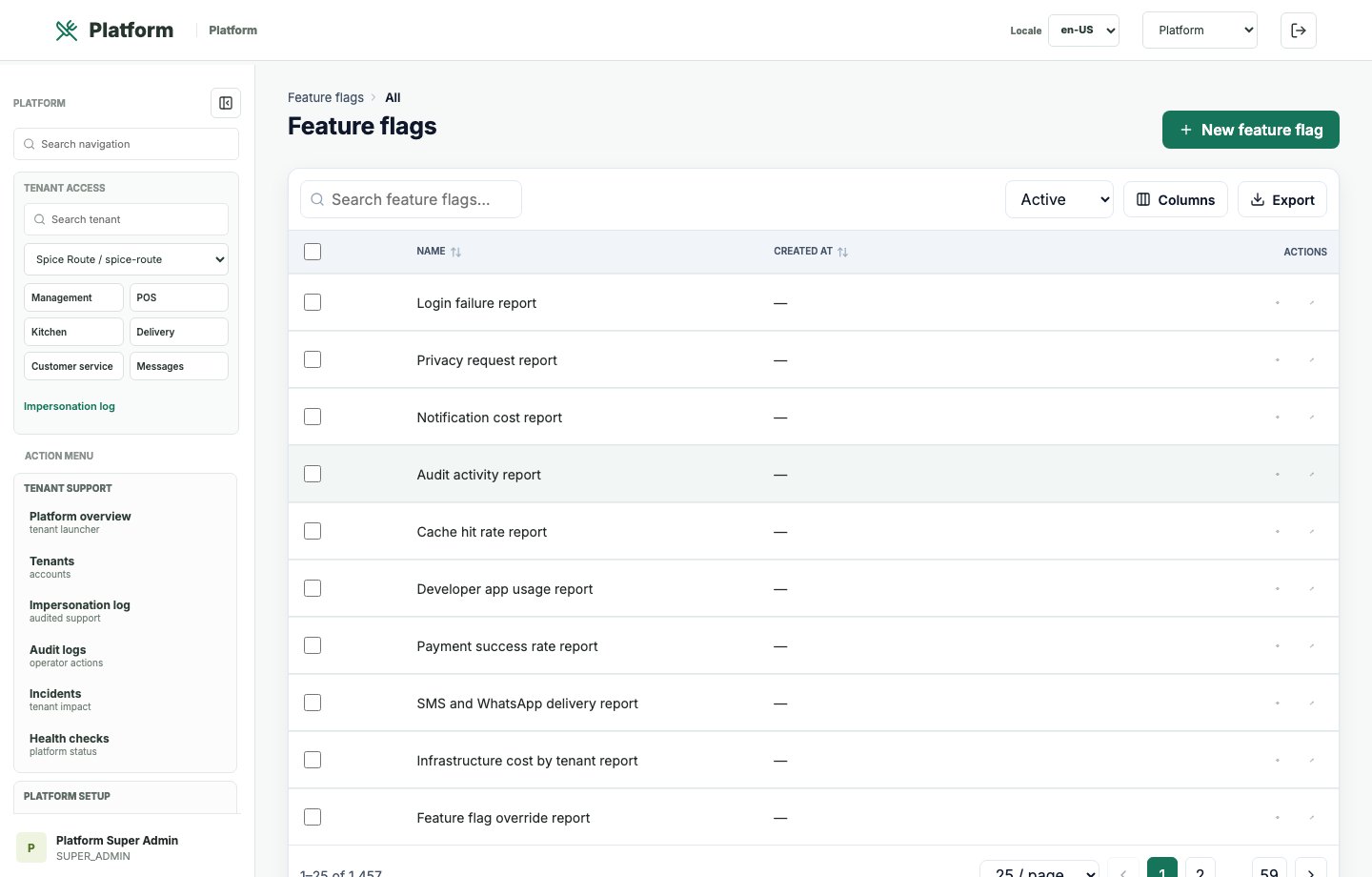
Feature flag records help operators phase capabilities by tenant, plan, or rollout stage.
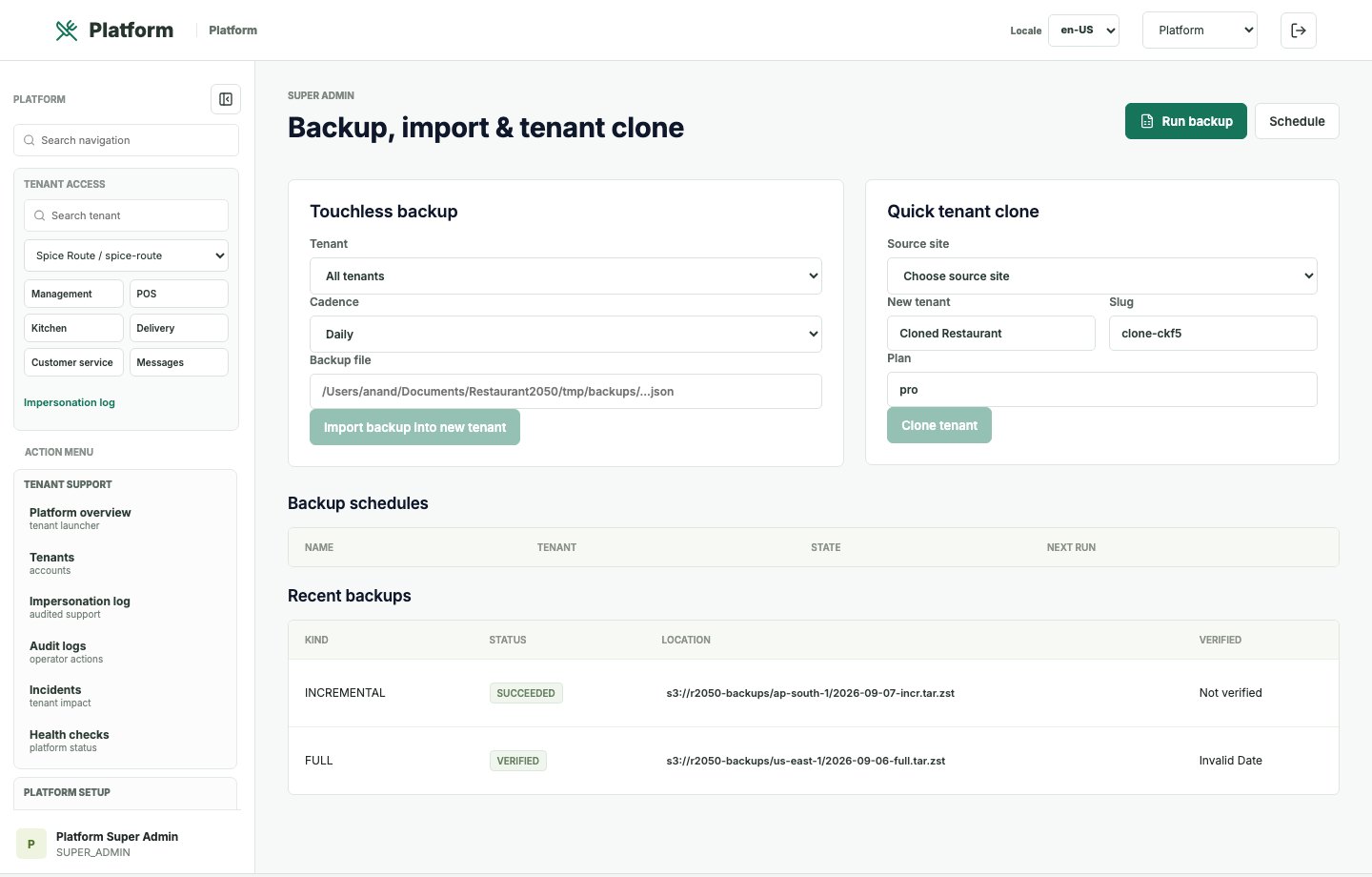
Backup controls support operational resilience, tenant data protection, and sovereign deployment planning.
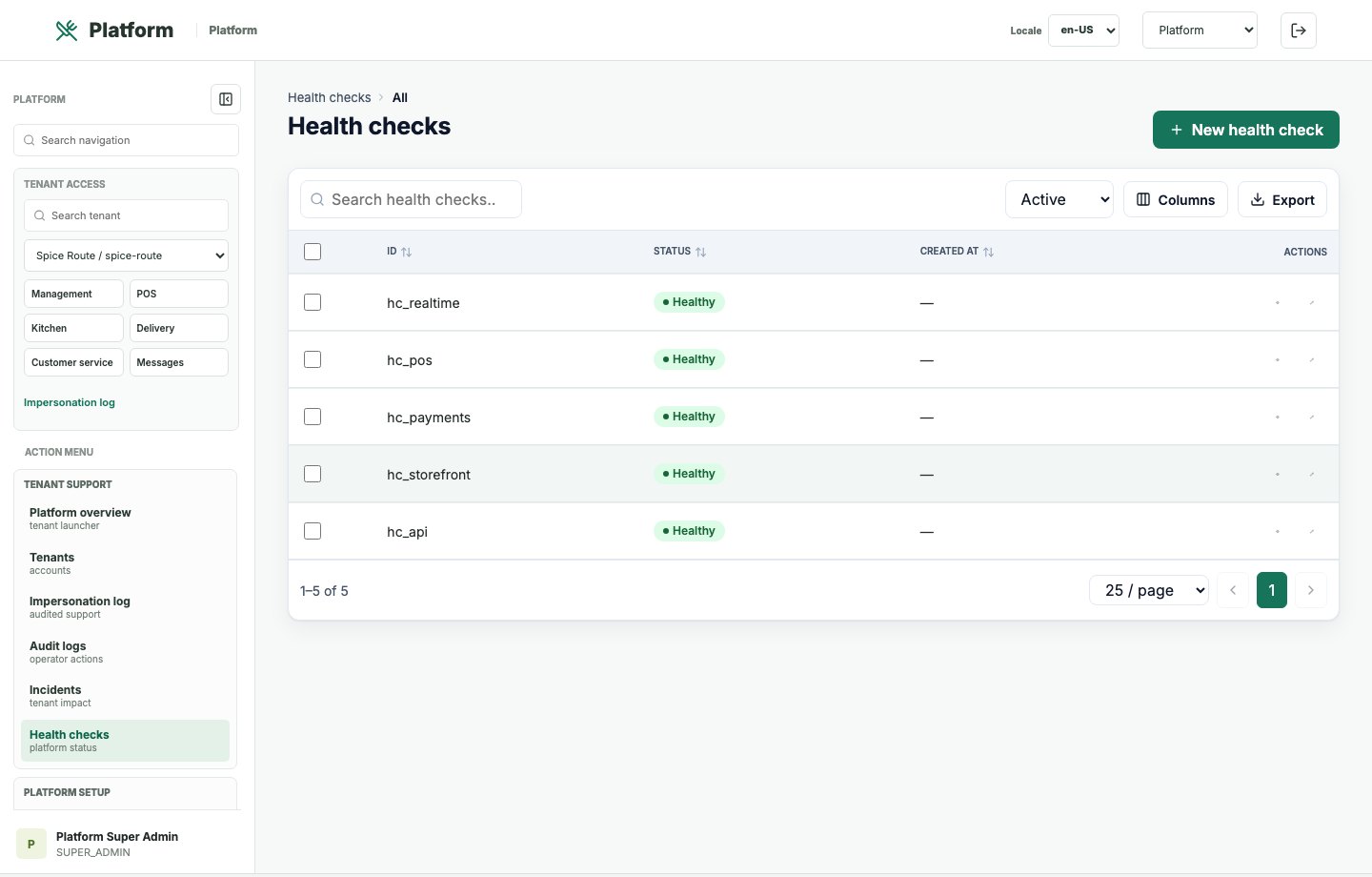
Health-check records help platform teams monitor operating readiness and service stability.
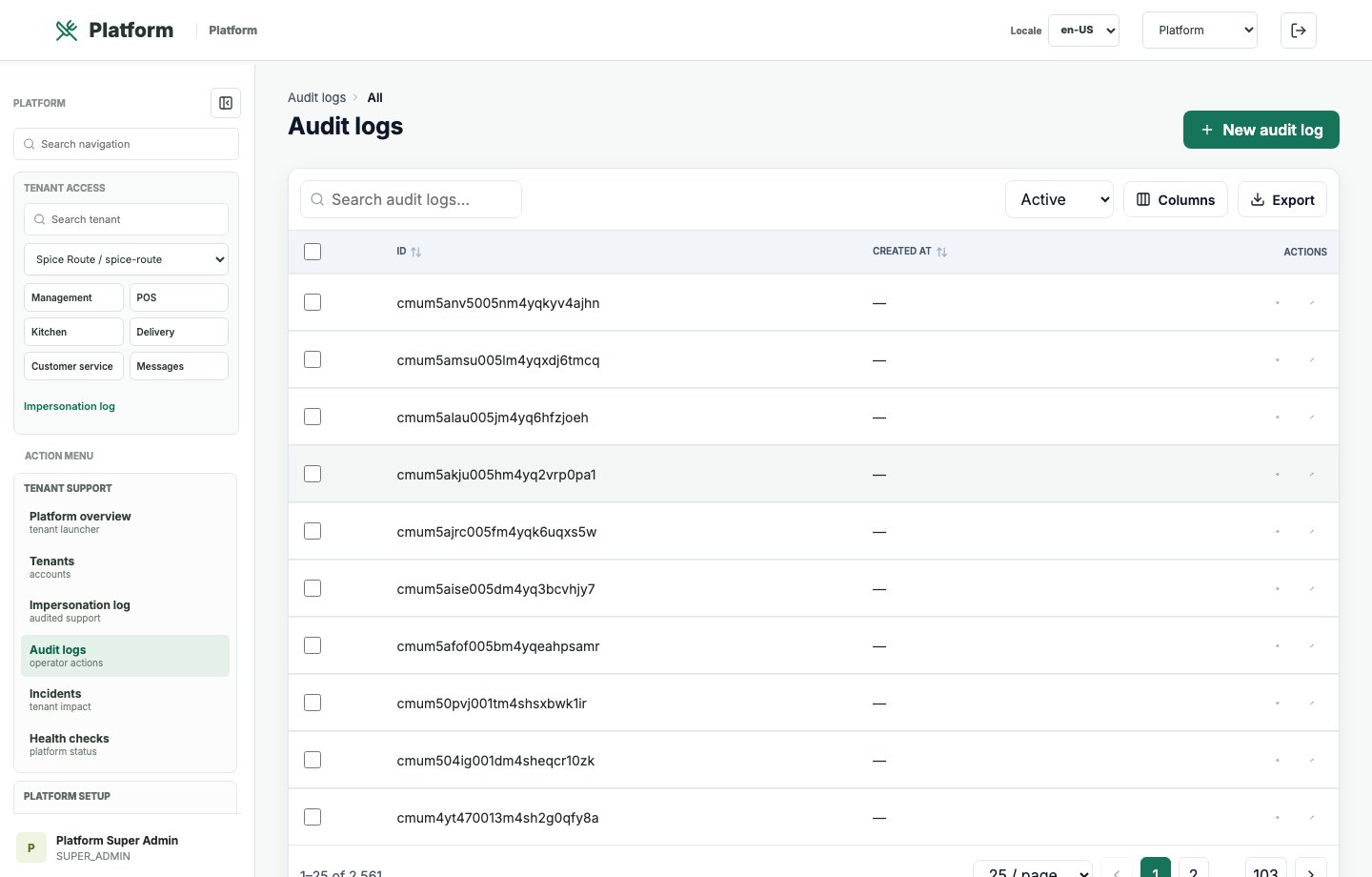
Audit records preserve important activity history for governance, support, and security review.
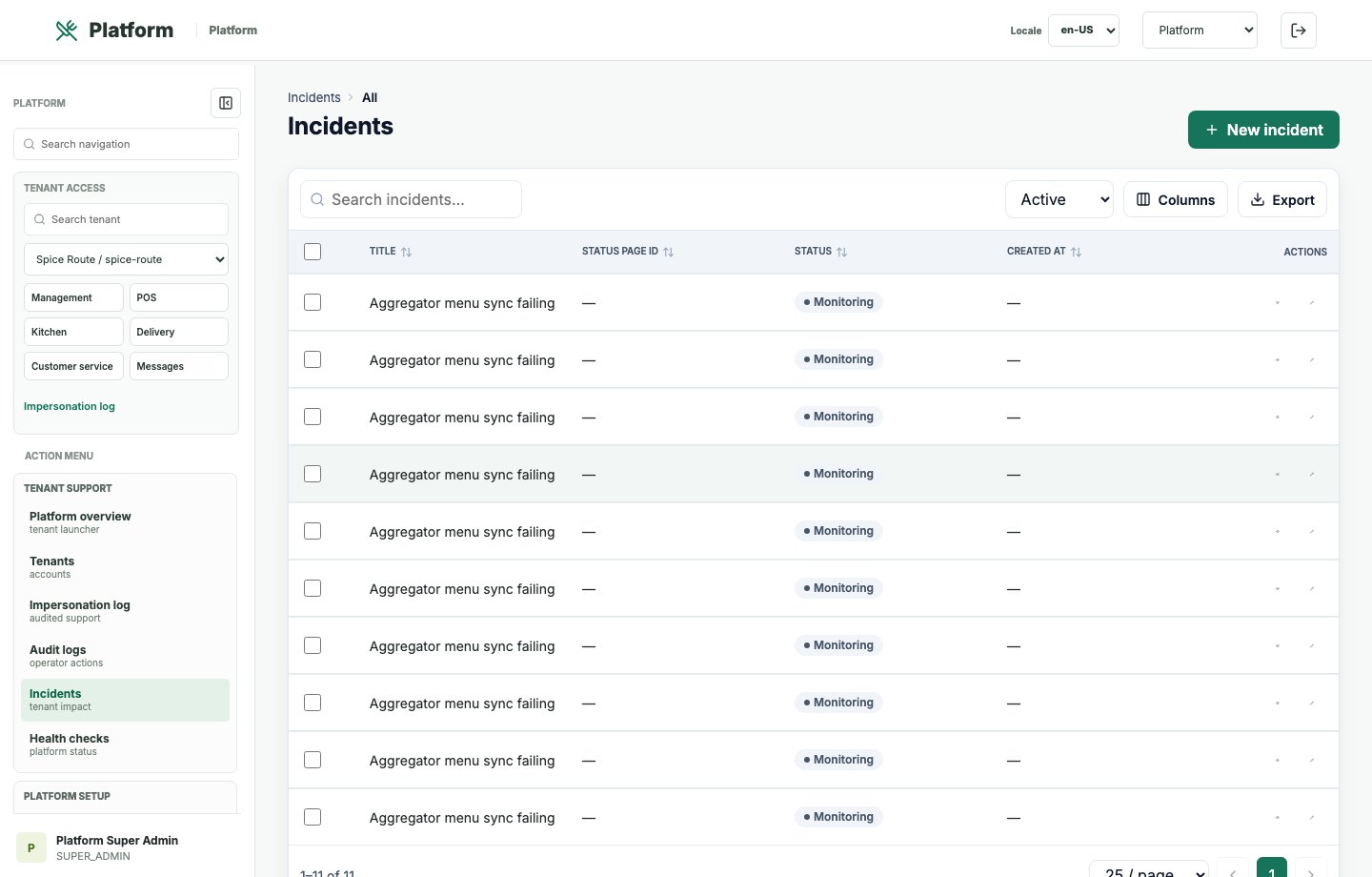
Incident records help platform teams handle operational issues and service continuity.
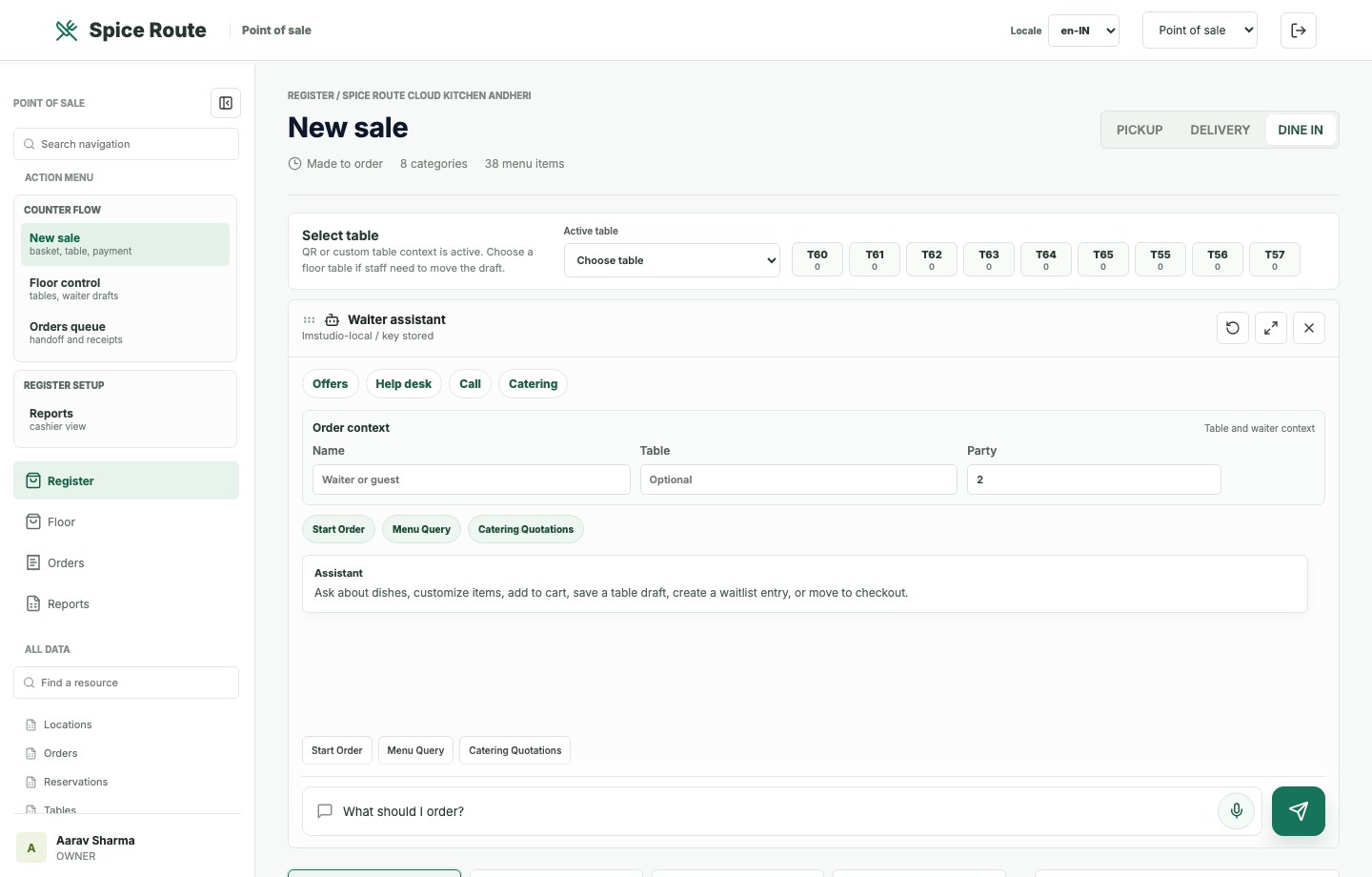
The POS register shows menu, table context, service mode, and basket controls for staff-led order entry.
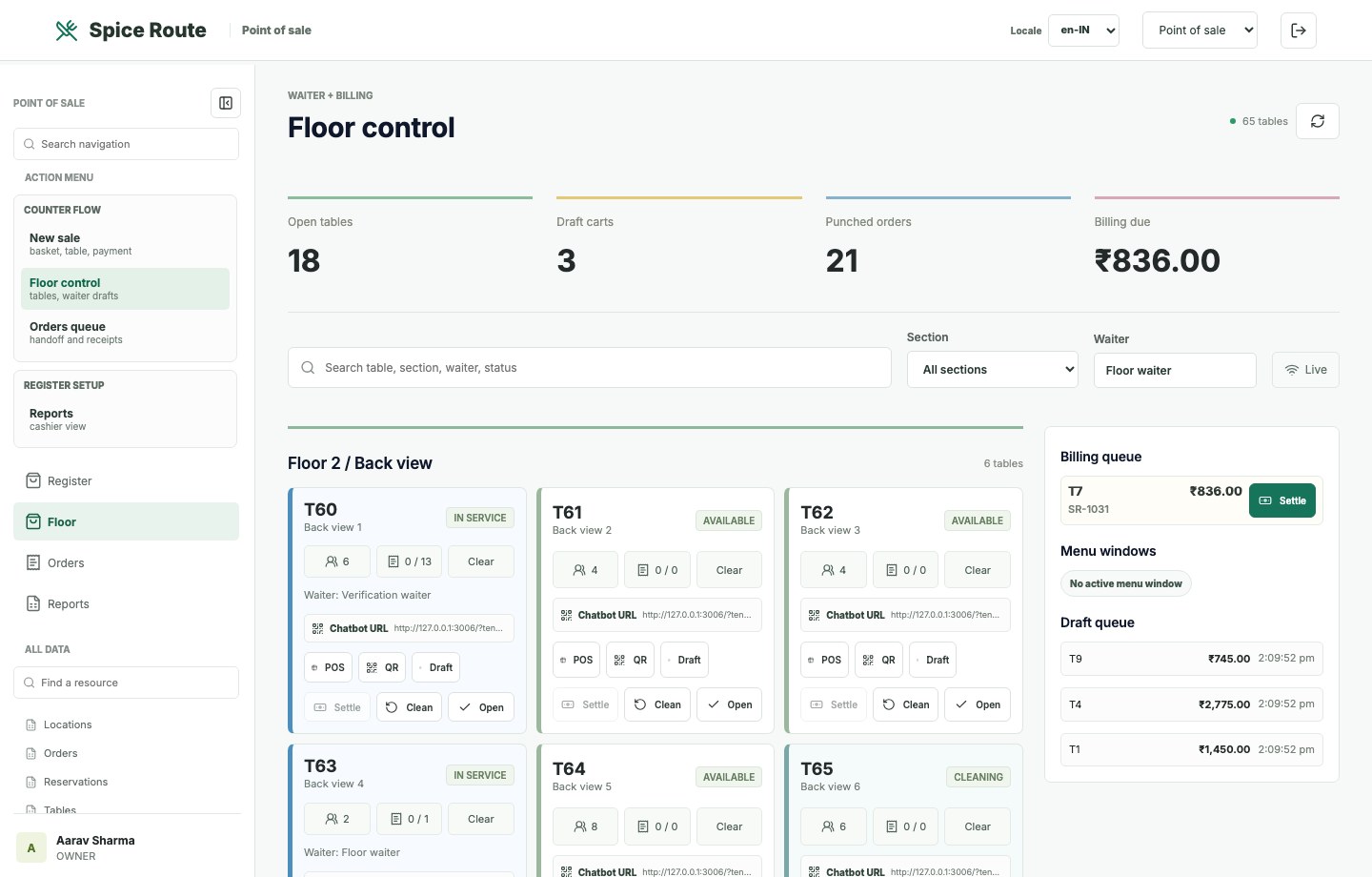
The floor-control view shows table operations, status movement, and dine-in service structure.
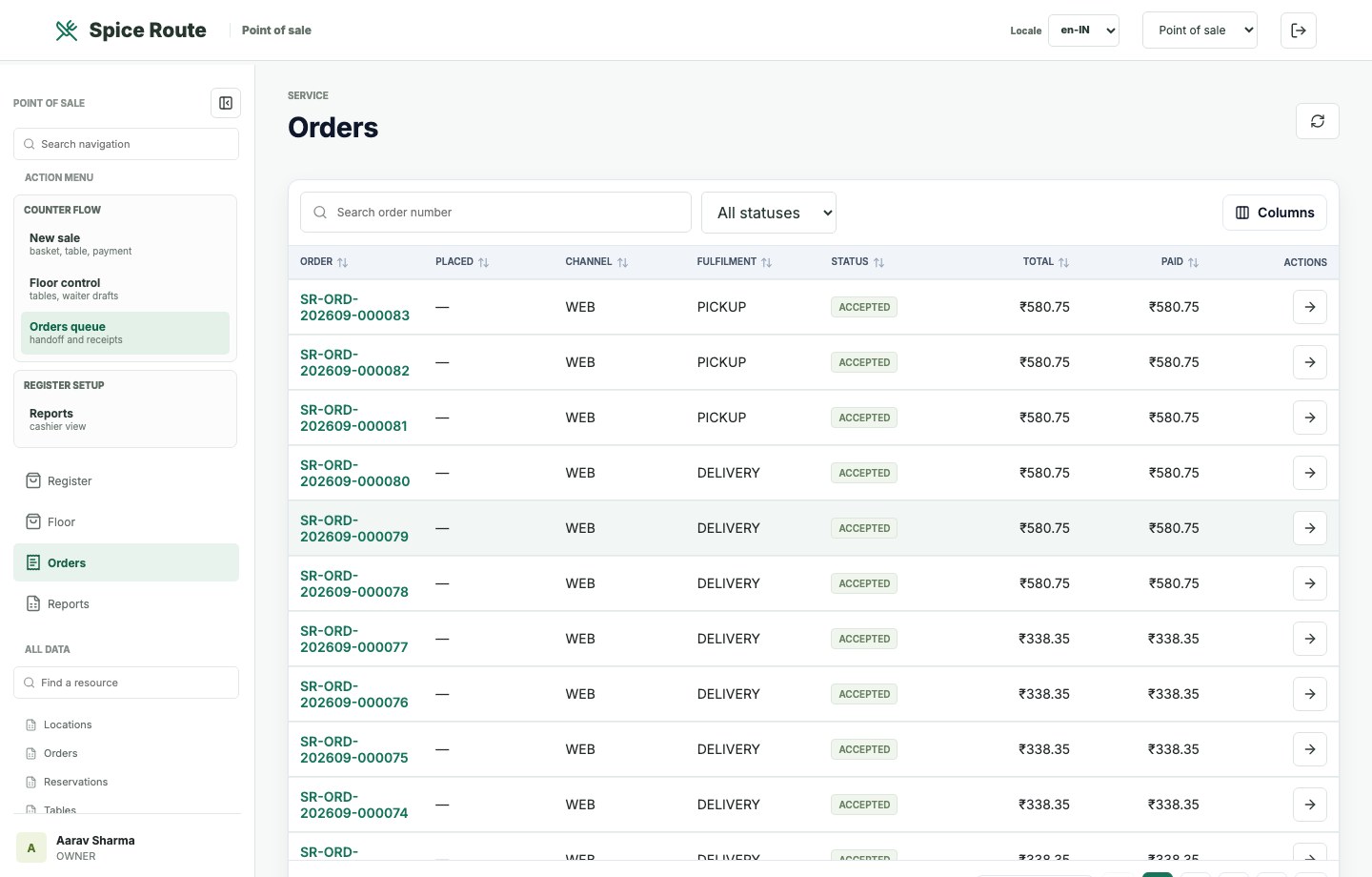
The orders board gives staff a handoff-ready view of active and recent order work.
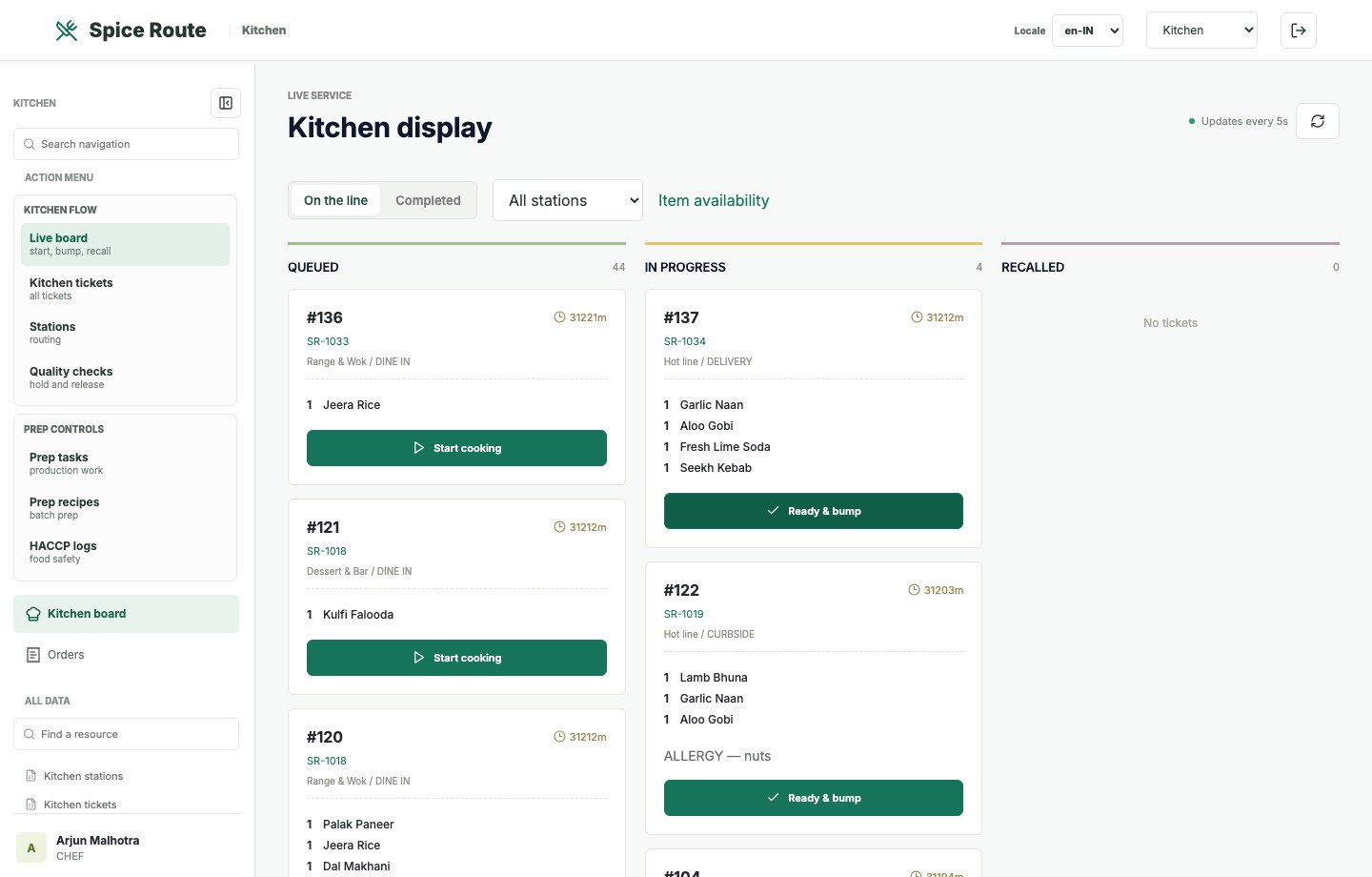
The kitchen board presents order work in a focused production surface for chefs and expediters.
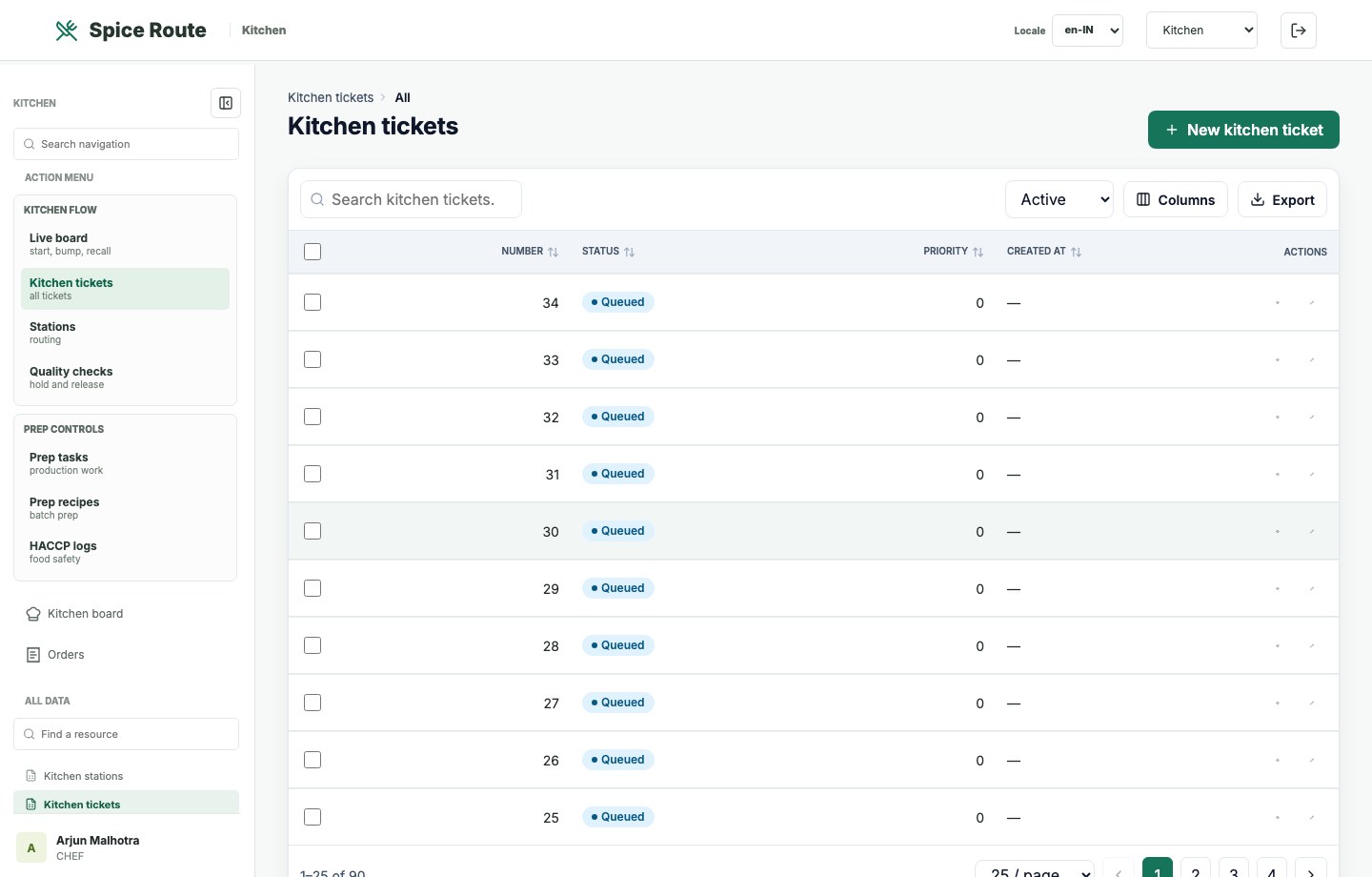
Ticket queues help teams understand preparation load, status, and release priority.
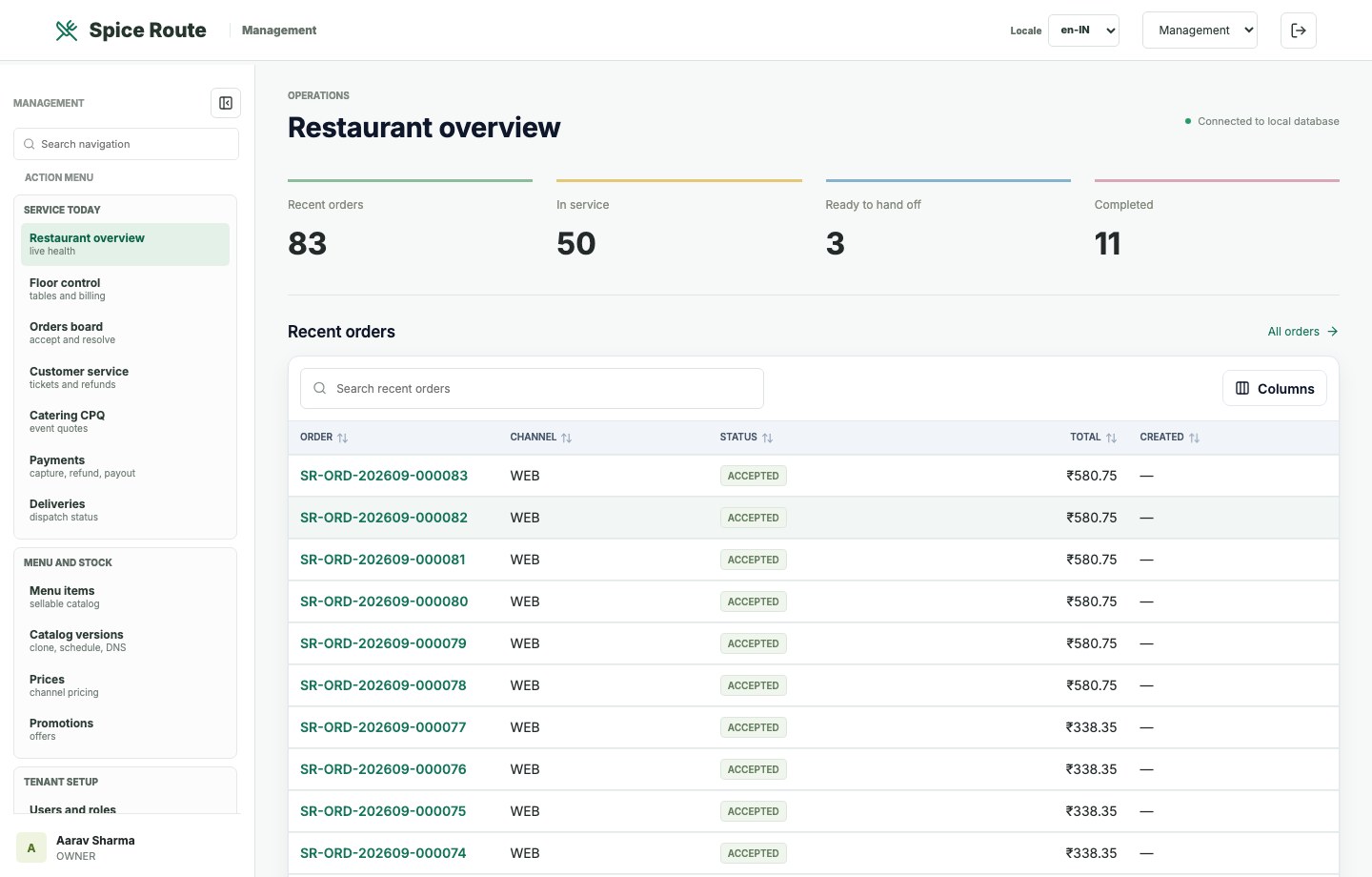
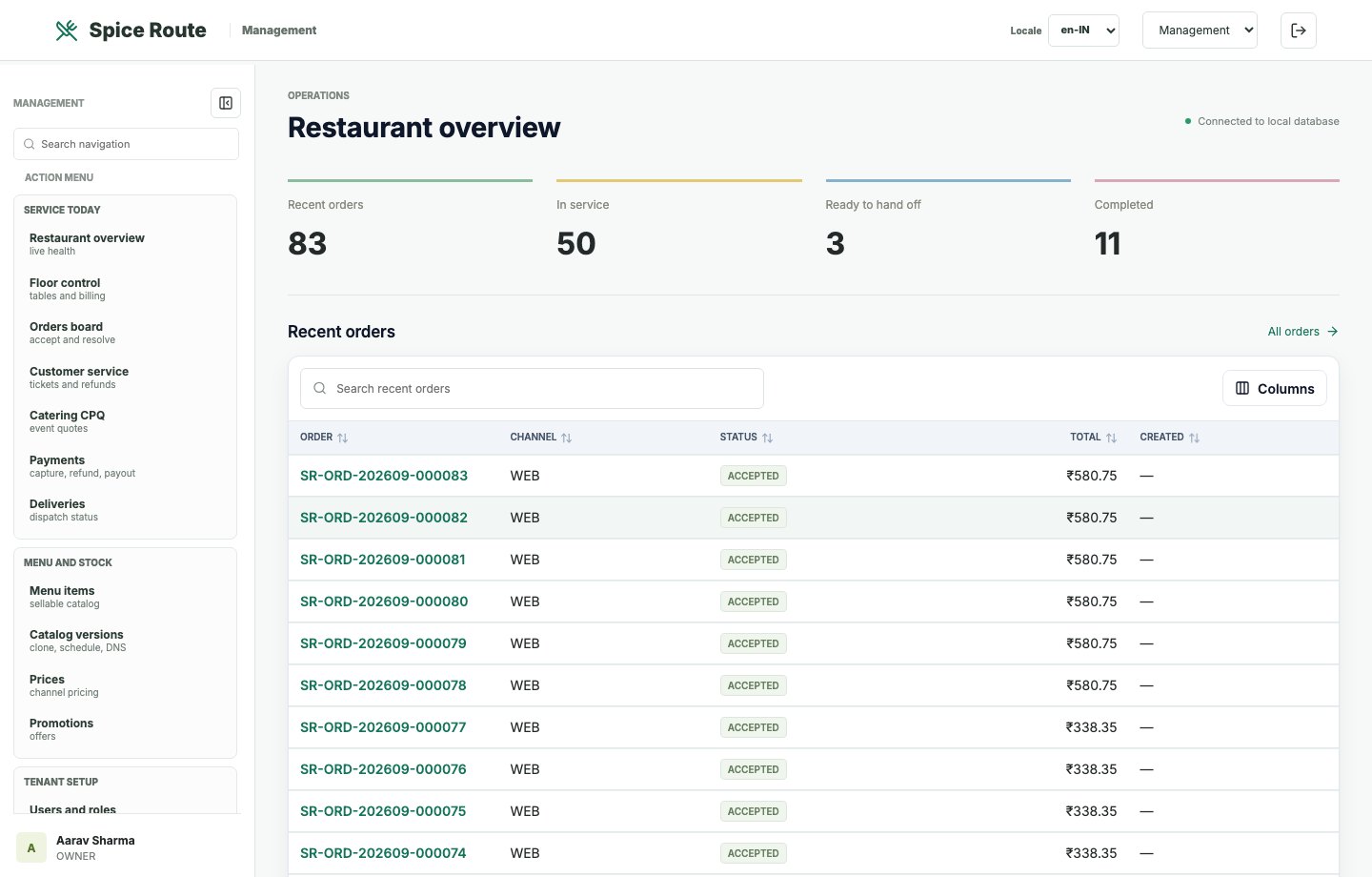
The owner dashboard summarizes restaurant activity, operational status, and management action areas.
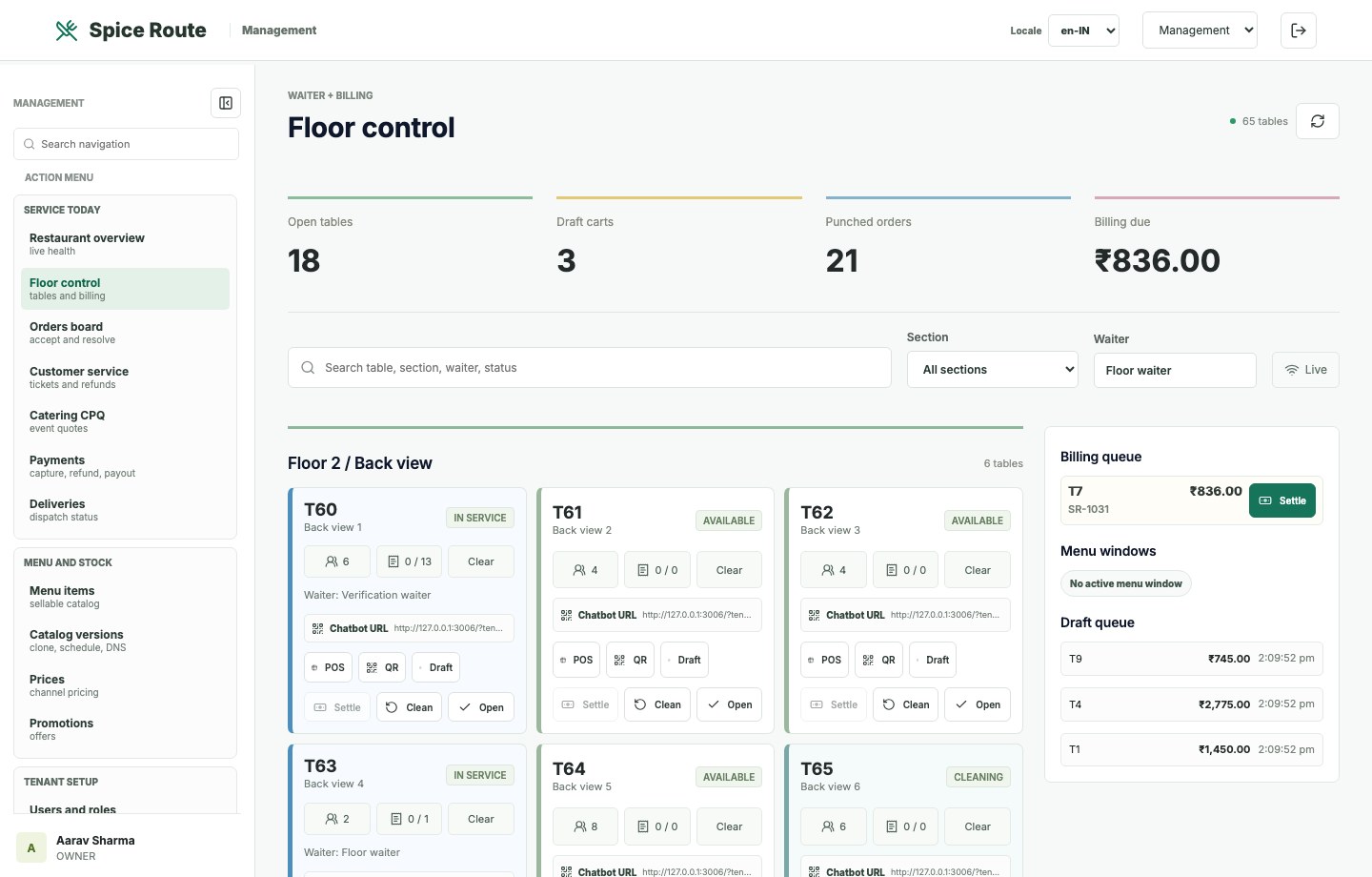
Managers can review floor state and table movement from the broader administration workspace.